Microsoft 365 Contact Sync
Sync Global Address List to Smartphones Automatically
Securely sync Global Address Lists, Shared Contacts, Public Folders, and CRM contacts to iOS and Android devices — centrally managed by IT.
No Mobile App Required • Role-Based Admin Control • Automated Sync • SOC 2 Compliant
GDPR Compliant

Trusted by 3,000+ global enterprises to securely sync 375M+ contacts for 350,000+ users.










Sync Your Exchange to Every Smartphone in Minutes

1. Choose Your Source
Select the contact source to sync: Global Address List (GAL), Salesforce, CRM, or Shared Folder

2. Define Recipients
Pick the users or groups who should receive the updated contacts

3. Sync Complete
Company contacts appear automatically in every user’s address book: no apps, scripts or hassle

1. Create a Hub
Set up a central hub that acts as the shared source for contact data

2. Add Spokes
Connect users, systems, or directories to the hub to enable bi‑directional updates
3. Sync Complete
Changes made anywhere stay in sync across all connected spokes automatically
1. Get Data to a CiraSync Hub
Bring contact data from multiple systems into a centralized Cirasync hub

2. Set It as a CiraSync Cloud Source
Designate the hub as the authoritative cloud source for ongoing synchronization
3. Define Recipients
Select the users, groups, or systems that should receive updates from the hub
4. Sync Complete
All connected systems stay continuously aligned with real‑time, multi‑directional sync
Sync Effortlessly

Why Your GAL Isn’t Syncing to Smartphones (And How to Fix It)
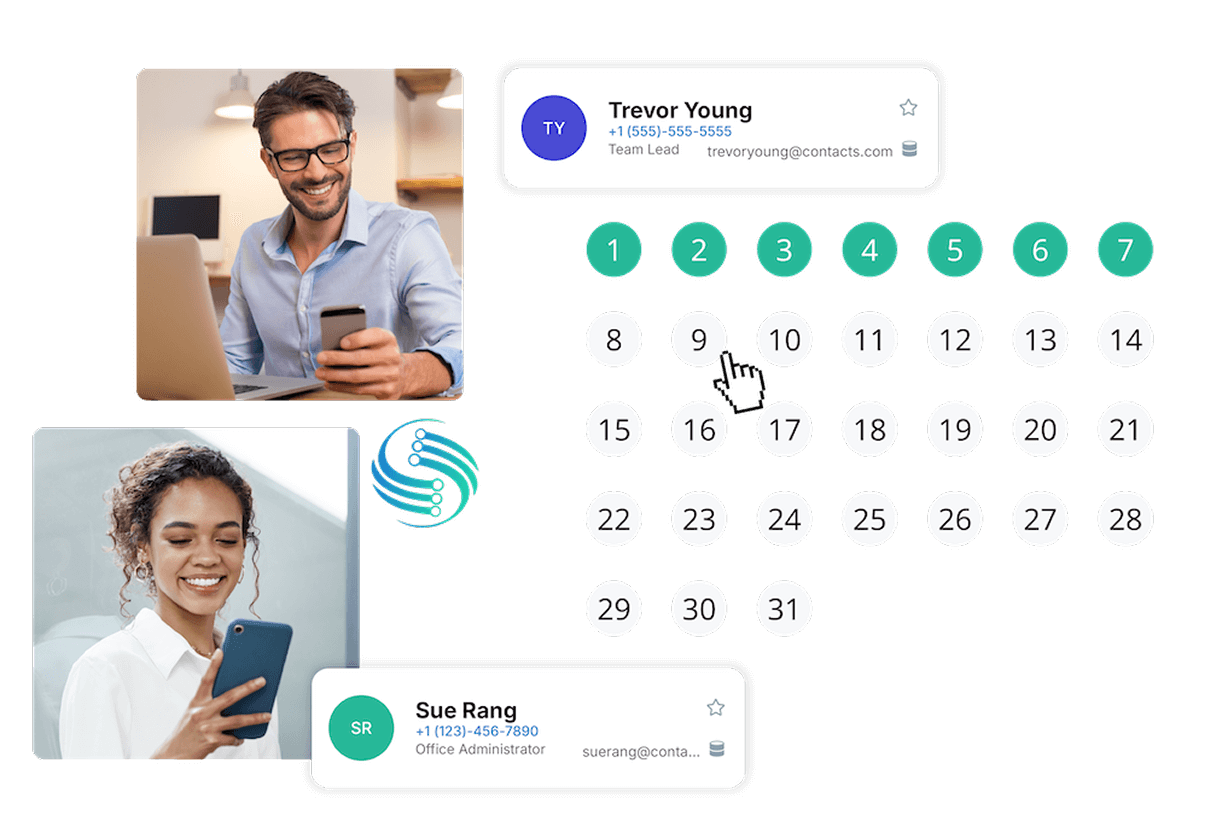
Many IT teams try to sync the GAL to smartphones only to find that Outlook updates never reach employee devices. This happens because Microsoft 365 does not provide a native way to sync the Global Address List to smartphones, which leaves users stuck with outdated contacts, manual exports, or one‑time imports that quickly become inaccurate. The most reliable fix is to use an automated contact sync solution that continuously pushes GAL updates to iPhone and Android address books without user involvement. This ensures every employee phone stays current, reduces support tickets, and keeps your organization’s contact data accurate across all mobile devices.
Compare Cirasync Features With Some Our Top Competitors
 |
 |
|
|---|---|---|
| Contact Syncing Global Address List Microsoft 365 Public Folder CRM |

|
|
| Calendar Syncing Instantly sync shared calendars to all employee phones |
|
|
| Security Compliance SOC II ImmuniWebGDPR |
|
|
| Auto License Updating Automatically detect when additional licenses need to be purchased for new users. Pro-rated fee on number of additional licenses needed |
|
|
| Contact Cleanup Clean contacts up at mass scale, emails, names, numbers or clear fields |
|
|
| Role Base Administration |
|
|
| Contact Problem Diagnostics Diagnose any contact errors that need attention at scale |
|
|
| Obfuscation Based on your privacy requirements, CiraSync is not allowed access to view your data unless authorized by you as a user. |
|
|
| Microsoft & Microsoft Azure Support Deep level support from Microsoft and Microsoft Azure |
|
|
| Scalability Update 4 or more mailboxes at 1 time |
|
What Our Customers Say



