Microsoft 365 Contact Sync
Sync Global Address List to Smartphones Automatically
Securely sync Global Address Lists, Shared Contacts, Public Folders, and CRM contacts to iOS and Android devices — centrally managed by IT.
No Mobile App Required • Role-Based Admin Control • Automated Sync • SOC 2 Compliant
GDPR Compliant

Trusted by 3,000+ global enterprises to securely sync 375M+ contacts for 350,000+ users.










Sync Your Exchange to Every Smartphone in Minutes

1. Choose Your Source
Select the contact source to sync: Global Address List (GAL), Salesforce, CRM, or Shared Folder

2. Define Recipients
Pick the users or groups who should receive the updated contacts

3. Sync Complete
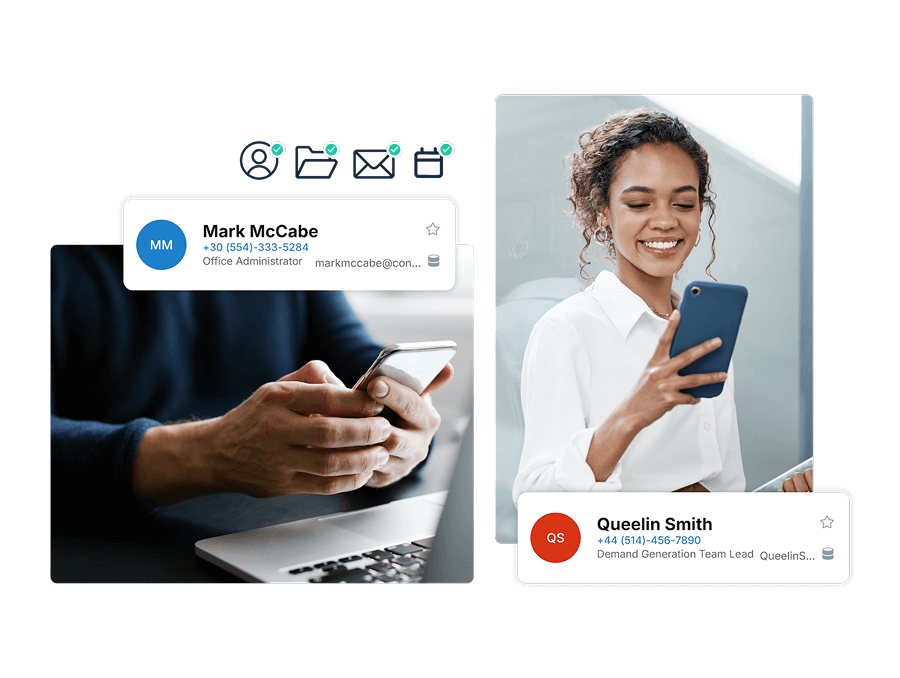
Company contacts appear automatically in every user’s address book: no apps, scripts or hassle

1. Create a Hub
Set up a central hub that acts as the shared source for contact data

2. Add Spokes
Connect users, systems, or directories to the hub to enable bi‑directional updates
3. Sync Complete
Changes made anywhere stay in sync across all connected spokes automatically
1. Get Data to a CiraSync Hub
Bring contact data from multiple systems into a centralized Cirasync hub

2. Set It as a CiraSync Cloud Source
Designate the hub as the authoritative cloud source for ongoing synchronization
3. Define Recipients
Select the users, groups, or systems that should receive updates from the hub
4. Sync Complete
All connected systems stay continuously aligned with real‑time, multi‑directional sync