Office 365 GAL Sync: Sync Global Address List to Mobile – CiraSync
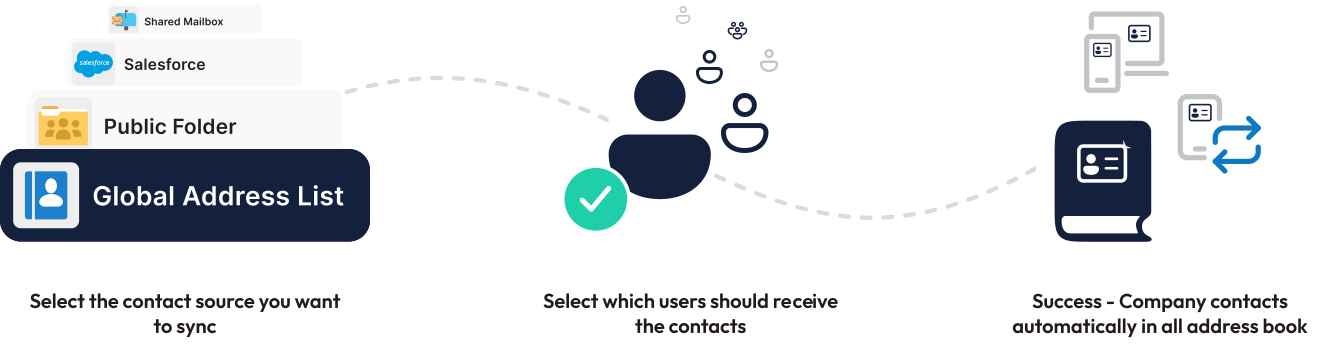
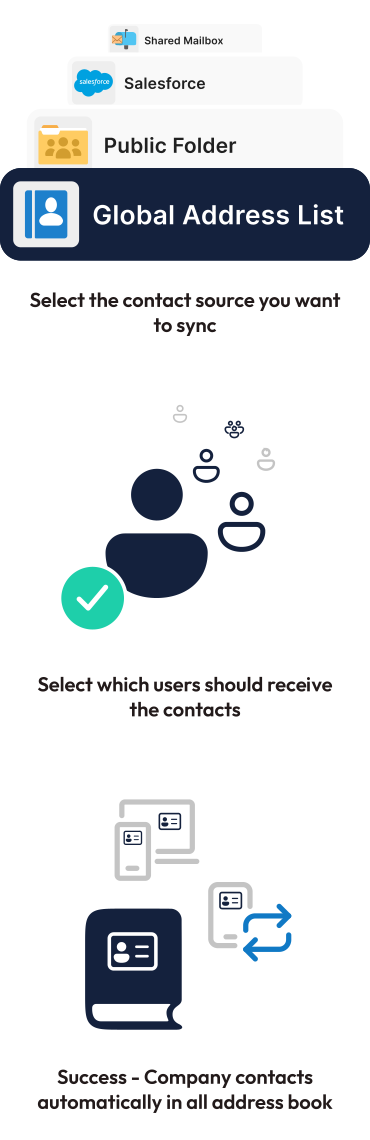
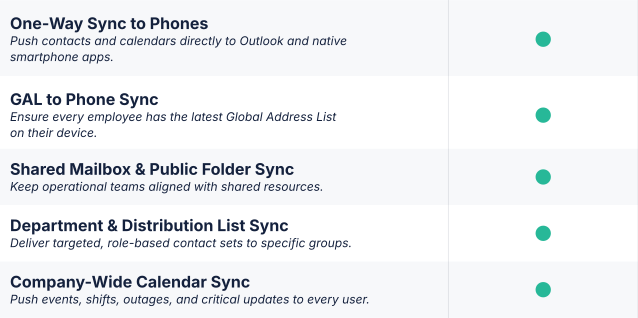
CiraSync automatically takes contacts from the Global Address List, Public Folders, and Distribution Lists and syncs them to your phone whenever a contact is changed or added.
Over 3,000 companies trust CiraSync to sync contacts


How to Force GAL Sync on Office 365
Sync Effortlessly
Sync 365 Global Address List to Smartphones (No Apps Needed)
Once connected to your Microsoft 365 account, CiraSync extracts contact information from the Office 365 Global Address List and syncs it to designated users, based on your configured settings. The 365 GAL sync process is fully automated and runs on your preferred schedule.
CiraSync intelligently processes GAL data, mapping key fields like name, email, phone number, and job title when syncing the 365 Global Address List. It also handles common data challenges like duplicates and conflicts automatically, ensuring only the most accurate, up-to-date information is synced from your Office 365 GAL.
Automated Sync That Just Works
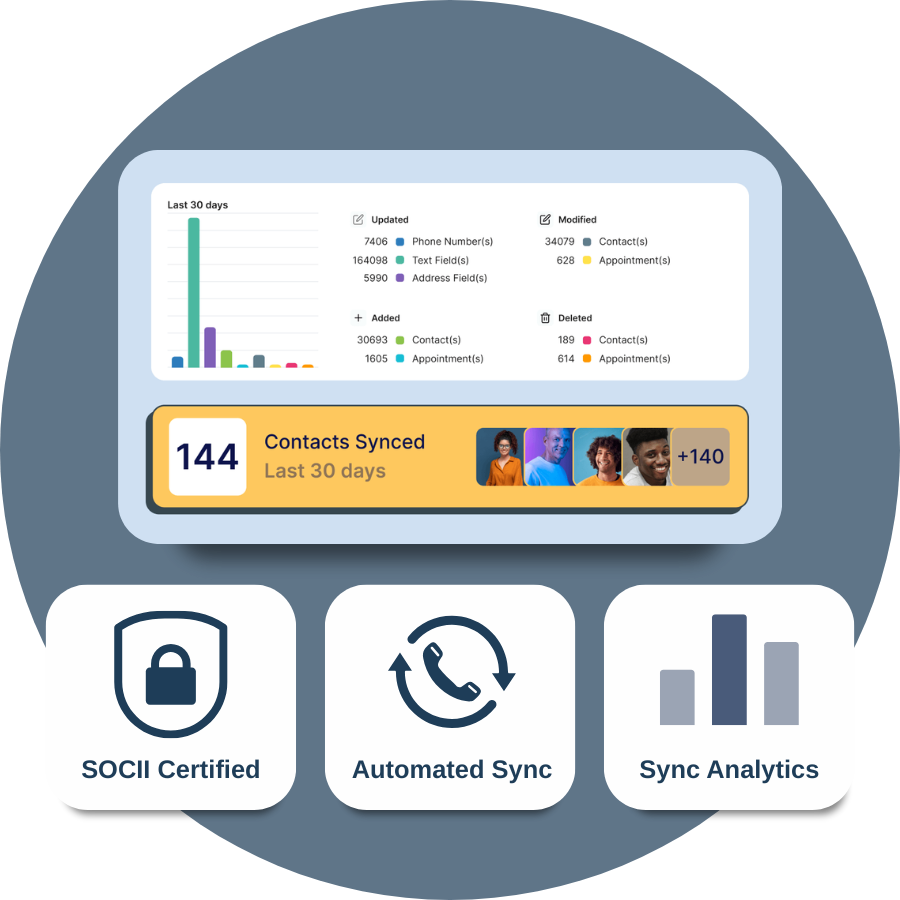
CiraSync Cloud runs continuous, automated updates, so your teams never have to think about contact or calendar accuracy again.
What Our Customers Say
Office 365 GAL Sync Pricing
Book time to talk to our team to learn more about pricing.