


Are you looking for a platform that will let you sync you two-way contact sync multiple Zoho sources. If so, then you are in the right place! With Cirahub’s Two-way Contact Synchronization tool, it is now simple to maintain current contact information in Zoho CRM.
It lets you set up two-way or multi-way sync schedules that sync contact information automatically. This article will outline how to two-way sync contacts between multiple Zoho Sources.
How to Two-Way Sync Multiple Zoho Sources Together:
Create a Zoho Spoke
- First, Log in to CiraHub. You will be taken to the onboarding wizard. Next, select the object to sync.
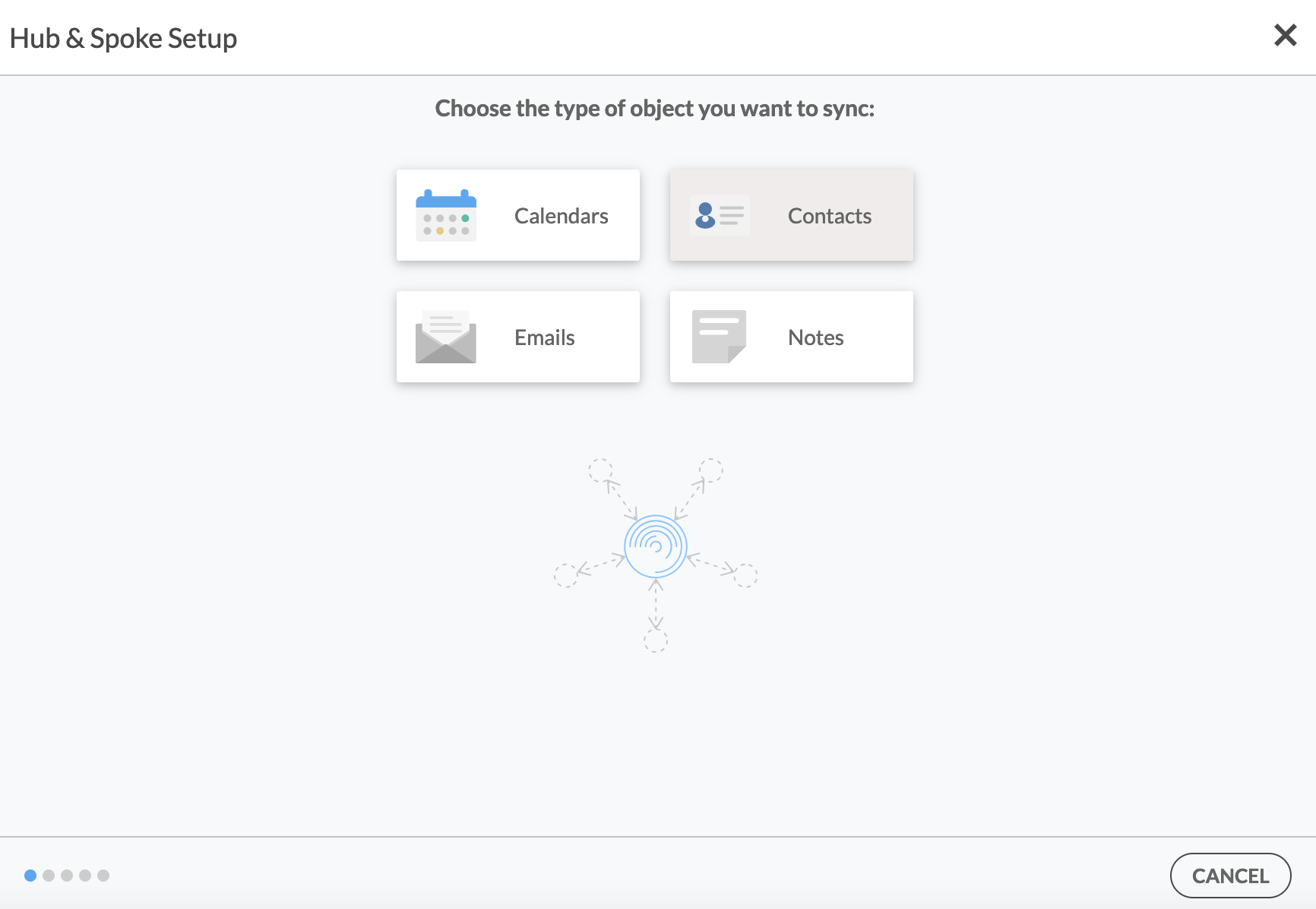
- Next, start the Hub and Spoke setup. Click on “CRMs” as your source type for your contact spoke. (The Hub contains all synced Contacts from each spoke.
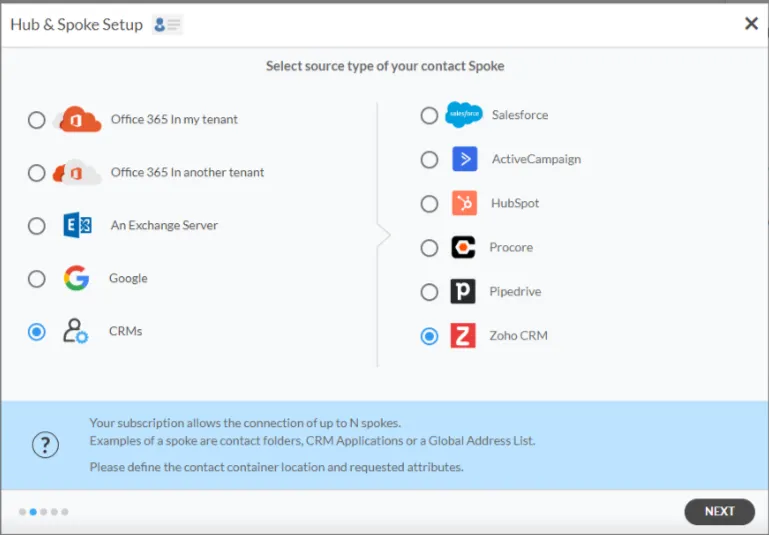
- Select Zoho as the contact spoke type.
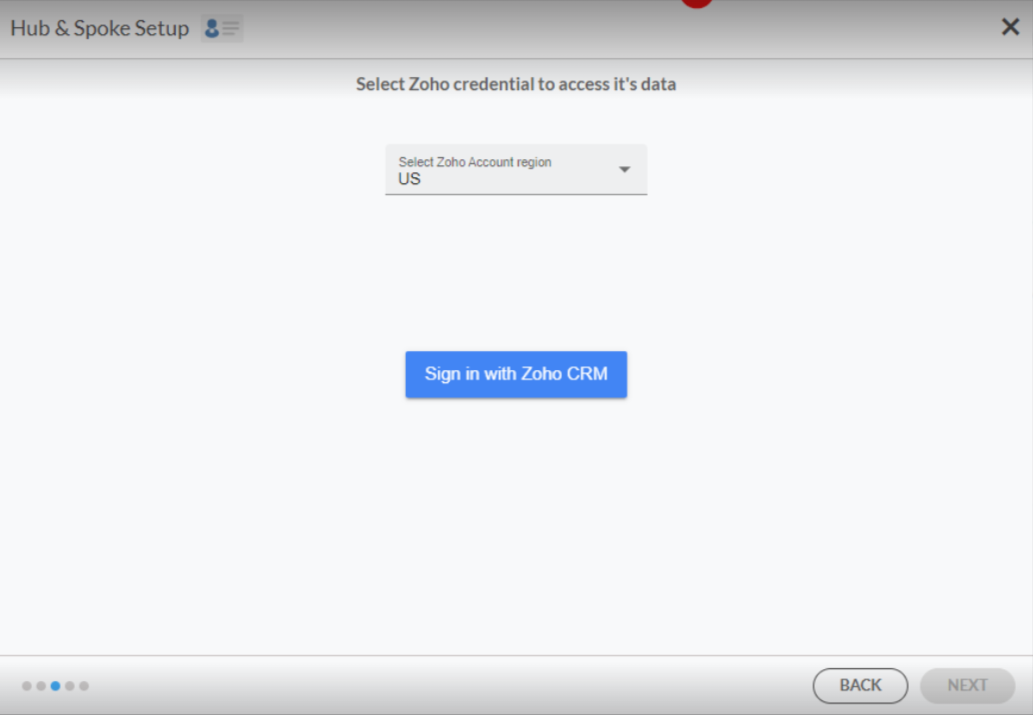
- Select Zoho Credentials to access its data.
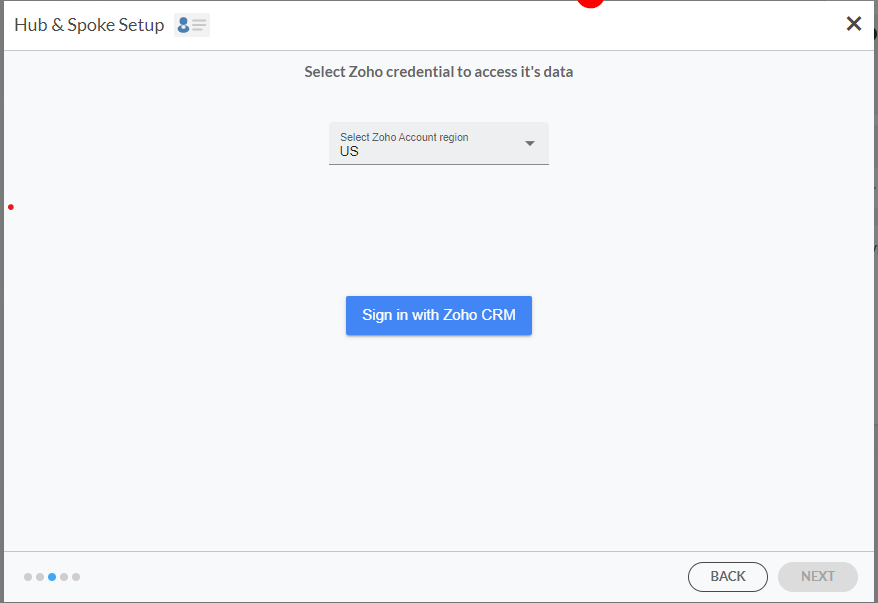
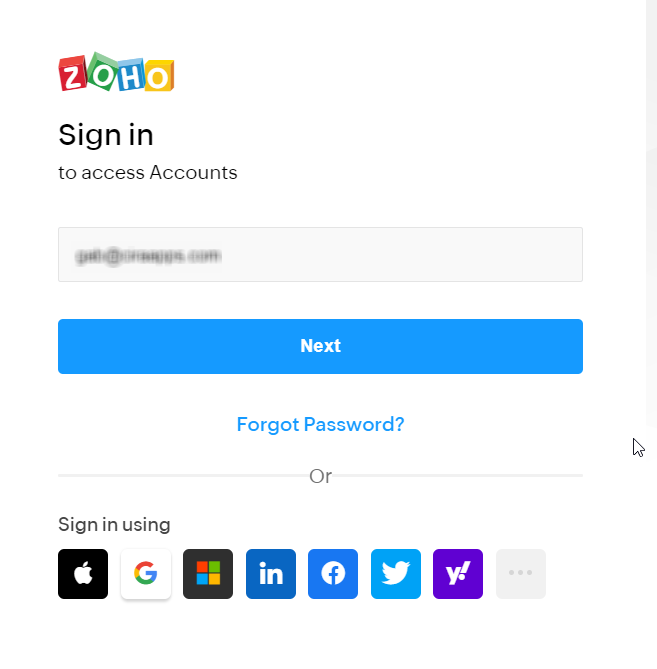
- Sign in to your Zoho Account.
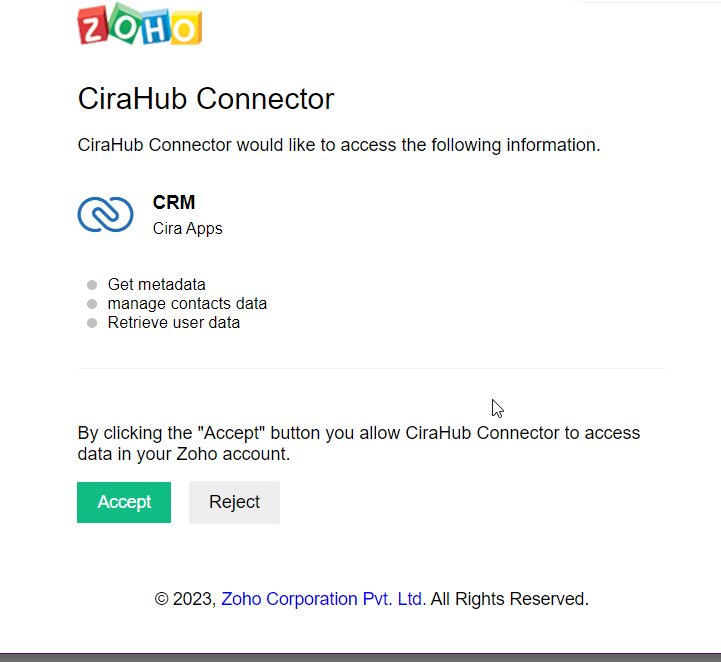
- Click Accept to give CiraHub access to your Zoho account.
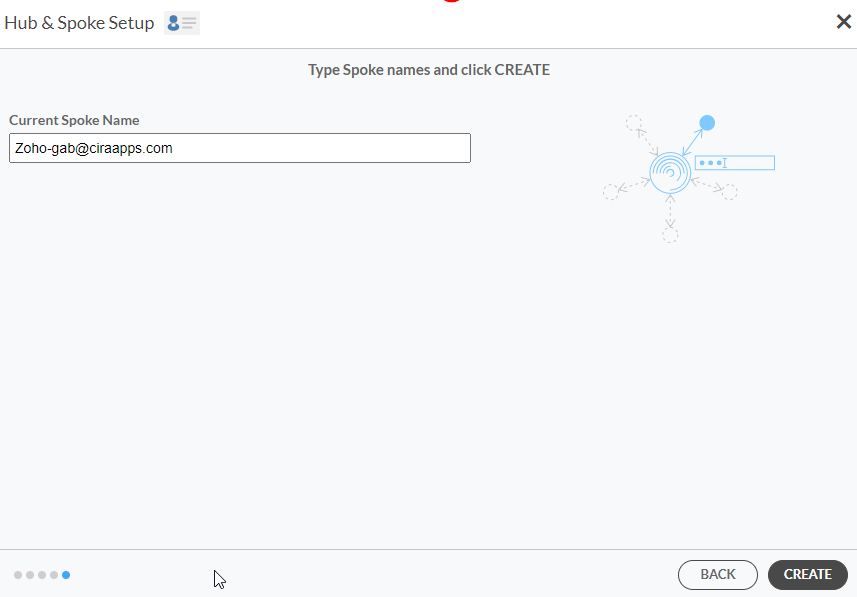
- Type in a spoke name and click CREATE.
Add Additional Zoho Spoke
8. Select the option to add an Additional Spoke.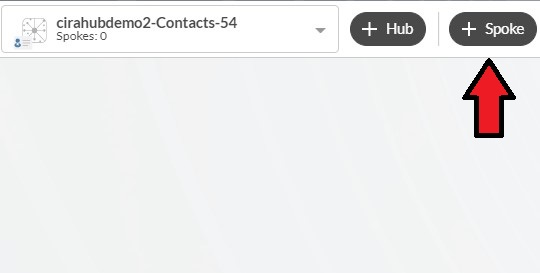
9. Click on “CRMs” as your source type for your contact spoke. .
10. Select Zoho as the contact spoke type.
11. Select Zoho Credentials to access its data.
12. Sign in to your Zoho Account.
13. Click Accept to give CiraHub access to your Zoho account.
14. Type in a spoke name and click CREATE.
15. Next, right-click your spoke, and select “Sync Options”.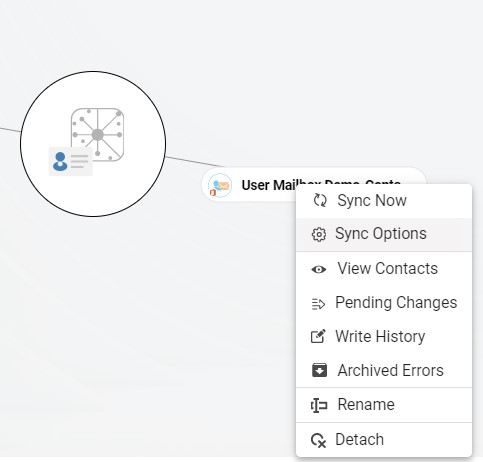
16. Click on “Allow Hub” to create and sync items in this spoke. This will enable two-way synchronization from the endpoint to the hub database and back.
17. Click on “Sync now” to two-way sync multiple Zoho sources together. 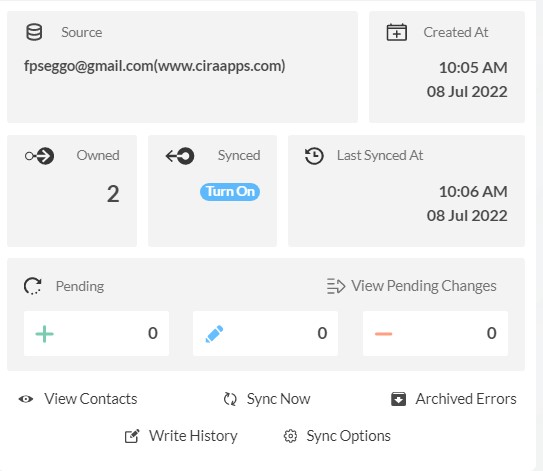
Why Should You Two-Way Sync Multiple Zoho Sources
Due to its seamless integration with almost all online services, Zoho is one of the best CRMs available. It is an extremely effective tool for organizations to share customer data with their employees and coworkers.
Use CiraHub to start two-way syncing multiple Zoho sources together! CiraHub ensures that your customer data is immediately synced, eliminating any possibility of duplication or tricky situations. CiraHub offers a 60-day trial period for its new customers. Start yours today!

