CiraSync vs Contactzilla: Which Sync Solution Fits Microsoft 365?
The Better Microsoft 365
Contact Sync for Enterprise
connected — on any device, with or without MDM.
GDPR Compliant

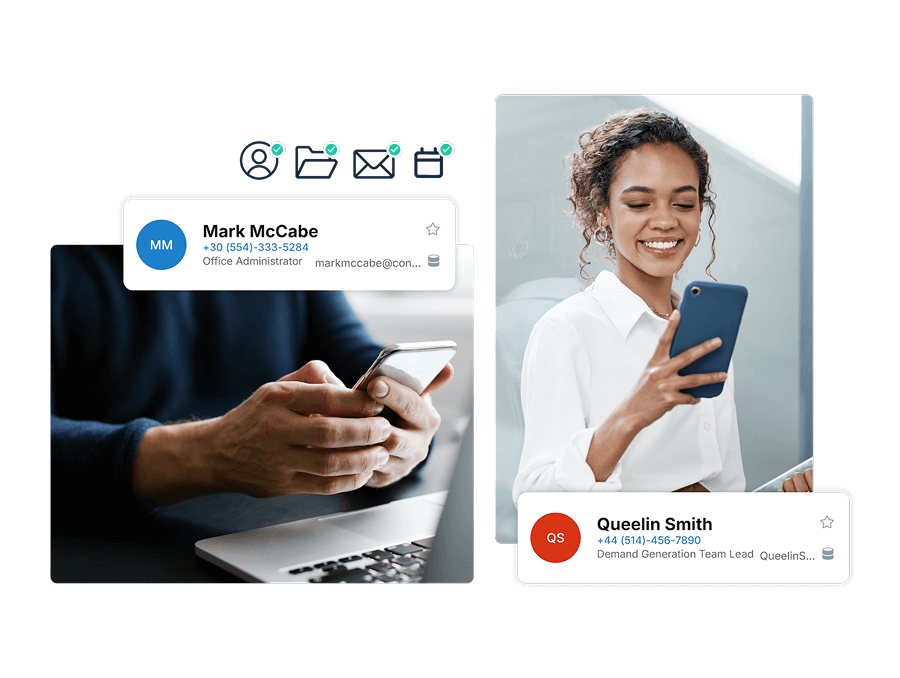
✓ Sync GAL, shared contacts, and calendars to iOS & Android
✓ Microsoft 365 Native
✓ Azure Hosted
✓ No MDM Required
GAL not on mobile
Stale contact data
BYOD headaches
Calendar access too
CiraSync vs Contactzilla
Feature-by-feature breakdown for Microsoft 365 environments
| Feature | CiraSync | Contactzilla |
|---|---|---|
| Microsoft 365 native | ✓ Full integration | Partial import only |
| Calendar sync | ✓ Contacts & calendars | ✕ Contacts only |
| Works without MDM (BYOD) | ✓ Mailbox-based sync | MDM required |
| CardDAV + MDM option | ✓ Available | ✓ Available |
| Source of truth | Microsoft 365 GAL | Contactzilla database |
| End-user setup required | ✓ None | ✓ None |
| Compliance | SOC 2 & GDPR | SOC 2, GDPR & HIPAA |
| Hosting infrastructure | Microsoft Azure | Contactzilla cloud |
Choose CiraSync if you...
Contactzilla may suit you if...
Most enterprise M365 environments will outgrow these limits quickly.
Trusted by 3,000+ global enterprises to securely sync 375M+ contacts for 350,000+ users.













What Our Customers Say
CiraSync is the functionality Microsoft 365 should have built in.
Ed H. Senior Network Administrator/ IT
Once it is set up, it flows seamlessly.
Matthew M. IT Director
CiraSync, always available information, on- or off line.
Eddy K. Facility Manager & IT
Ready to sync your Microsoft 365 contacts?
Join thousands of IT teams who’ve simplified contact management with CiraSync
FAQ's
Total Control: From Contact Creation to Syncing
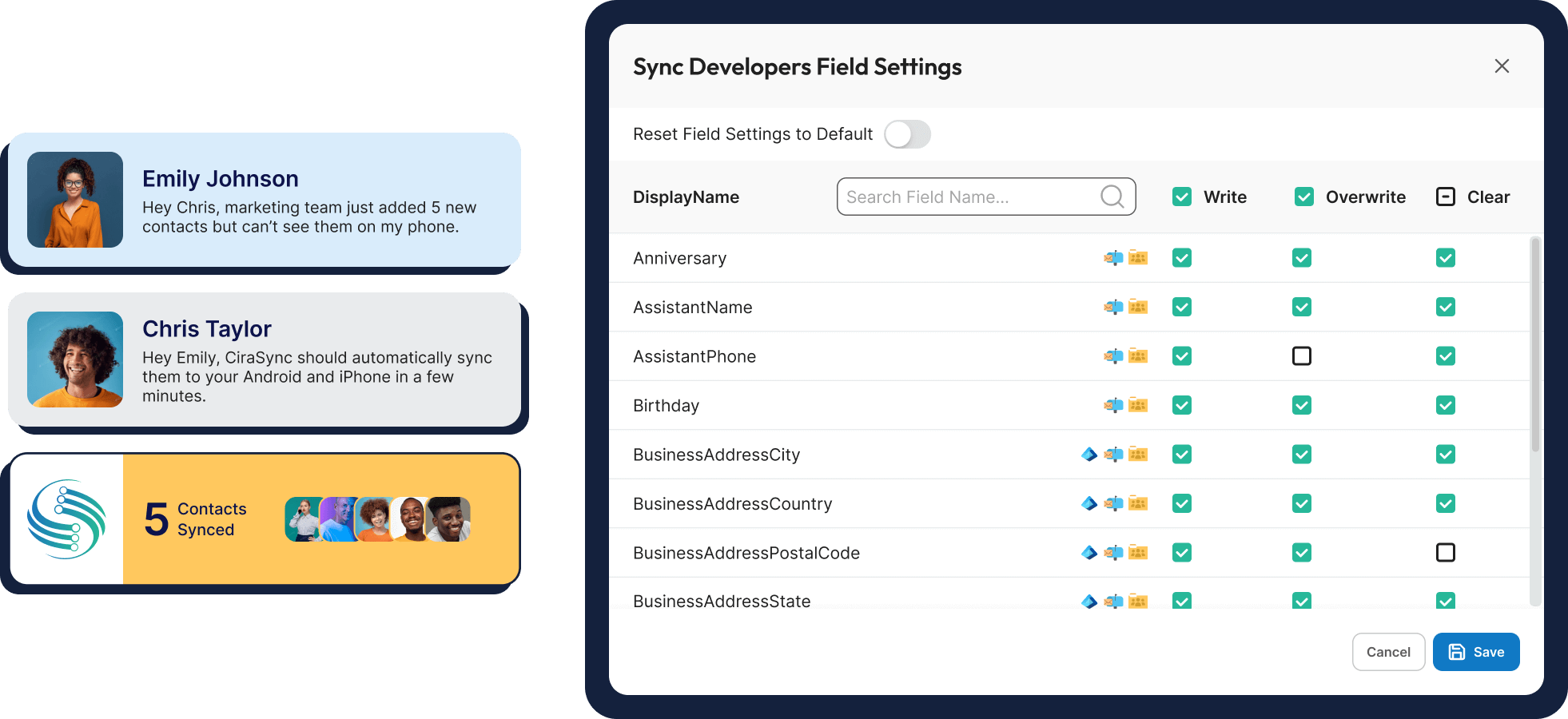
Leverage existing distribution lists for precise control over which contacts sync to specific users or groups. Real-time monitoring and detailed reporting provide a clear picture of your Global Address List iPhone or Android sync status.
For organizations with compliance requirements, CiraSync ensures secure, audited syncs, supporting compliance with data protection regulations like GDPR.
How CiraSync Syncs the Microsoft Global Address List to Smartphones
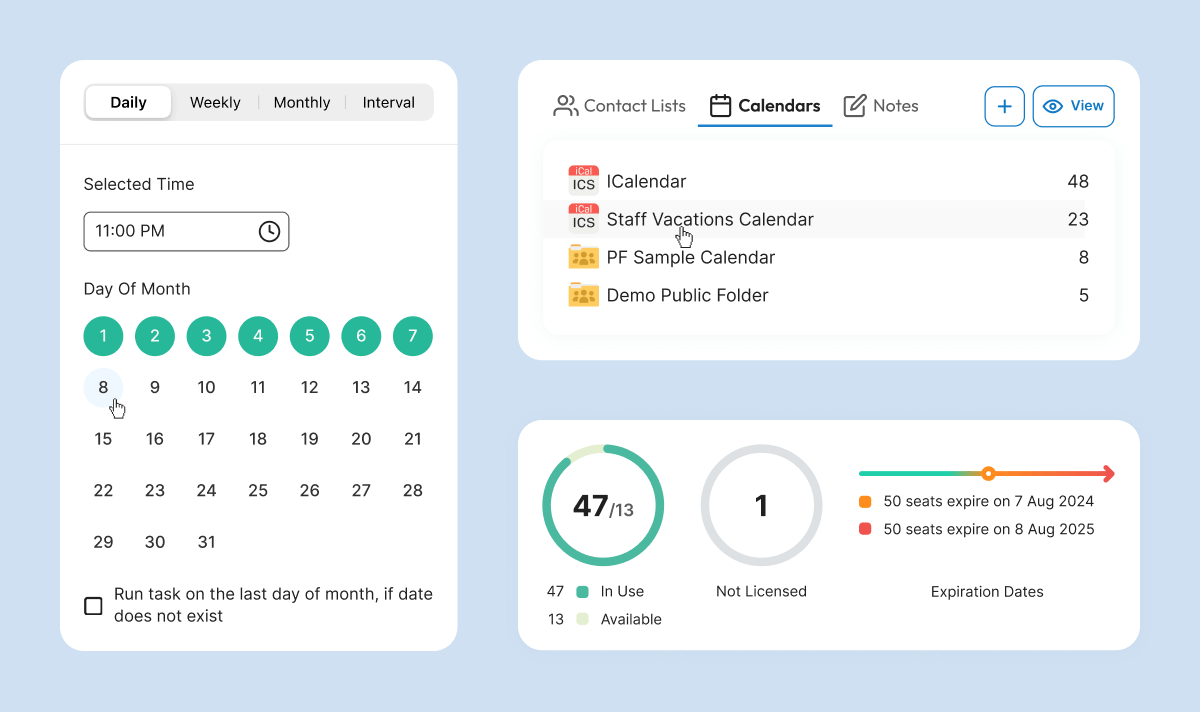
Once connected to your Microsoft 365 account, CiraSync extracts contact information and pushes it to designated users iPhone or Android based on your configured settings. This allows you to easily sync iCloud, Android and Global Address List contacts
The process to sync Microsoft contacts with iPhone or Android is fully automated and runs on your preferred schedule. CiraSync intelligently processes GAL data, mapping key fields like name, email, phone number, and job title to the corresponding fields on users’ smartphones. It also handles common data challenges like duplicates and conflicts automatically, ensuring only the most accurate, up-to-date information is synced when you sync the Global Address List to iPhone or Android.