

Managing a construction project is chaos, unless you’ve got the right tools.
Between job site delays, subcontractors changing numbers, outdated plans, and too many apps that don’t talk to each other, things can fall apart fast.
And it’s not just frustrating; it costs time, money, and sometimes entire contracts. That’s why the best construction teams rely on software that keeps everyone in sync, from office to field.
In this post, we’ll walk you through some of the best construction project management software in the market. We will also see what specific problem each tool solves.
Let’s get started!
Key Takeaways:
- The best construction project management software are:
- 1. Procore
- 2. CiraSync
- 3. Fieldwire
- 4. CiraHub
- 5. Buildertrend
- 6. Buildern
- 7. JobTread
- 8. Joist
- 9. ClickUp
- 10. Houzz Pro
- When choosing construction software, look for scheduling, budgeting, task tracking, file sharing, mobile access, and integration with tools like QuickBooks.
- Construction project management tools cost around $50–$350+ per user per month, while others offer custom pricing for larger teams.
5 Best Construction Project Management Software
1. Procore
Procore is one of the most popular construction project management tools used by contractors, architects, and owners. It helps teams manage every part of a project, like budgets, schedules, drawings, and documents, all in one place.
You can track progress in real time, share updates with your crew or clients, and reduce delays caused by miscommunication.
One of the biggest advantages is how easy it is to collaborate, even if your team is spread across different locations. It also integrates with other tools you might already use, such as QuickBooks or Microsoft Project.
2. CiraSync
CiraSync is a cloud‑based tool that automatically syncs your company’s shared contacts, calendars, and public folders to employees’ phones. It fixes one of the most frustrating issues in construction: not having the right contact info when you need it most.
Let’s take an example.
A contractor switches phone numbers mid-project, but the project manager doesn’t know. So when deliveries get delayed or access codes change, no one can reach the right person.
The project manager eventually calls the office and asks for the new number. The IT team sends it, and now, the manager has to manually type it into their phone. They are annoyed because they have to do this every time a contact changes.
However, with CiraSync:
- Everyone on the job site has the latest contact info on their phone, so when a subcontractor’s number changes or a new vendor joins, no one’s left dialing a wrong number.
- You reduce “who’s this again?” and “I don’t have their contact” moments, which means fewer delays when decisions or deliveries need to happen quickly.
- It frees up the office/admin team from sending manual spreadsheets or asking crews to update contact lists; the sync happens automatically.
- It helps maintain consistency: one source of truth, so you don’t end up with five different versions of “Site‑Manager John” floating around on various phones.
Want to learn more about how CiraSync works for construction companies? Check out this article or the video below.
3. Fieldwire
Let’s continue with our list of the best construction project management software.
Fieldwire brings your entire job‑site team together in one app—foremen, project managers, subs, everyone—so you’re no longer juggling paper plans or separate spreadsheets.
You can upload drawings, mark them up on the go, assign tasks to workers with priorities and due dates, and track progress in real time from any device.
The app also supports field workflows like inspections, punch‑lists, and daily reports. So you reduce the “I thought this was done” confusion and get a clearer record of what actually happened.
One of its biggest strengths is offline access. Crews can keep working even when there’s no internet, and everything syncs once they’re back online.
4. CiraHub
CiraHub is next on our list of top construction project management software.
Isyncs contact lists and calendars across platforms. So when someone updates a subcontractor’s number in Procore, it’s automatically updated in connected apps: Microsoft 365, QuickBooks, ActiveCampaign, HubSpot, Salesforce, and more.
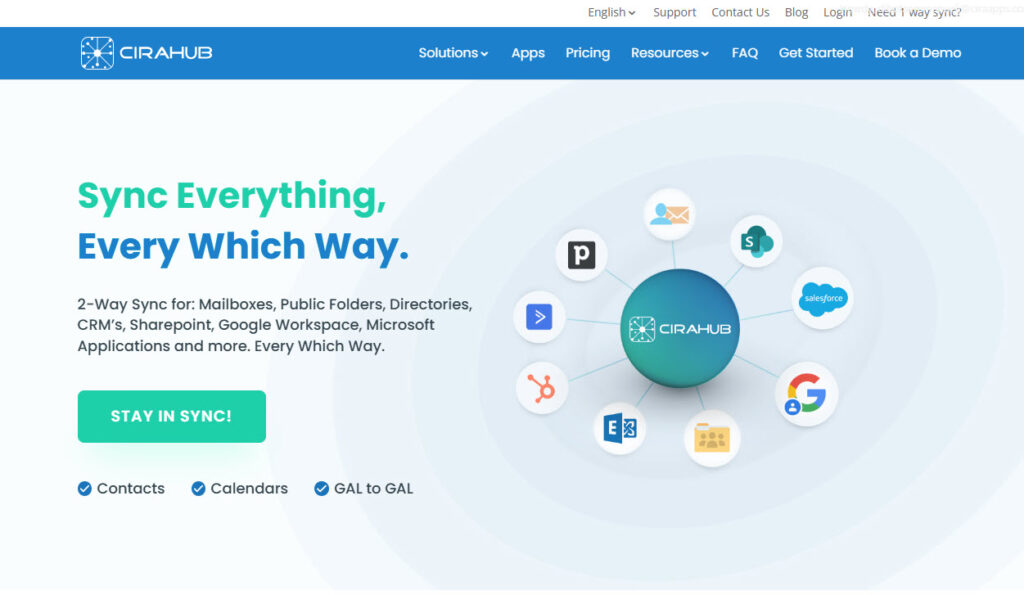
It saves you from the messy scenario of outdated numbers, fragmented contact lists, and field crews trying to track down who to call. Using it means fewer mistakes, faster coordination, and smoother communication among office and field teams.
If you’re juggling Procore plus other systems and want cleaner data without extra admin work, CiraHub brings some serious relief.
5. Buildertrend
This article on the best construction project management software won’t be complete without Buildertrend.
Buildertrend is an all‑in‑one platform built for home builders, remodelers, and specialty contractors who want one place to manage their projects. It lets you handle everything from proposals and scheduling to budgets, client updates, and material orders.
You can assign tasks, track progress, and share updates with both your field crew and your clients so everyone stays in the loop.
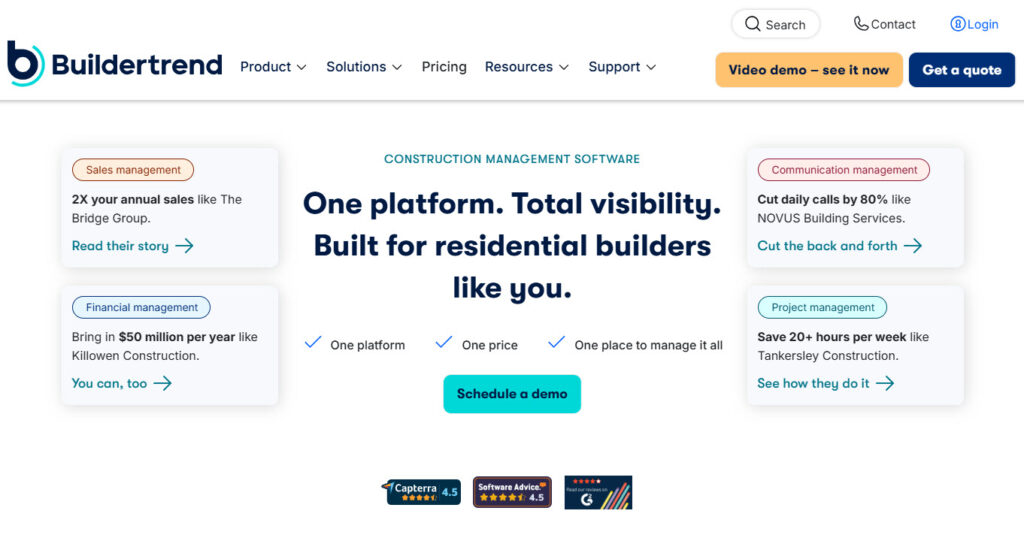
You can even give clients access via a portal so they feel part of the process. With built-in financial tools, you can maintain tighter control over costs and change orders, leading to fewer surprises.
6. Buildern
Buildern is a construction software for builders who want to manage projects from start to finish without the headache of juggling disconnected tools.
It combines estimating, budgeting, scheduling, and takeoffs so you don’t need separate tools for each task.
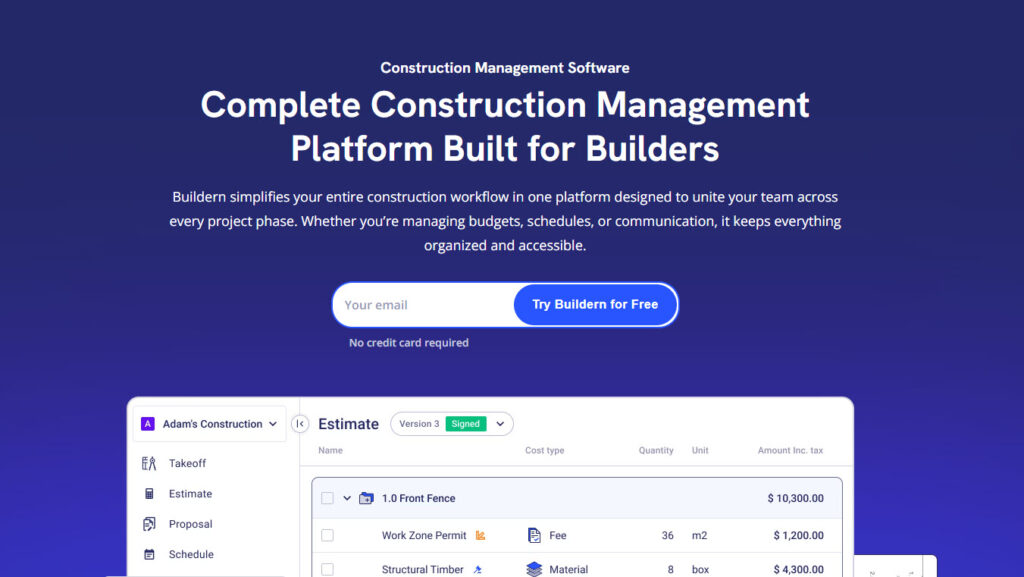
You can measure directly from plans and turn that into proposals, budgets, and purchase orders instantly. Built-in messaging keeps teams, clients, and subcontractors updated without long email threads or scattered group chats.
Moreover, field crews can log progress, upload photos, and check tasks from their phones on site. With all your data connected, Buildern helps you spot issues early and keep projects on track.
Let’s continue with more construction management software.
7. JobTread
The next construction platform is JobTread.
You can build professional proposals faster and turn those into budgets, change orders, and purchase orders with fewer mistakes and more accuracy.
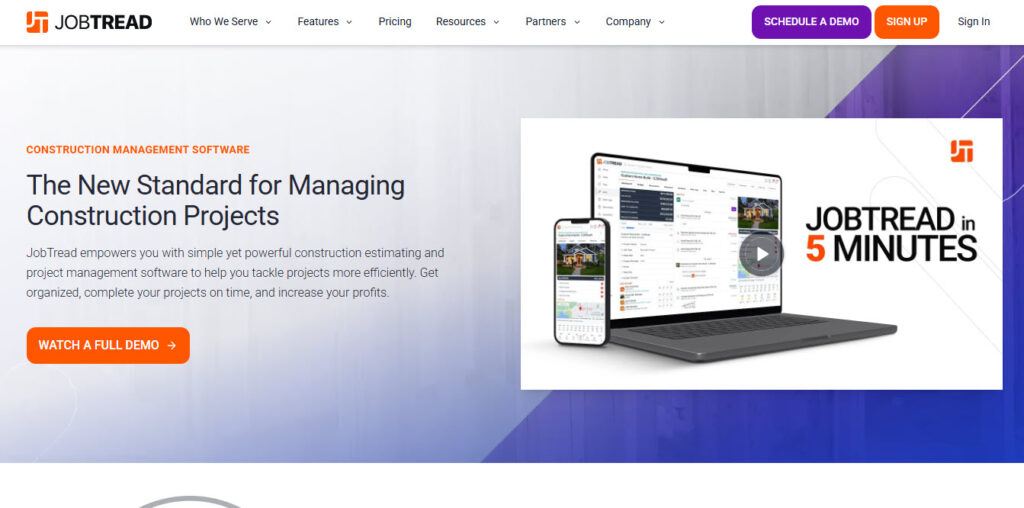
JobTread also keeps all your files, photos, and communications organized, which means crews on site and teams in the office aren’t guessing about what was agreed or what needs to happen next.
Its dashboards and reporting put important data right where you can actually use it, like job costs, progress updates, and vendor billing.
8. Joist
If you’ve ever wished you could get rid of mountains of paperwork while still looking professional to your clients, Joist might feel like that unexpected breath of fresh air. It’s a mobile-first estimating, invoicing, and payments app built especially for contractors

It’s a mobile-first estimating, invoicing, and payments app built especially for contractors. Think electricians, plumbers, painters, builders, landscapers, basically anyone who wants to spend less time behind a desk.
You can whip up detailed job estimates in minutes, send them (with your logo, if you like) straight from your phone, and convert those estimates into invoices. Clients can click to pay online right from their invoice.
You can then track what’s been paid and what’s still outstanding, and if someone views your estimate or signs a contract, you get a heads-up.
9. ClickUp
ClickUp works surprisingly well as a construction project management tool, even though it is not built only for construction.
Construction projects are messy. You are juggling schedules, crews, permits, drawings, RFIs, change orders, and budgets. ClickUp gives you one place to keep it all together.
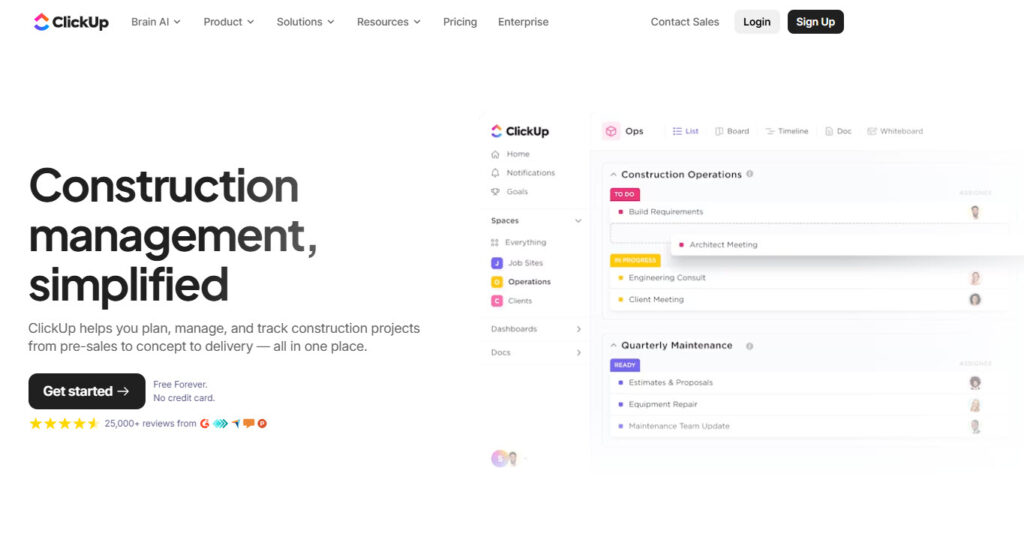
Scheduling is one of ClickUp’s strengths. Gantt charts, for example, map out timelines clearly, and delays are easy to spot. When something slips, you adjust dates and move on. Office teams and field crews stay aligned.
ClickUp also handles documentation better than most people expect. You can attach drawings, specs, photos, contracts, and reports directly to tasks. Everything stays connected to the work.
10. Houzz Pro
Last but not least on this list of top construction project management software is Houzz Pro.
It’s an all-in-one business software platform for builders, remodelers, architects, and interior designers. It brings together marketing, project management, client communication, and finances all under one login.

You can manage leads and follow-ups, create branded proposals and estimates, schedule tasks, and even let clients see project dashboards to reduce the back-and-forth emails.
The construction tool doesn’t stop there. You also get mood boards and 3D floor plans to help sell your ideas, plus online payments. There are also features for lead generation, targeted advertising, and even a premium profile or custom website
Use the Best Construction Project Management Tool
Finding the right construction project management tool is about choosing something that actually solves the messy, everyday problems your team faces:
- Missed calls
- Outdated drawings
- Scheduling delays and
- Unclear task ownership, all of it.
Whether you’re managing one job site or juggling ten, tools like Procore, CiraSync, Fieldwire, Buildertrend, and CiraHub bring different strengths to the table.
Some help you plan better, some make communication smoother, and others keep your systems connected behind the scenes.
The best setup? It’s probably a mix. Pick the tools that fit your workflow, not the other way around.
How to Choose Construction Project Management Software Solution
1. Map Your Workflow Before You Compare Tools
Start by mapping the path a project takes from award to closeout. List where information lives today, and who updates it. Most teams fail when the tool fights their current habits.
Pick a system that matches your processes, then standardize templates inside it. Focus on the few workflows that create the most rework and disputes.
If you solve those first, every other feature becomes easier to judge.
- RFIs, submittals, and drawing revisions
- Change orders and approvals
- Daily logs, photos, and safety notes
- Punch lists and closeout
2. Make Field Adoption Your Deciding Factor
Field adoption determines whether your data stays current or turns stale. Test the mobile app with a superintendent on a live job. Watch how fast they add a photo, tag a location, and share it.
If common tasks take too many taps, people will revert to texts. You want fast capture first, then clean reporting back in the office.
Offline mode also matters, since jobsite connectivity can drop without warning.
3. Treat Documents and Version Control as Non-Negotiable
Drawings change constantly, so version control must feel effortless.
A good platform shows the latest set by default, with a clear history. It should also track who viewed updates, so you can reduce coordination gaps. Check how the tool handles markups, links to RFIs, and attachments.
If search feels weak during the trial, it will feel worse at scale. Also, confirm storage limits, since large plan sets grow fast.
4. Check integrations like you are planning a handoff
Software rarely stands alone, so plan your integrations early. Think about accounting, payroll, estimating, and file storage before you buy.
Manual double-entry creates errors, and your team will blame the tool. Ask where the system acts as the source of truth for costs.
Then confirm exports, permissions, and API access for your reporting needs. A clean data flow helps you forecast, bill, and close projects on time.
- Accounting links, especially job costing and invoices
- Email and calendar connections for RFIs and meetings
- Cloud storage sync for drawings and specs
- Single sign-on for easier access
Frequently Asked Questions
Construction project management software is a digital tool that helps construction teams plan, manage, and track their projects from start to finish.
Who should use construction project management tools?
General contractors, home builders, remodelers, specialty contractors, and project managers should use construction project management tools.
What features should I look for in construction software?
When choosing construction software, look for scheduling, budgeting, task tracking, file sharing, mobile access, and integration with tools like QuickBooks.
How much do construction project management tools cost?
Construction project management tools cost around $50–$350+ per user per month, while others offer custom pricing for larger teams.