


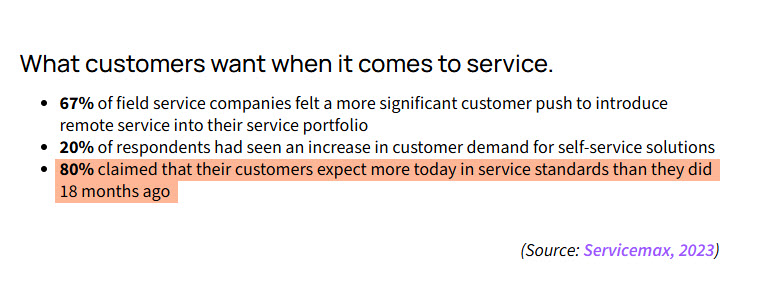
Field service teams face growing pressure to work faster, smarter, and more efficiently as customer expectations climb. In fact, 67% of customers want faster response times, and 80 % of service firms say their customers expect more today than 18 months ago.
That makes the choice of field service management software a serious strategic move, not just another tool.
Whether you’re managing technicians, coordinating parts, or tracking jobs on the go, the right solution can cut wasted time and improve your operations.
Let’s check five popular options.
Key Takeways
- The best field service software are: 1. ServiceTitan, 2. CiraSync, 3. Salesforce Field Service, 4. Connecteam, 5. Jobber, 6. Zuper, 7 Workiz, 8. ServiceTrade
- To choose the right field service management tool, check features like scheduling, invoicing, mobile access, and reporting. Then compare a few demos and picture how each tool would work on your busiest day.
8 Best Field Service Management Software
The best field service management software are:
- ServiceTitan
- CiraSync
- Salesforce Field Service
- Connecteam
- Jobber
- Zuper
- Workiz
- ServiceTrade
Let’s review each tool in more detail.
1. ServiceTitan
First on our list of field service management software is ServiceTitan.
Built specifically for residential trade service businesses like HVAC, plumbing, and electrical, ServiceTitan brings job scheduling, dispatch, automated estimates, and mobile-app tools under one roof.

It gives you real-time visibility into field operations, helps track inventory and parts, and supports invoicing and payment right on site.
The platform also includes dashboards and reporting features so you can see technician performance, job profitability, and overall business health. Because it’s designed for growing service businesses, it tends to be more expensive and may include features a smaller team doesn’t need.
2. CiraSync
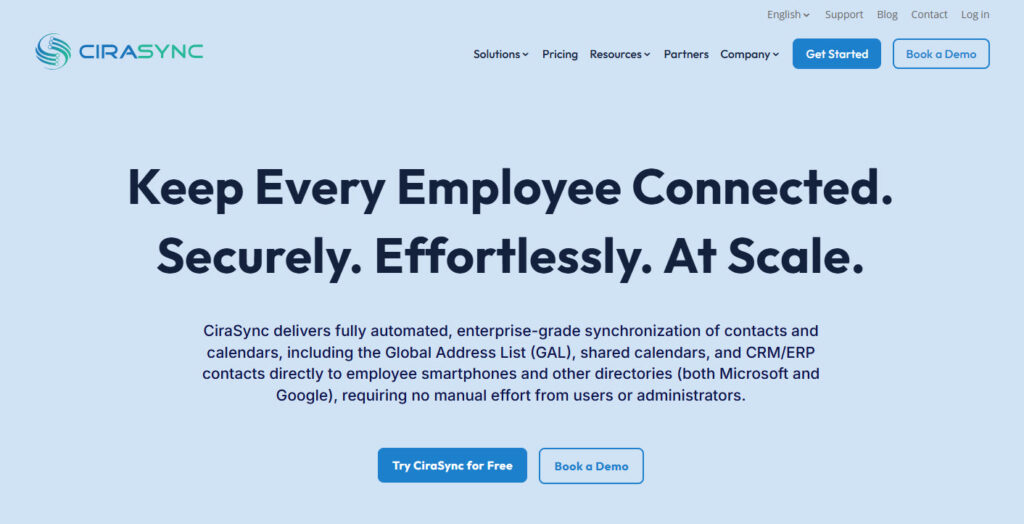
CiraSync is a field service management tool that helps teams keep customer and staff contact information accurate and up to date across devices.
It automatically syncs contacts from systems like Microsoft 365 and CRMs to technicians’ smartphones, so everyone in the field always has the right details.
This reduces mistakes, missed calls, and time wasted searching for updated information.
For service teams that depend on quick communication and accurate contact data, it supports smoother coordination between the office and the field. It works quietly in the background, making sure changes are applied without manual work.
3. Salesforce Field Service
Let’s continue with more field service management tools.
Salesforce Field Service is a field service management tool built for teams that already use or plan to use the Salesforce platform. It helps companies schedule jobs, dispatch the right technicians, and track work in real time using a mobile app.
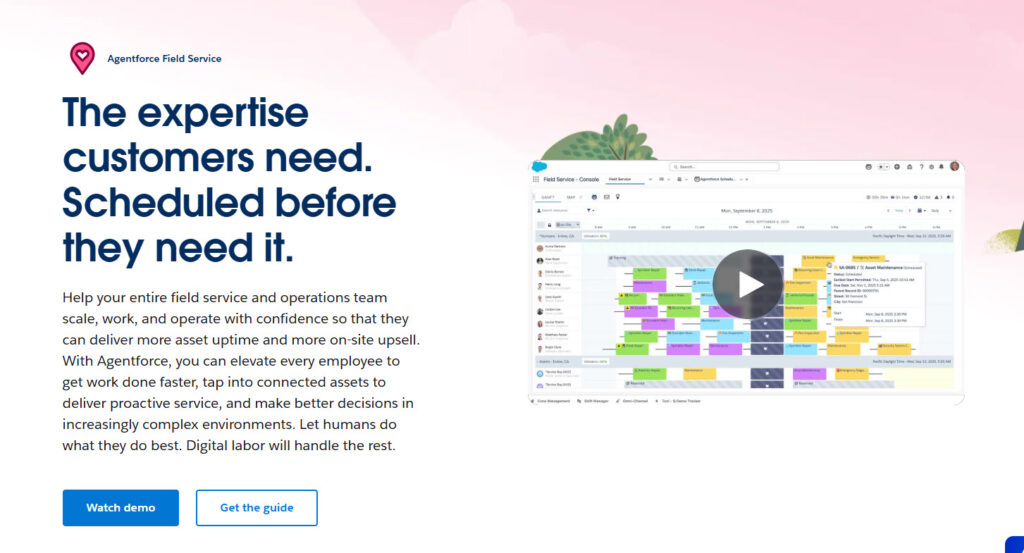
The software also supports asset management, parts tracking, and customer communication, so nothing gets lost between the office and the field. With built-in automation and reporting, managers can reduce manual work and make smarter decisions faster.
It works well for growing teams and large organizations that need a scalable, connected system.
4. Connecteam
Connecteam is a field service management tool crafted for teams that don’t sit behind desks; think technicians, mobile staff, field crews.
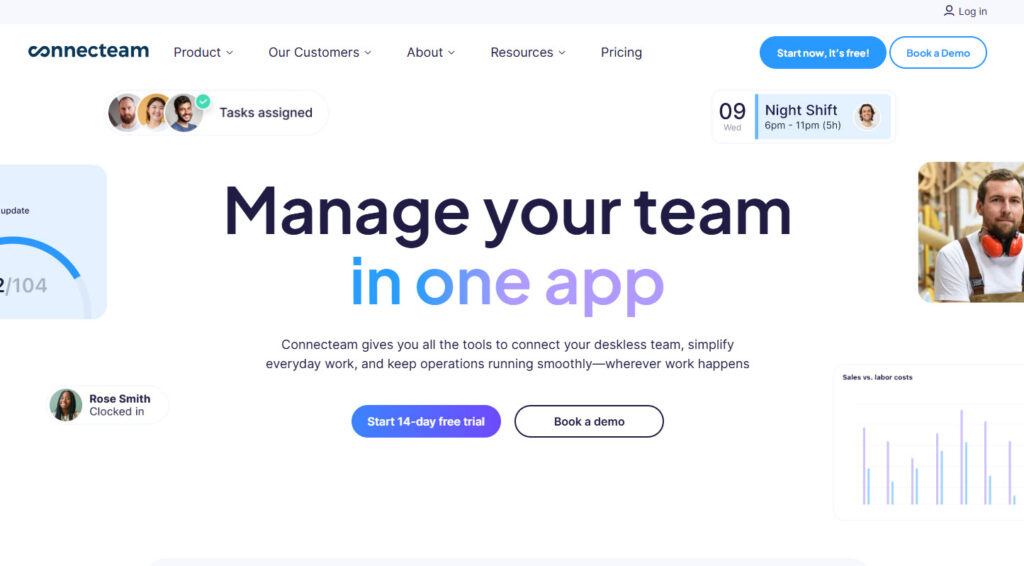
It combines job dispatching, time-tracking with GPS and geofencing, and digital forms/checklists so every task can be logged from the field via phone.
Communication stays solid with chat and updates built in so the office and crews stay aligned. There’s a free plan for up to 10 users, making it accessible for smaller teams, though as you scale, the pricing and tier structure get more complex.
5. Jobber
Let’s continue with more field service management tools.
Jobber is built to handle the everyday workflow of service businesses from one simple dashboard. It helps you schedule jobs, send quotes, manage work orders, and create invoices without jumping between different systems.
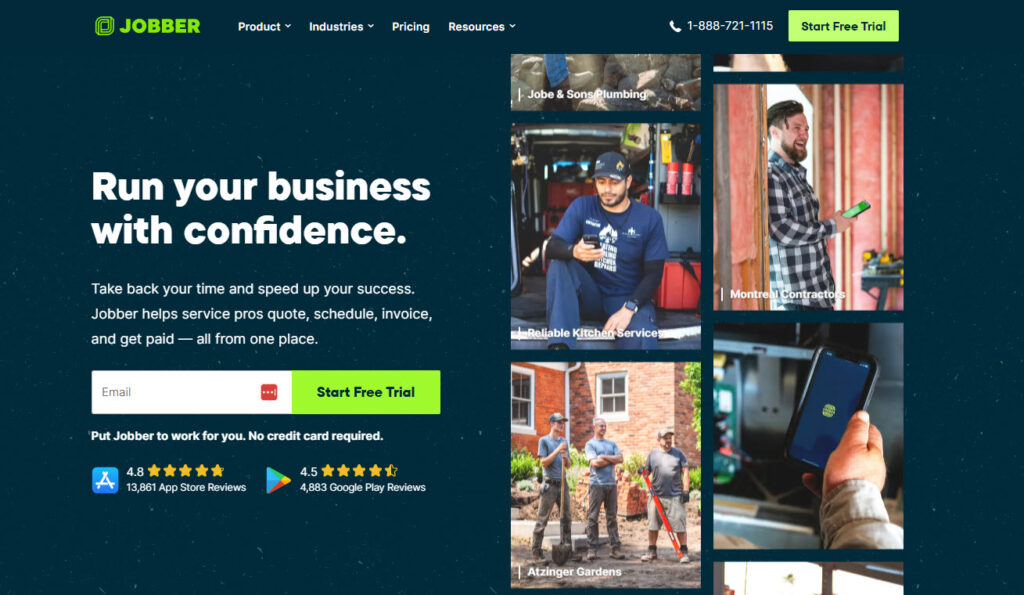
The mobile app lets technicians see their tasks, update job details, and collect payments while on site. Customer information and job history are stored in one place, which makes follow-ups and repeat work easier to manage.
Its clean, straightforward layout makes it easy to get started without a long learning curve.
6. Zuper
Zuper helps service teams automate and streamline core field operations like scheduling, dispatching, work orders, and invoicing from a single platform.
It uses intelligent tools to match jobs with the right technicians based on skills, availability, and location. This cuts down travel time and improves response times.

Technicians get a mobile app with real-time updates, job histories, and customer information so they can work more efficiently on-site.
The platform also supports integrations with other business systems and customizable workflows to fit different industries’ needs. Zuper’s flexible, cloud-based design makes it a scalable option as service demands grow.
7. Workiz
This list of the best field service management software won’t be complete without talking about Workiz.
Workiz helps service businesses run their day-to-day operations from one platform, handling everything from scheduling and dispatching to invoicing and customer management.

You can assign jobs, track technicians’ progress in real time, and accept payments all within the app, which works on both desktop and mobile. The platform also offers features like online booking, inventory tracking, and built-in communication tools to keep the office and field aligned.
While it’s especially popular with small to mid-sized teams looking for a simple, unified system, some users note that aspects like mobile reliability and advanced customisation can vary.
8. ServiceTrade
Last but not least on our list of top FSM software is ServiceTrade.
ServiceTrade is a field service management platform designed to help commercial service contractors streamline operations and boost efficiency across the board.

It offers features like intelligent scheduling and dispatching, mobile access to job details, and detailed customer histories so technicians spend less time searching for information and more time on the job.
The FSM tool also includes invoicing, customer communication, and business reporting to reduce administrative work and improve performance visibility. With built-in CRM features and customer portals, it supports better client relationships and quicker response times.
How to Choose Field Service Management Software
1. Define Needs and Budget
Start by naming the service problems you want the tool to solve.
Focus on delays, missed visits, and slow billing cycles. Decide who uses the platform daily and what they must do fast. Include technicians, dispatchers, and anyone approving work. Set a budget range that fits your team size and job volume.
Add implementation and training costs to avoid surprises later. If the numbers feel tight, reduce scope before you reduce adoption.
- Team setup: number of techs, dispatchers, and managers who need access.
- Service model: break-fix, maintenance plans, installations, or mixed work.
- Job volume: weekly work orders, emergency calls, and seasonal spikes.
- Hidden costs: onboarding, integrations, devices, and support tiers.
- 90-day targets: faster scheduling, higher first-time fix rate, fewer billing errors.
2. Prioritize Essential Features
Most field service software demos feel smooth, but daily work exposes gaps.
Build a short list of required capabilities for your exact service model. Confirm scheduling, work orders, and technician workflows work without extra steps. Check how the mobile app handles photos, signatures, and offline work.
Make sure customer updates reduce inbound calls, not create confusion. Review reporting only after you trust the data capture. A smaller feature set often wins when it fits your operations.
3. Check Integration Capabilities
Integrations decide whether your team does less admin work or more.
Start with accounting, CRM, and inventory, since those create the most rework. Ask where records get created, and how updates sync across tools. Confirm whether sync runs in real time or on a schedule.
Check how the vendor handles failures, duplicates, and conflicting edits. Good integrations make your field service software feel connected, not isolated.
4. Check Pricing and ROI
Integration decides whether FSM reduces admin work or adds more of it. Start with the systems you already rely on daily. Think accounting, CRM, inventory, and messaging tools. Ask where data should start, and where it should end.
Confirm whether updates sync both ways, or only one way. Also check how easy it is to fix sync errors when they happen. A strong integration story saves hours every week.
Pricing models vary, so read the details, not the headline number. Some field service scheduling software charges per user, while others charge per technician only.
Many vendors also charge extra for features like payments and advanced reporting. Estimate total cost using real headcount, job volume, and support needs.
Then compare that cost to measurable gains from daily operations. ROI should come from time saved, fewer mistakes, and more completed jobs.
- Cost drivers: licenses, add-ons, onboarding, and support plans.
- ROI levers: fewer missed visits, faster invoicing, and better route efficiency.
- Revenue impact: more completed jobs per tech per week.
- Cost impact: fewer admin hours spent scheduling and fixing errors.
- Proof points: pilot results, customer references, and clear case studies.
Use the Best Field Service Management Tool
Choosing the best field service management software really comes down to how your team actually works in the real world.
You want something that fits into your day instead of forcing you to change everything around it, because honestly, that never ends well. Some businesses need deep reporting and automation, while others just want clean scheduling and a simple mobile app that keeps things moving.
Tools like CiraSync add another important layer by making sure contact information is always accurate on every device, which quietly removes a lot of friction from daily work.
The smart move is to list your must-haves, try a few demos, and picture your busiest day using each tool. The right option will feel, a bit surprisingly, like it’s already part of your routine.
Frequently Asked Question
What does field service management software actually do?
A field service management software helps you schedule jobs, dispatch technicians, track work in real time, manage parts or inventory, and keep customer details organized. Most tools also include mobile apps so field teams can update jobs and communicate from anywhere.
How do I choose the right field service software for my business?
Start by listing your must-have features, like scheduling, invoicing, mobile access, or reporting. Then compare a few demos and picture how each tool would work on your busiest day. The right choice usually feels simple and natural.
How much does field service software cost?
Field service software costs $25-$100 per user/month for SMBs, and more for enterprise solutions.