

Las herramientas de software de sincronización de Entra ID ayudan a los equipos de IT a mantener los datos de identidad alineados entre sistemas, dispositivos y servicios en la nube.
A medida que las organizaciones crecen, las actualizaciones manuales y las integraciones puntuales se rompen rápidamente. Los usuarios cambian de funciones, los dispositivos se trasladan y las políticas cambian. La sincronización mantiene todo coherente sin necesidad de realizar limpiezas constantes.
En esta guía, verá cómo las diferentes herramientas de sincronización de Entra ID gestionan los usuarios, los contactos, los dispositivos y las políticas, y dónde encaja cada una. También verá qué enfoque tiene más sentido en función de lo que realmente necesitas mantener sincronizado.
Comparación de soluciones de software de sincronización de Entra ID
| Característica | CiraSync | Microsoft Entra Connect | Entra Connect Cloud Sync | Microsoft Intune |
| Lo mejor para | Sincronización de Entra ID y los contactos de Microsoft 365 con dispositivos móviles | Sincronización híbrida de identidades desde Active Directory local a Entra ID | Sincronización de identidades híbrida, ligera y gestionada en la nube. | Alineación de la identidad con dispositivos y políticas |
| Lo que sincroniza | Contactos (y calendarios, dependiendo de la configuración) | Usuarios, grupos, atributos, datos de autenticación | Usuarios, grupos, atributos (dentro del ámbito compatible) | Usuarios, grupos, estado de los dispositivos, cumplimiento normativo, políticas. |
| Dirección de sincronización | Entra ID y Microsoft 365 en dispositivos móviles | Active Directory local a Entra ID | Active Directory local a Entra ID | Entra ID en dispositivos y flujos de trabajo de políticas |
| Dónde se ejecuta | Cloud service | Servidor local | Agente local con configuración en la nube | Servicio en la nube |
| Cómo se produce la sincronización | Sincronización programada definida por el administrador | Sincronización programada del directorio | Sincronización programada gestionada en la nube | Alineación continua entre identidad, dispositivos y políticas |
| Complejidad típica | Bajo | Medio a alto | Bajo a medio | Medio a alto |
Las 4 mejores soluciones de software de sincronización de Entra ID
Las mejores soluciones de software de sincronización de Entra ID son:
- CiraSync: la mejor opción para sincronizar los contactos de Entra ID con dispositivos móviles.
- Microsoft Entra Connect: la mejor opción para la sincronización híbrida de identidades desde AD local a Entra ID.
- Entra Connect sincronización en la nube: ideal para la sincronización de identidades híbridas ligera y gestionada en la nube.
- Microsoft Intune: ideal para sincronizar identidades con dispositivos y políticas.
Repasemos cada herramienta con más detalle.
1. CiraSync: la mejor opción para sincronizar los contactos de Entra ID con dispositivos móviles.
CiraSync es una herramienta de sincronización de Entra ID que sincroniza automáticamente los contactos y calendarios de Entra ID y Microsoft 365 con los dispositivos móviles de los usuarios. Los administradores de IT controlan qué usuarios o grupos reciben qué contactos o calendarios y eligen la frecuencia con la que se realizan las sincronizaciones.
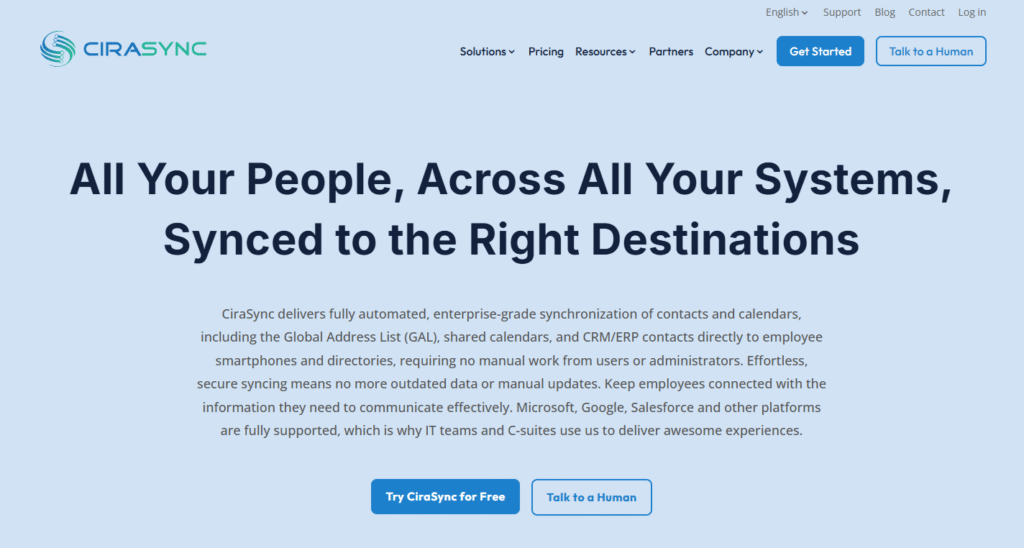
Una vez configurada, la sincronización se realiza automáticamente, sin que los usuarios tengan que buscar en el directorio, guardar contactos ni realizar ninguna acción.
Las actualizaciones en Entra ID se reflejan en los dispositivos según el programa de sincronización. CiraSync es adecuado para organizaciones medianas y grandes, MSP y entornos regulados.
2. Microsoft Entra Connect: la mejor opción para sincronizar AD con Entra ID.
Microsoft Entra Connect es una herramienta de Microsoft que se utiliza para sincronizar Active Directory local con Entra ID. Sincroniza usuarios, grupos y atributos seleccionados para que las identidades sean coherentes en los entornos locales y en la nube.
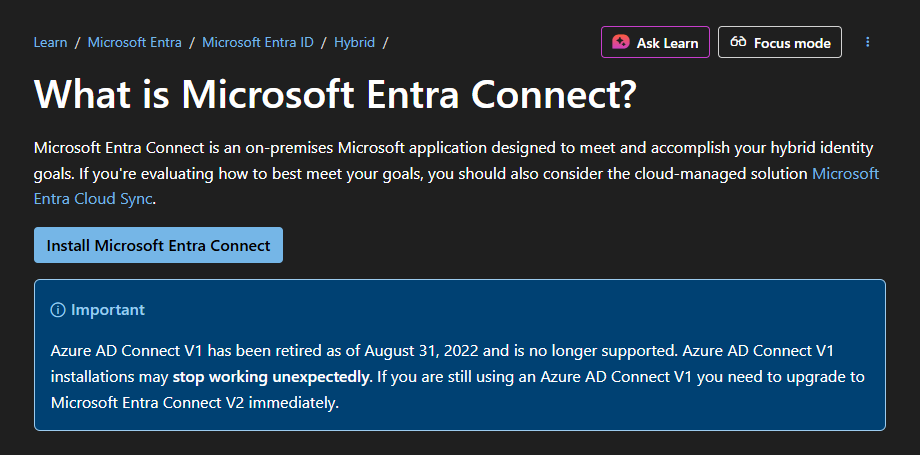
Entra ID suele convertirse en la capa de identidad en la nube, mientras que AD local sigue siendo la fuente de verdad..
La sincronización se ejecuta de forma programada y puede incluir la sincronización de hash de contraseñas, la autenticación de paso y funciones de reescritura limitadas, dependiendo de la configuración.
Microsoft Entra Connect se utiliza habitualmente en entornos híbridos, para migrar cargas de trabajo y la gestión de identidades a Microsoft 365 y Azure.
3. Microsoft Entra Cloud Sync: ideal para la sincronización de identidades híbridas ligera y gestionada en la nube.
Microsoft Entra Cloud Sync es una solución de sincronización de identidades gestionada por Microsoft que conecta Active Directory local con Entra ID mediante agentes de aprovisionamiento ligeros. Sincroniza usuarios, grupos y atributos para mantener las identidades en la nube alineadas con los directorios locales.
A diferencia de Entra Connect completo, Cloud Sync se basa en una configuración y reglas basadas en la nube, lo que reduce los gastos generales de infraestructura y mantenimiento. La sincronización se ejecuta según un calendario definido y admite escenarios de identidad híbridos comunes.
Entra Connect Cloud Sync suele ser utilizado por organizaciones que desean un enfoque más sencillo y moderno para la sincronización híbrida de identidades.
4. Microsoft Intune: ideal para sincronizar identidades con dispositivos y políticas
Microsoft Intune es una herramienta de administración de terminales basada en la nube que trabaja en estrecha colaboración con Entra ID para mantener alineados los datos de identidad, dispositivos y políticas. Sincroniza los usuarios y grupos de Entra ID con Intune para que los dispositivos, las aplicaciones y las configuraciones se puedan asignar de manera coherente.
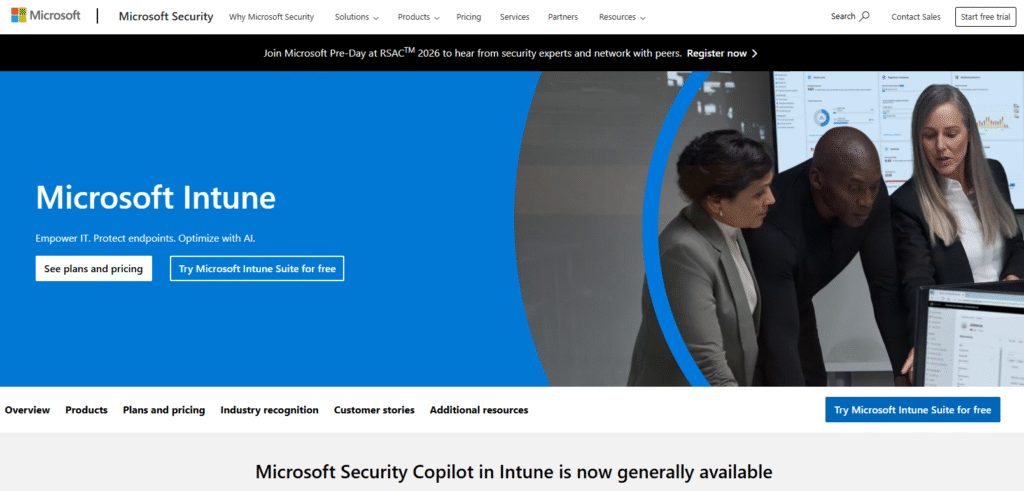
La información sobre el estado del dispositivo y el cumplimiento normativo se evalúa en Intune y, a continuación, se refleja en Entra ID para tomar decisiones de acceso.
La sincronización en Intune se centra en mantener la alineación entre la identidad, los dispositivos y las políticas, en lugar de replicar los datos del directorio en sí.
¿Qué es una herramienta de sincronización de Entra ID y para qué sirve?
Una herramienta de sincronización de Entra ID mantiene los datos de Entra ID alineados con otros sistemas. Transfiere usuarios, grupos, contactos, dispositivos o políticas entre Entra ID y las plataformas conectadas.
Algunas herramientas funcionan según horarios programados, otras se sincronizan bajo demanda. El objetivo es el mismo: reducir el trabajo manual, evitar discrepancias y mantener la coherencia de los datos relacionados con la identidad a medida que se producen cambios en la organización.
Preguntas frecuentes
An Entra ID sync tool keeps identity-related data aligned between Entra ID and other systems. It syncs users, groups, contacts, devices, or policies so changes stay consistent.
¿Entra ID incluye herramientas de sincronización integradas?
Sí. Microsoft proporciona herramientas como Microsoft Entra Connect y Entra Connect Cloud Sync para la sincronización híbrida de identidades desde Active Directory local.
¿Todas las herramientas de sincronización de Entra ID se ejecutan automáticamente?
No. Algunas herramientas se sincronizan según un calendario, otras lo hacen bajo demanda. Ambos enfoques se consideran sincronización si los datos se transfieren y permanecen alineados.
¿Qué herramienta debo utilizar para sincronizar los contactos de Entra ID?
Utilice CiraSync. Se centra en sincronizar los contactos y calendarios con los dispositivos móviles de los usuarios sin necesidad de que estos realicen ninguna acción.
¿Cuál es la diferencia entre Entra Connect y Cloud Sync?
Entra Connect funciona como un servidor local completo con funciones más amplias. Cloud Sync utiliza agentes ligeros con reglas gestionadas en la nube y un mantenimiento más sencillo.
¿Microsoft Intune cuenta como una herramienta de sincronización de Entra ID?
Sí, en un sentido más amplio. Microsoft Intune sincroniza los usuarios y grupos de Entra ID con los flujos de trabajo de dispositivos y políticas, aunque la replicación de directorios no sea su objetivo.