Sync contacts and calendars, from source to workforce.
CiraSync connects Microsoft 365, Google Workspace, and CRMs, giving IT one place to manage how contact and calendar information moves between systems and reaches employee mailboxes and phones.
 SOC 2 Type 2
GDPR










One change shouldn’t create three versions of the truth.
A customer’s phone number changes. Your CRM has the new number, Outlook still has the old one, and an employee’s phone has an even older number saved manually.
Employees risk calling the wrong number or not recognizing incoming calls. IT is left figuring out which record is current and fixing the rest.
ONE CONTACT. THREE SYSTEMS. THREE DIFFERENT ANSWERS.
AND THE CHANGES DON’T STOP
People join, change roles, and leave. Businesses add systems, environments, and entire companies. Every change creates another chance for contact and calendar information to drift.
Person joins or leaves
Role or team changes
New Microsoft 365 environment
New CRM or business system
Keep contacts and calendars current, regardless of your setup.
Across systems, between Microsoft 365 environments, and out to the places people actually work, CiraSync keeps contact and calendar information current where it needs to be.
From systems to people
Keep directory and CRM contacts current in the native contacts app on employee phones so incoming numbers resolve to names instead of questions.
Between Microsoft 365 environments
Keep GAL contacts and shared calendars aligned across separate Microsoft 365 environments, so people in one environment can find, contact, and schedule with people in another.
Across multiple systems
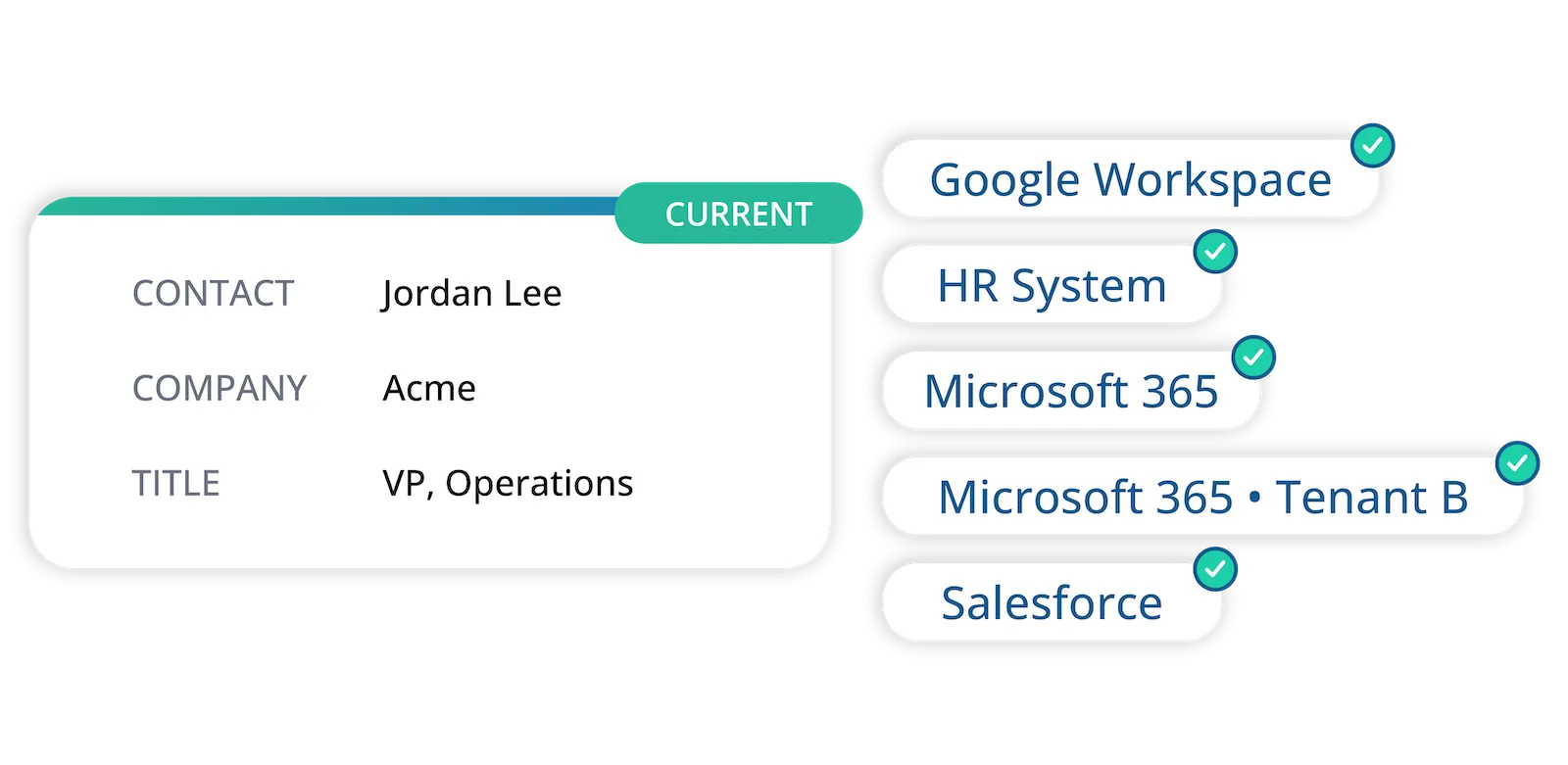
Keep contact and calendar information current across Microsoft 365, Google Workspace, CRMs, and employee devices, with clear rules on how updates move between them.
contacts synced
industries
companies
users
Every connector on your terms.
Set the source, destination, and direction for each Connector. Choose which source takes priority when information conflicts. Use one-way sync to send updates in one direction, or two-way sync when changes need to flow both ways. Once the rules are set, future updates follow the configured flow.
Add new systems.
Not new projects.
As your business gets more complex, your integrations don’t have to. Bring new systems to your CiraSync setup without rebuilding the sync flows already in place.
Cloud when you want it. On-prem when you need it.
Run CiraSync as a managed cloud service, or deploy it in your own environment when privacy, infrastructure, or data-location requirements call for more control.
Cloud
On-Premises
Reliable sync should run quietly in the background.
CiraSync is built to run quietly in the background. As your environment changes, the flows you’ve configured keep running. When something needs attention, adjustments are easy to make. If you need a hand, our support team will help.

The proof is in what IT gets back.
12–25 hours of busywork eliminated every month.
This software is one of those ‘best things since sliced bread.’ We have eliminated probably 12–25 hours a month of somebody doing busywork maintaining contacts to push out to mobile devices.
Once it is set up, it flows seamlessly.
I have used this software across multiple companies. It works well for what it does and solves the issues of having to copy contacts to users’ Outlook profiles. Once it is set up, it flows seamlessly.