The three ways customers use CiraSync
Everything starts in a Workspace
Result
Jane Smith
- Email: [email protected]
- Title: Account Directorfrom Directory
- Mobile: 647-555-0198from CRM
Missing details can be filled in from the other contact. Where details conflict, you decide which contact to keep.
Full details or busy only is set on each Tunnel.
Each system we support, such as Salesforce or Google, is a Connector.Explore connectors
Connectors
How systems plug in
A Connection links one system to a Workspace as a Source, a Destination, or Two-way.
Bring information into the Workspace.
Send Workspace information to a connected system.
Keep changes synchronized in both directions.
Tunnels
How contacts reach people
A Tunnel takes contacts from a Workspace and delivers them one way to the people you choose: your whole company, specific groups, or selected users.
Who
Delivered to
SMS
Text the same people in an emergency
Send SMS messages for office closures, urgent updates or schedule changes. Use the groups you already sync contacts to, or set up a separate collection just for messaging.
You decide what’s shared
The settings depend on what you’re syncing. Contacts and calendars have different controls.
01 · Filter contacts
Only sync the contacts you need
12,428 contacts8,214 selected
- Active employees
- Has business phone
- North America
02 · Choose and map fields
Share work numbers without sharing home addresses
- Mobile → Mobile phone
- Business phone
- Company → Organization
- Home phone
- Home address
Share work details only; personal information stays private.
03 · Handle duplicates
What should happen when the same person shows up twice?
Where details conflict, you decide which contact to keep.
04 · Set direction
For each system: send, receive, or both
- DirectorySource
- CRMTwo-way
- Shared mailboxDestination
05 · Select recipients
Who gets the contacts, and on which devices
Tunnel collection
All staff
Who
Delivered to
Phone: through CardDAV with your MDM, or the CiraSync app.
Phones sync directly, so staff without a mailbox stay covered.
01 · Choose calendars and sync range
Pick the calendars, and how many weeks of events to share
Shared calendars
You can change the range at any time.
02 · Choose what's shared
Share full event details, or only show time as busy
Set this per Tunnel, so different people can see different levels of detail.
03 · Set direction
For each calendar: send, receive, or both
- Shared calendarSource
- MailboxesTwo-way
Law firms can sync court dates with Clio in both directions.
04 · Select recipients
Choose who receives the calendar
Who
Delivered to
It appears on recipients' phones through their mailbox.
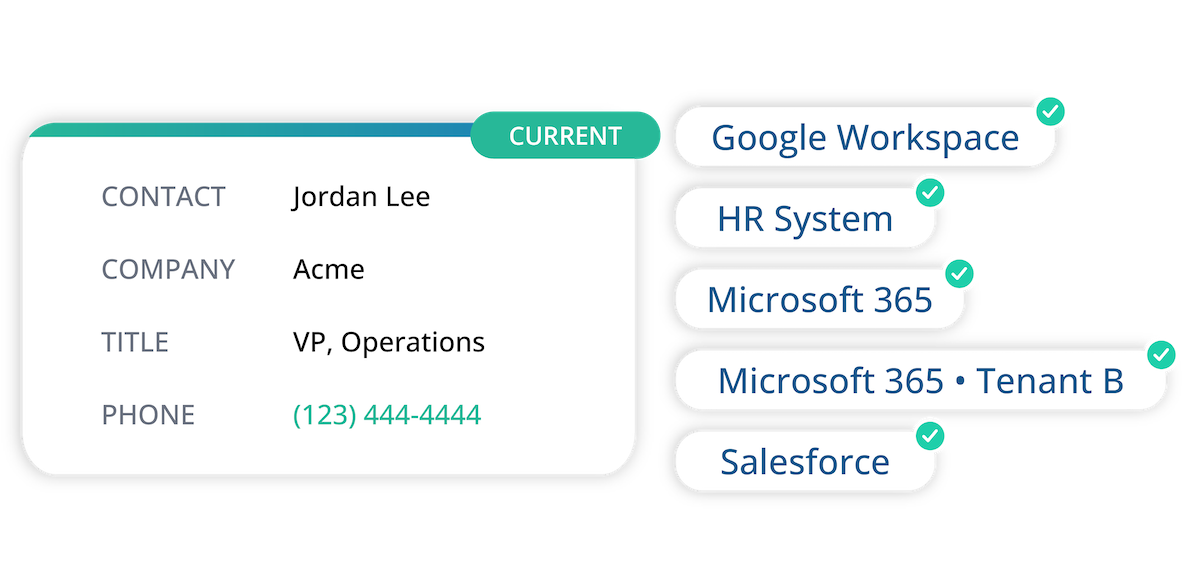
Change a number once, and CiraSync updates the places you’ve configured
When an included record changes, CiraSync processes the update through the configured flow and sends it only where it should go.
Check on it any time
IT can see what’s configured and what changed, in one place.
Every change is logged for contacts and calendars, so you can see who was added, removed or updated, and what the old value was.
Works across the systems you already use
Connect Microsoft 365, Google, CRMs, industry systems and other business tools.





What your IT and security team will ask
Hosted on Microsoft Azure, with central administration, audit history and deployment options including on-premises, GCC and GCC High. Deployment options vary by plan.
Not sure which setup you need?
Tell us how you work today and we’ll suggest a setup.