Sync Contacts and Calendars—Without Making IT’s Job Harder

IT teams already have enough on their plate. Keeping contacts and calendars accurate across every device shouldn’t be another fire drill.
CiraSync gives IT admins and managers a reliable way to keep Microsoft 365 contacts, shared calendars, and CRM data automatically up to date—on every phone and desktop—without end-user involvement.
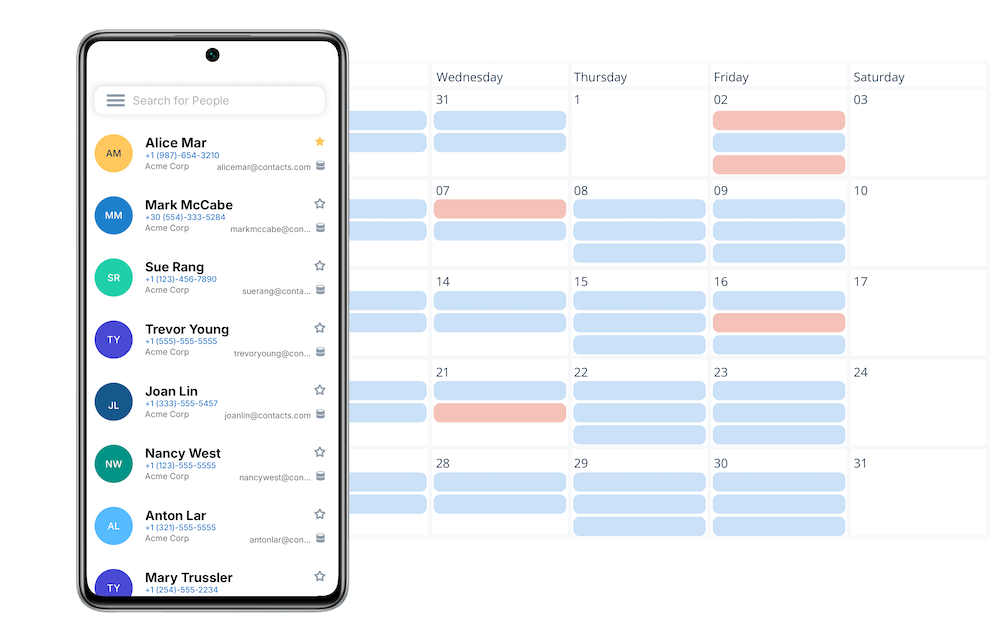
Solve the Most Common Sync Challenges

CiraSync automatically syncs Microsoft 365 Global Address Lists, shared contacts, shared calendars, and CRM contacts to employee devices—securely, centrally, and at scale.

Directory to Phone

Keep Microsoft 365 contacts, GAL, and shared mailboxes updated on every device—automatically.

CRM to Phone

Put customer and lead contacts on phones and in caller ID—no manual exports.

Calendar to Phones

Push shared calendars to native iOS/Android apps—securely and automatically.

Any Source to Phone

Sync contacts from CRMs, HR systems, shared mailboxes, and more to every phone.

One‑Way Sync

Distribute authoritative data safely with hands‑off, zero‑touch updates.

Directory to Directory

Keep tenants and directories aligned across organizations, MSPs, and M&A.

Calendar to Calendar

Sync calendars across teams and resources to eliminate scheduling confusion.

Two‑Way Sync

Keep systems aligned in both directions with conflict‑aware synchronization.

Multi‑Way Sync

Unify complex ecosystems where changes must flow across many sources.

High Security On‑Premise

Deploy sync entirely within your environment—no data leaves your network.

Our Products

CiraSync Cloud

Effortless enterprise-grade one-way syncing of Contacts & Calendars across unlimited users, hosted on the Azure cloud

CiraSync On-Premise

All the benefits of CiraSync Cloud, hosted directly on-premises for high security environments

CiraSync Hub

Two-way syncing of Contacts & Calendars, not only across Microsoft environments but across Google, Hubspot, and many other CRM platforms

Enterprise Ready

Security You Can Trust

Built for the most demanding enterprise environments. Your data stays protected with industry-leading security practices.

Check SOC 2 Compliant
Check GDPR Ready
SOC 2 and GDPR compliant badges

Ready to Sync Smarter?

Join 3,000+ enterprises that trust CiraSync for seamless contact and calendar synchronization.

Common Questions IT Teams Ask When Managing Contacts and Calendars in Microsoft 365

How do you sync the Microsoft 365 Global Address List (GAL) to mobile devices?

Microsoft 365 doesn’t natively sync the Global Address List to employee mobile devices. CiraSync automatically pushes GAL contacts from Microsoft 365 to phones and desktops so users always have up‑to‑date contact information—without apps, manual exports, or end‑user involvement.

Why don’t shared Outlook calendars show up properly on mobile devices?

Shared calendars are accessible in Outlook, but they don’t reliably sync to mobile devices by default. CiraSync automatically syncs shared Microsoft 365 calendars to smartphones so schedule changes, meetings, and updates are visible wherever employees are working.

Can employees access CRM contacts without a full CRM license?

Yes. Many employees only need access to CRM contact data—not full application access. CiraSync syncs CRM contacts, such as Salesforce, directly to employee devices, giving teams the information they need while reducing CRM licensing costs and administrative overhead.

soc2comliant
GDPR

