
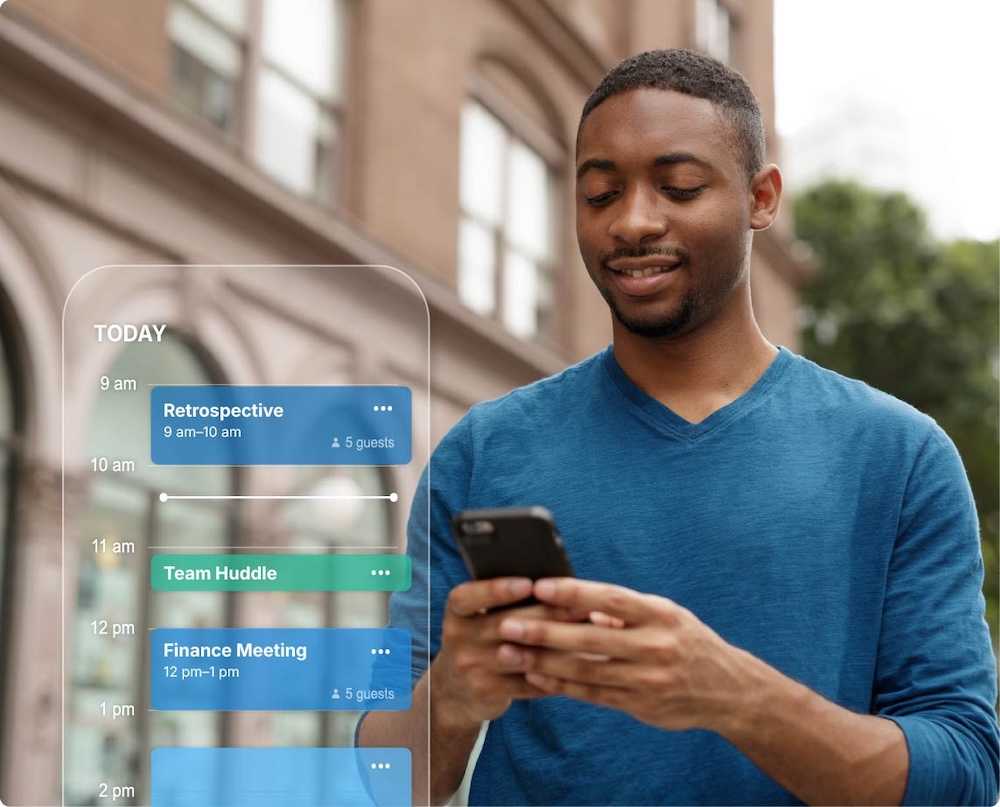
Keep Every Employee Aligned, Wherever They Work
Modern teams rely on accurate, up‑to‑date calendars to stay coordinated. But shared calendars don’t automatically sync to the native apps on employee smartphones. That gap creates missed meetings, outdated schedules, and frontline teams operating without the information they need.
CiraSync closes that gap with secure, automated, enterprise‑grade Calendar‑to‑Phone Sync.
Your Shared Calendars, Delivered Automatically to Every Phone
CiraSync pushes Microsoft 365 calendars directly to the native iOS and Android calendar apps your employees already use. Whether it’s a shared team calendar, an on‑call rotation, or a company‑wide events calendar, updates appear on every device within minutes.
Perfect For:
- Frontline and field teams
- Healthcare and emergency services
- Government and regulated environments
- Distributed workforces
- MSP‑managed organizations

CiraSync Cloud
Effortless enterprise-grade one-way syncing of Contacts & Calendars across unlimited users, hosted on the Azure cloud

CiraSync On-Prem
All the benefits of CiraSync Cloud, hosted directly on-premises for high security environments

CiraSync Hub
Two-way syncing of Contacts & Calendars, not only across Microsoft environments but across Google, Hubspot, and many other CRM platforms
Why Microsoft 365 Shared Calendars Don’t Show on Phones
The native Apple Calendar app on iPhone syncs Microsoft 365 over ActiveSync – and ActiveSync doesn’t fully honor shared-folder permissions. So a shared team, room, or on-call calendar that appears in desktop Outlook simply doesn’t flow to the native phone calendar the same way. This is a long-standing, widely documented limitation of how native mobile calendars sync over ActiveSync. The common workaround – switching everyone to the Outlook mobile app – breaks Siri and native widgets, and users (especially executives and BYOD staff) resist changing their default calendar
How CiraSync Solves It
CiraSync writes calendar data server-side, directly into each user’s Microsoft 365 mailbox, so shared calendars appear in the native iOS and Android calendar apps automatically. Because the sync runs at the infrastructure level, it survives device replacements, iOS updates, MFA changes, and password resets, and scales from 50 to 50,000 users with no per-device management.
Enterprise Security. Government‑Grade Compliance.
CiraSync is built for organizations where data protection is non‑negotiable.
- No data stored on personal devices
- No user passwords required
- Azure‑based architecture with role‑based access
- Full support for GCC and GCC High environments
- Auditable, centralized control for IT and MSPs
Your calendars stay in Microsoft 365. CiraSync simply syncs them, securely and automatically.
Zero‑Touch Automation for IT
Managing mobile calendar access manually is time‑consuming and error‑prone. CiraSync eliminates that overhead with centralized, policy‑based automation.
- Sync thousands of users in minutes
- Apply rules by group, department, or role
- No mobile device management required
- No apps to deploy or maintain
- Automatic updates every few minutes
Set it once. CiraSync handles the rest.
Transform How Your Organization Shares Time‑Sensitive Information
From shift schedules to maintenance windows to executive travel calendars, CiraSync ensures the right people always have the right information at the right time.
When calendars sync automatically, coordination becomes effortless.
Ready to Sync Smarter?
Join 3,000+ enterprises that trust CiraSync for seamless contact and calendar synchronization.

