Sync Microsoft 365 & Active Directory Contacts to Every Smartphone with Full IT Control.

Automatically sync Global Address Lists, shared contacts, and calendars to iPhone and Android devices with centralized, audit-ready control for IT departments. No manual exports, no user setup, and no device-by-device updates.

GDPR Compliant

SOC 2 certified

Sync AD Contacts to Phones

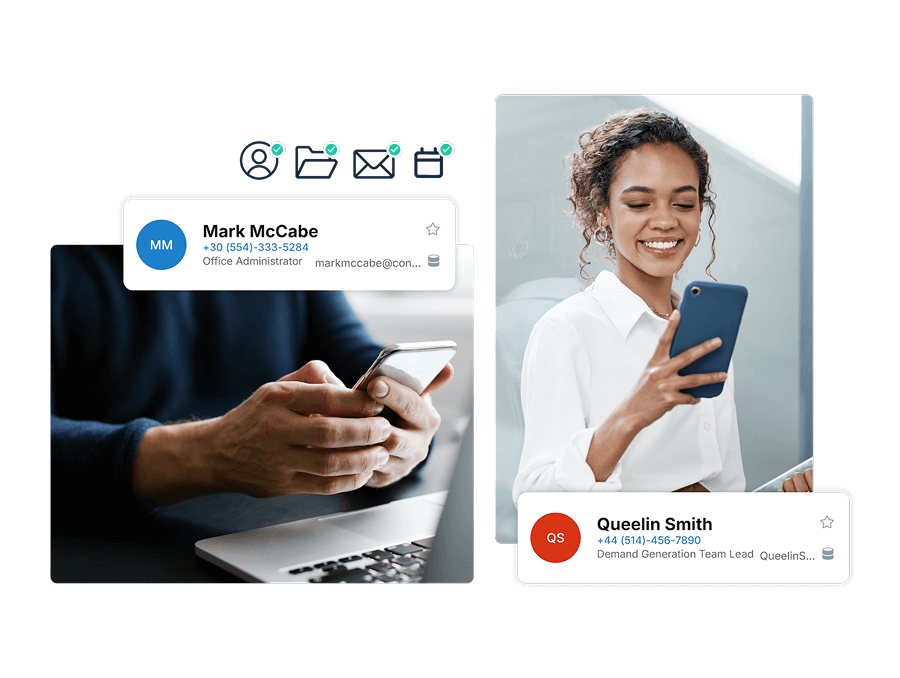
Automatically push directory contacts to every iPhone and Android

See how it works


Azure ID / Entra ID Ready Solution

Works seamlessly across hybrid and Microsoft 365 environments

View integration details

Control One-Way or Two-Way Sync

Support one-way, two-way, or multi-system syncs across environments

One-Way Syncs

Two-Way Syncs

Centralized Admin Control

Manage syncs by user, group, or organization from one place

Explore control features

Trusted by 3,000+ global enterprises to securely sync 375M+ contacts for 350,000+ users.

Why IT Teams Rely on CiraSync for Active Directory Contact Sync

Automatically sync Active Directory contacts to smartphones, reduce manual IT work, and keep contact data accurate at scale.

Eliminate Manual Contact Updates

Keep employee contact data accurate across devices with no manual exports or per-device updates.

Control by User & Group

Control which contacts each user, group, or team receives using Microsoft 365 and Entra ID.

}

Reduce IT Overhead

Eliminate recurring tickets and manual updates with automated, scheduled contact sync.

Support Compliance & Visibility

Maintain centrally managed contact data with reporting, visibility, and audit-ready controls.

How CiraSync Syncs Azure Active Directory to Smartphones

CiraSync connects directly to your Microsoft 365 account, extracting contact information from your Azure Active Directory (Entra ID) and syncing it to designated smartphone devices based on your configured settings. From there, the sync runs automatically on your preferred schedule with no helpdesk tickets and no user complaints about missing or outdated contacts.

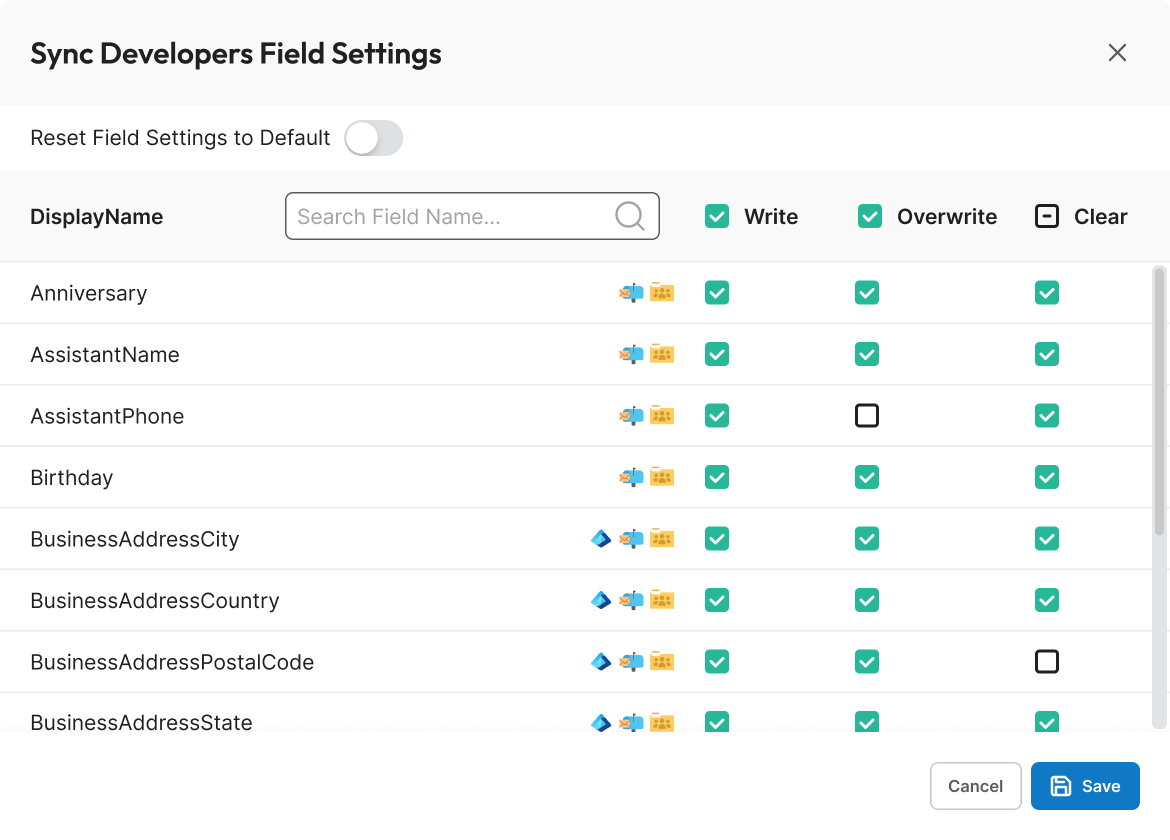
Key contact fields including name, email, phone number, and job title map automatically to the native contact apps on both iPhone and Android. No field-mapping configuration needed on your end, and no cleanup needed on the device. CiraSync handles duplicate and conflict resolution before anything hits the phone.

Sync Your Active Directory To Any Phone In Minutes

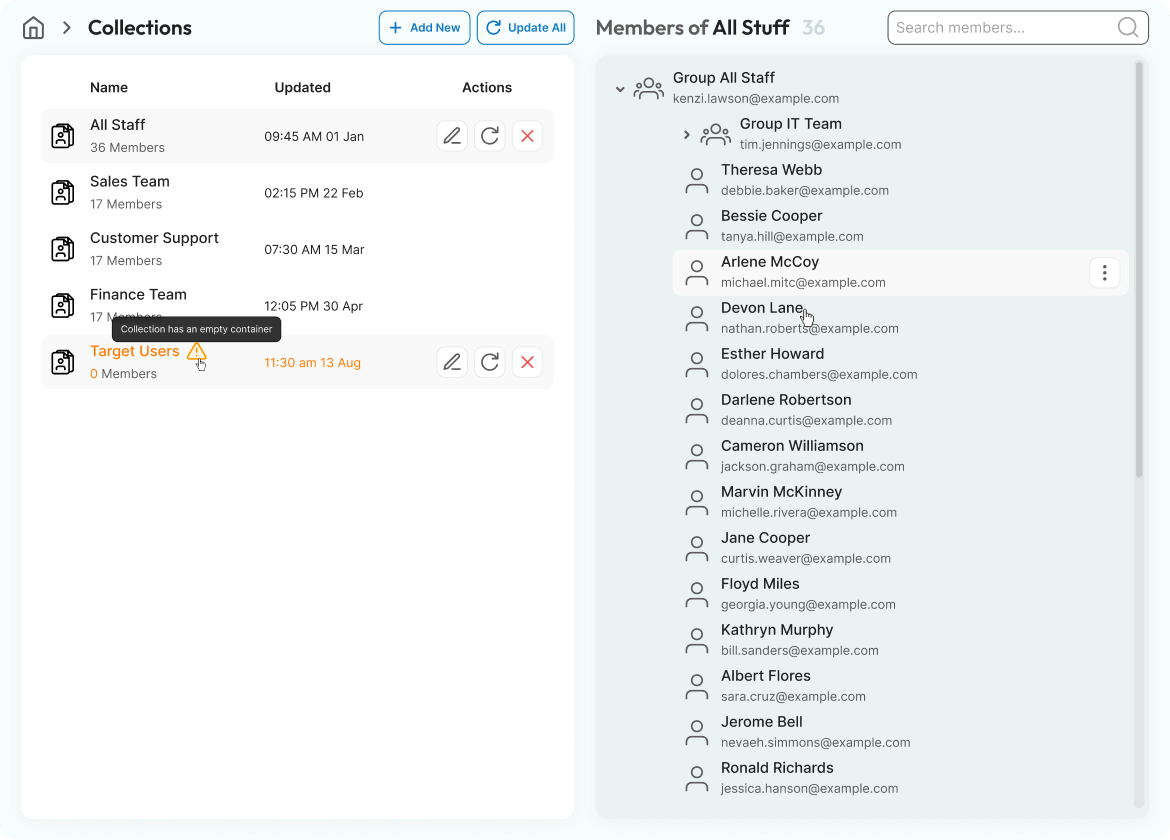
The CiraSync dashboard gives IT full visibility and control over sync operations across your entire organization. Because CiraSync works directly with Azure Active Directory (Entra ID), your contact data is always sourced from the same directory your team already manages with no duplicate data entry, no separate directory to maintain.

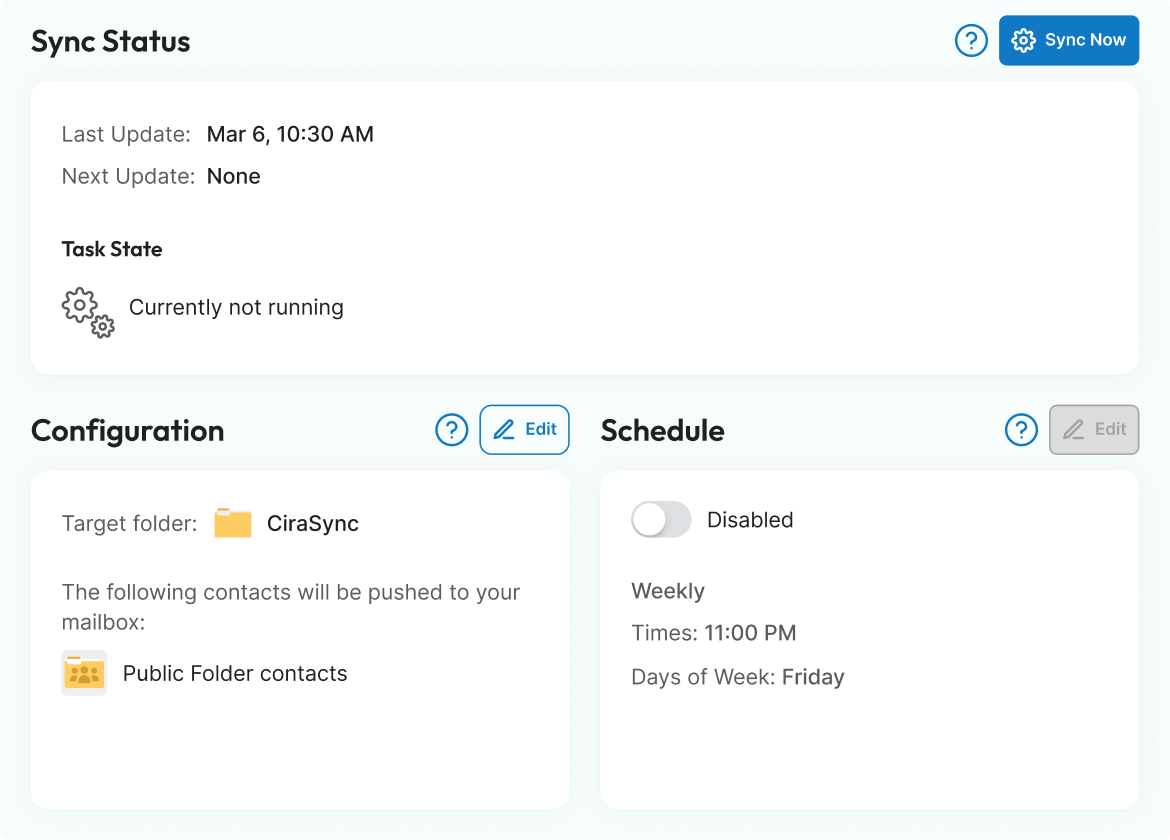
Use your existing Microsoft 365 distribution lists and security groups to control exactly which contacts sync to which users. No new group structure to build or maintain. Set sync schedules to run hourly, daily, or on-demand for situations that can’t wait, like an org restructure or an executive contact change.

Real-time monitoring and detailed sync reports show exactly which devices were updated, flag any failures, and give you the audit trail you need for compliance reviews.

CiraSync is SOC 2 certified and GDPR compliant, with full audit logging of every sync event — so your security team has the documentation they need and your data never leaves your Microsoft 365 environment. 

Active Directory Sync That Scales With Your Company

Every missed call or meeting is a lost opportunity. CiraSync eliminates that risk by ensuring your team always has up-to-date contacts when syncing Active Directory to smartphones. It’s more than just a contact update—it’s a smarter way to stay connected and keep business moving.

With CiraSync, you’re not just syncing contacts—you’re staying ahead.

Compare Cirasync Features With Some Our Top Competitors

Contact Syncing Global Address List Microsoft 365 Public Folder CRM
Calendar Syncing Instantly sync shared calendars to all employee phones
Security Compliance SOC II ImmuniWebGDPR
Auto License Updating Automatically detect when additional licenses need to be purchased for new users. Pro-rated fee on number of additional licenses needed
Contact Cleanup Clean contacts up at mass scale, emails, names, numbers or clear fields
Role Base Administration
Contact Problem Diagnostics Diagnose any contact errors that need attention at scale
Obfuscation Based on your privacy requirements, CiraSync is not allowed access to view your data unless authorized by you as a user.
Microsoft & Microsoft Azure Support Deep level support from Microsoft and Microsoft Azure
Scalability Update 4 or more mailboxes at 1 time

Automatically Sync Contacts, Calendars, Public Folders and CRM Sync to Every Microsoft User

CiraSync Automatically Syncs the Public Folders to Smartphones

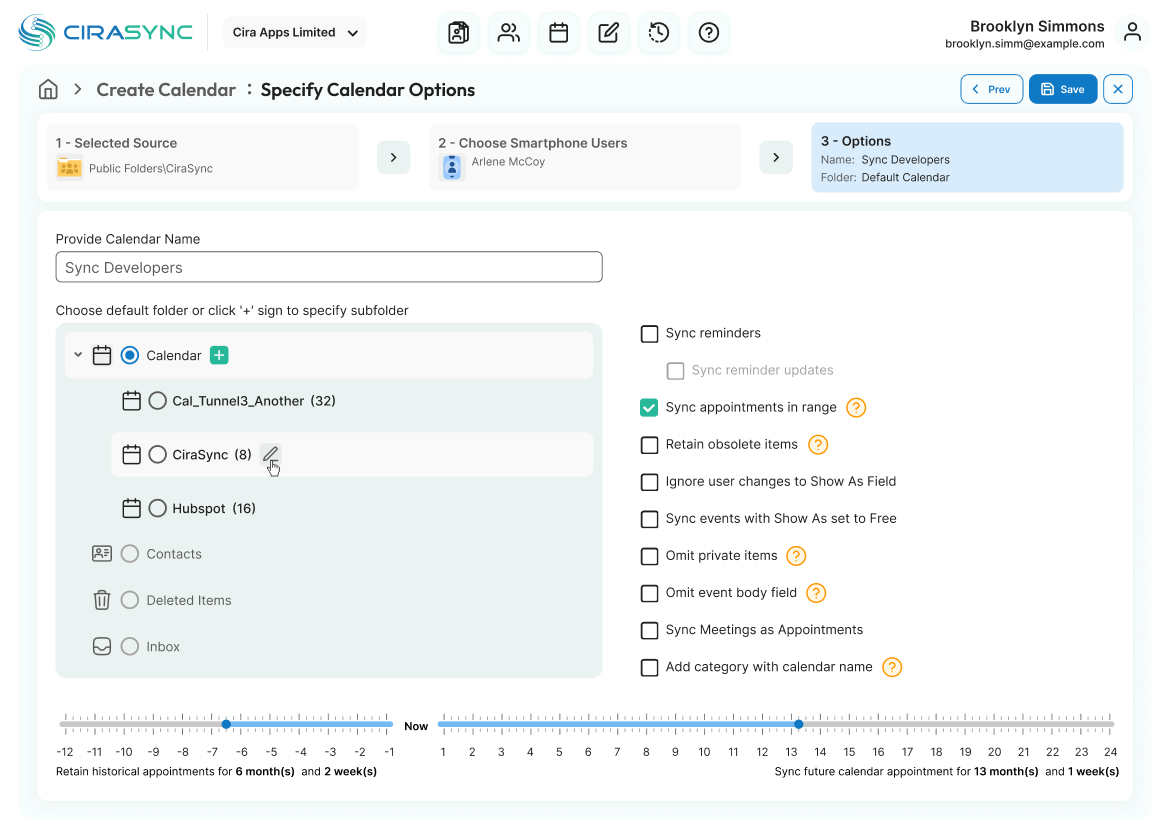
CiraSync Automatically Syncs Calendars to Smartphones

CiraSync Automatically Syncs CRMs to Smartphones

Connecting Made Effortless with CiraSync

See how a new employee seamlessly connects with a vendor using CiraSync, simplifying communication from day one.

Loved by IT Teams and C-Suites Everywhere

CiraSync is the functionality Microsoft 365 should have built in.

“This software is one of those “best things since sliced bread.” We have eliminated probably 12-25 hours a month of somebody doing busywork maintaining contacts to push out to mobile devices.”

Ed H. Senior Network Administrator/ IT

Once it is set up, it flows seamlessly.

“I have used this software across multiple companies. It works well for what it does and solves the issues of having to copy contacts to users’ Outlook profiles. Once it is set up, if flows seamlessly.”

Matthew M. IT Director

CiraSync, always available information, on- or off line.

“CiraSync is our solution to mainly sync contact information to our organization’s iDevices. Rather than depending on a Global address list (which is not really fast in delivering information), CiraSync pushes information, on- or off line. We are happy customers.”

Eddy K. Facility Manager & IT

soc2comliant
GDPR