

Last updated August 2026 · Pricing and vendor names verified August 2026.
Picking MDM software affects everything from rollouts to lost-phone headaches. In this guide, I will share the top mobile device management software to enforce policies, push updates, and wipe devices when needed.
Let’s get started!
TL;DR: MDM Software Options to Compare in 2026
- Microsoft Intune: Strong fit for organizations already standardized on Microsoft 365 and Microsoft Entra ID.
- Jamf Pro: Apple-focused device-management platform for organizations with primarily Apple fleets.
- Scalefusion: Multi-platform UEM option for mixed fleets, shared devices, and kiosk deployments; broader desktop-and-mobile platform coverage is available on higher tiers.
- Iru (formerly Kandji): Endpoint-management option for Apple, Windows, and Android environments.
- Hexnode UEM: Multi-platform MDM/UEM option with separate MDM and UEM pricing tiers.
- Omnissa Workspace ONE UEM: Enterprise UEM platform covering mobile, desktop, and specialized endpoints.
- IBM MaaS360: Enterprise endpoint-management platform with security and AI-assisted threat insights.
- AirDroid Business: Device-management option focused primarily on Android and Windows environments, including kiosk and remote-management use cases.
- SOTI MobiControl: Multi-platform device-management platform supporting Android, Apple, ChromeOS, Linux, and Windows.
- Citrix Endpoint Management: Endpoint-management option particularly relevant to organizations already using the Citrix ecosystem.
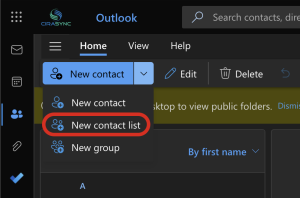
Need Microsoft 365 GAL contacts, public-folder contacts, or shared calendars distributed to employee phones? Treat that as a separate synchronization requirement. CiraSync complements MDM/UEM by synchronizing contact and calendar data rather than managing device security policies.
| Platform | Best for | OS coverage | Type | Published pricing / commercial model |
| Microsoft Intune | Microsoft 365 shops | Windows, macOS, iOS, Android, Linux | UEM | Intune Plan 1: $8/user/month standalone. Microsoft 365 E3/E5 and EMS E3/E5 include Plan 1; verify the tenant’s exact current entitlement before purchasing separately. |
| Jamf Pro | Apple-first orgs | macOS, iOS, iPadOS, tvOS | MDM/UEM | Quote-based |
| Scalefusion | Mixed fleets, kiosks | Windows, macOS, iOS, Android, Linux, ChromeOS | UEM | Essentials: $2/device/month, billed annually, for Android/iOS. Business: $5/device/month, billed annually, for broader Windows, macOS, Linux, ChromeOS, Android and iOS support. 10-device minimum. |
| Iru (formerly Kandji) | Apple-led, expanding cross-platform | macOS, iOS + Windows, Android | Endpoint management | Endpoint management / Request a quote. Iru also sells separate EDR, vulnerability-management, identity and compliance products. |
| Hexnode UEM | BYOD, mixed OS | Windows, macOS, iOS, Android, tvOS | UEM | MDM Essentials: $2.20/device/month. UEM Essentials: $4.70/device/month. |
| Omnissa Workspace ONE | Large enterprise | Windows, macOS, iOS, Android, Linux, ChromeOS | UEM | UEM Essentials: $5.25/device/month or $9.45/user/month; USD, monthly rate based on a 12-month prepaid term. |
| IBM MaaS360 | AI-driven threat management | Major platforms | UEM | Request a quote for the main MaaS360 offering. MaaS360 Fast Start, a narrower SMB mobile-device offering for iOS/Android, starts at $1.50/client device/month. |
| AirDroid Business | Android fleets, kiosks, signage | Android, Windows | MDM | Starts at $1/device/month; plans extend to $2.75/device/month. State the exact plan used for the feature comparison |
| SOTI MobiControl | Rugged, logistics, retail | Android, iOS/iPadOS, macOS, ChromeOS, Linux, Windows | UEM/EMM | Android, Apple, ChromeOS, Linux and Windows / Contact SOTI for current commercial pricing. |
| Citrix Endpoint Management | Existing Citrix estates | Android, iOS/iPadOS, macOS, Windows | UEM | Verify current commercial packaging directly with Citrix. |
The Best Mobile Device Management Software
1. Microsoft Intune
Best for: Enterprises using Microsoft 365 and Entra ID
Microsoft Intune is a cloud-based service that helps companies manage and secure their employees’ devices, whether they’re using phones, tablets, or computers.
It works especially well for businesses already using Microsoft 365 and Microsoft Entra ID, formerly known as Azure Active Directory.
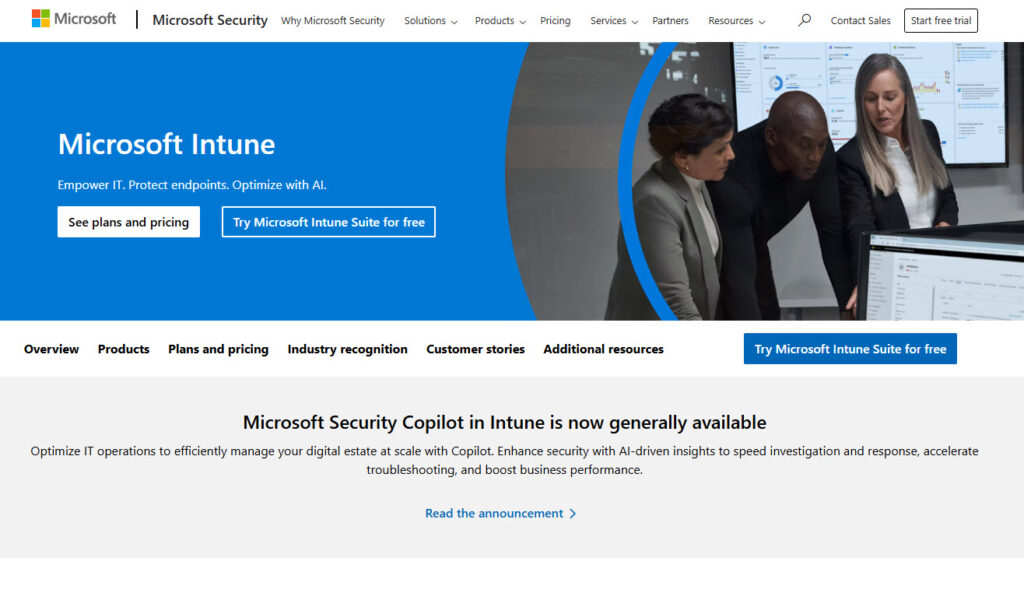
With Intune, IT teams can control which apps are allowed and enforce security rules like PIN codes or encryption. They can even remotely wipe data if a device is lost or stolen. It supports Windows, macOS, iOS, and Android.
Everything runs in the cloud, so there’s no need for on-premise servers.
2. Iru (Formerly Kandji)
Best For: Mac-focused companies needing automated Apple device security
Iru (formerly Kandji) is a modern endpoint management platform built for businesses running Apple, Windows, and Android devices. It helps IT teams automate the setup, security, and management of Macs, iPhones, iPads, PCs, and Android devices across their organization.
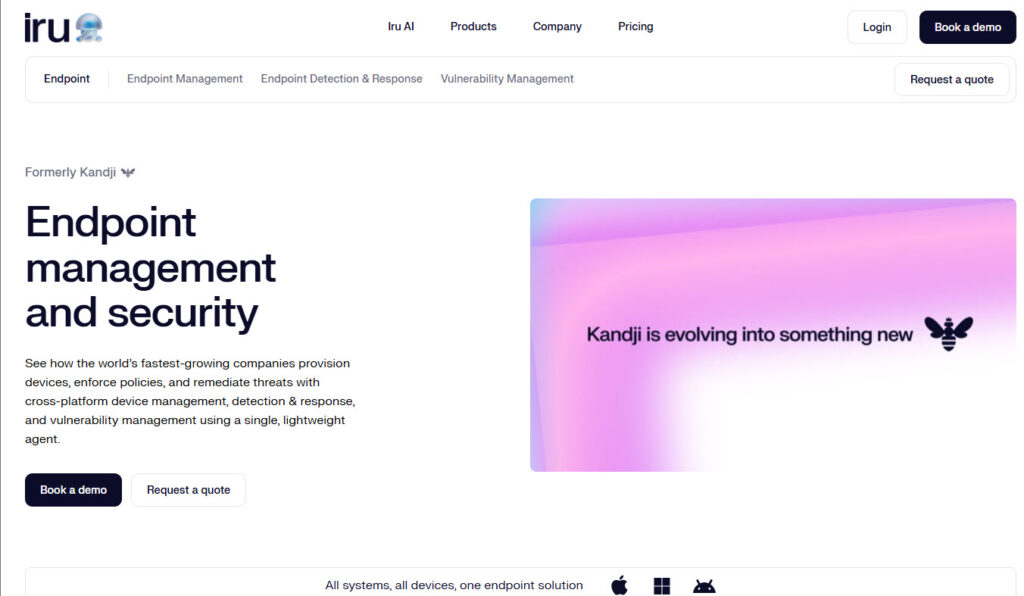
With Iru, you can enforce security policies, deploy apps, and ensure devices stay compliant without having to manually touch each one.
One of its standout features is its automation library. It handles tasks like enforcing encryption, checking system settings, and fixing issues automatically.
Beyond endpoint management, the broader Iru platform also includes endpoint detection and response, vulnerability management, identity, and compliance products, giving IT and security teams a more unified toolset. It’s especially popular among remote teams and fast-growing companies that want a simple way to manage their device fleet at scale.
3. Hexnode UEM
Best For: Businesses needing flexible MDM with a clean UI
Hexnode UEM is a user-friendly platform that helps businesses manage and secure all types of devices, whether they’re company-owned or part of a bring-your-own-device (BYOD) policy.
It works with many operating systems: iOS, Android, Windows, macOS, and even tvOS, great for mixed-device environments.

With Hexnode, IT teams can push apps, enforce security settings, track device location, and remotely lock or wipe devices if needed. With its simple dashboard, you can monitor and control everything from one place.
4. Omnissa Workspace ONE UEM
Best For: Large organizations needing unified endpoint management
Workspace ONE UEM, previously known as VMware Workspace ONE, is a great platform that lets businesses manage any device from a single console. This works whether it’s a smartphone, tablet, laptop, or rugged device.
It is for companies that need tight control over apps, data, and security across thousands of endpoints.
With Workspace ONE, IT teams can automate tasks like app deployment, compliance checks, and remote troubleshooting.
What sets it apart is how deeply it integrates with identity and access management, so IT can control not just the device but also who’s using it and what they’re allowed to do.
5. Scalefusion
Best For: Companies managing both employee and shared devices
This list of top mobile device management tools wouldn’t be complete without Scalefusion.
Scalefusion is an MDM solution for managing both company-owned and shared devices like kiosks, tablets, and point-of-sale systems. It supports Android, iOS, Windows, and macOS.
IT teams can lock devices into specific apps, schedule updates, track device location, and even control them remotely for support.
One of its key strengths is how simple it is to set up and use, especially for companies without large IT departments. Scalefusion is popular in industries like retail, logistics, and education where devices are shared or used in specific work modes.
6. IBM MaaS360
Best For: Enterprises that need AI-driven threat management
IBM MaaS360 integrates artificial intelligence into its unified endpoint management platform. It uses its Watson AI to provide insights, predictions, and automation across devices.
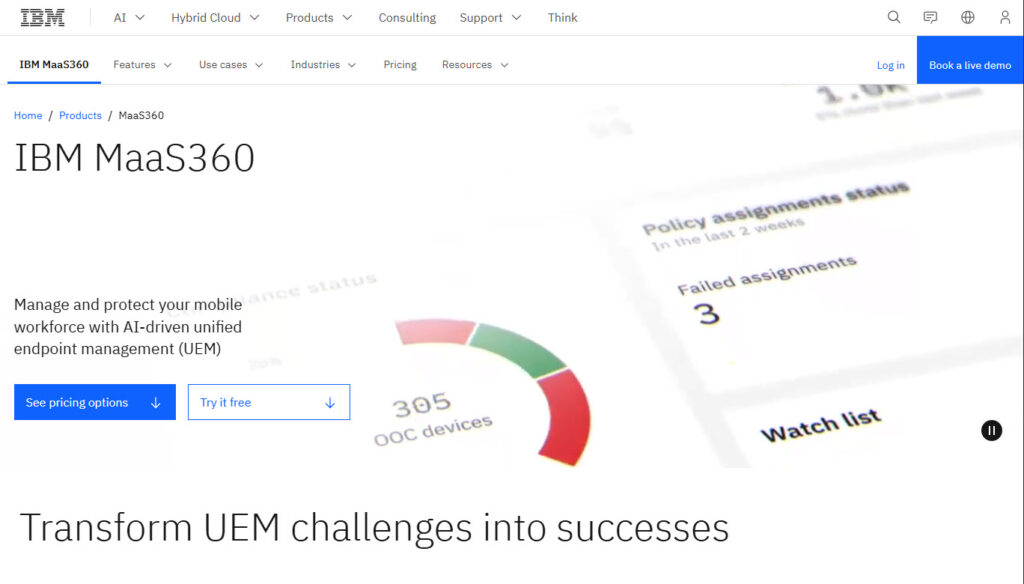
The AI feature set includes real‑time risk scoring for users and devices, actionable alerts, and dashboards based on mobile threat analytics.
Users can also access an AI‑powered chatbot and voice assistant for device and productivity support. This is good for natural‑language interactions rather than relying solely on IT tickets.
7. Citrix Endpoint Management
Best For: Organizations using Citrix Virtual Apps or Desktops
Let’s continue with a few more mobile device management software.
Citrix Endpoint Management is part of the broader Citrix platform and helps companies manage mobile devices, apps, and desktops from a single place. It’s especially useful for businesses already using Citrix for virtual apps or desktops.
It blends mobile device management (MDM) with mobile application management (MAM). Admins can push apps, enforce security settings, and control data access without touching personal information.
This is especially great for bring-your-own-device (BYOD) environments.
Citrix also includes features like app-specific VPNs, secure file sharing, and single sign-on to protect your company data.
8. AirDroid Business
Best For: Businesses managing Android-based devices remotely at scale
AirDroid Business is for companies that manage a large number of Android devices, especially those used in the field or in fixed locations like kiosks and digital signage.
It lets IT teams remotely access, monitor, and control devices in real time, even without user interaction.
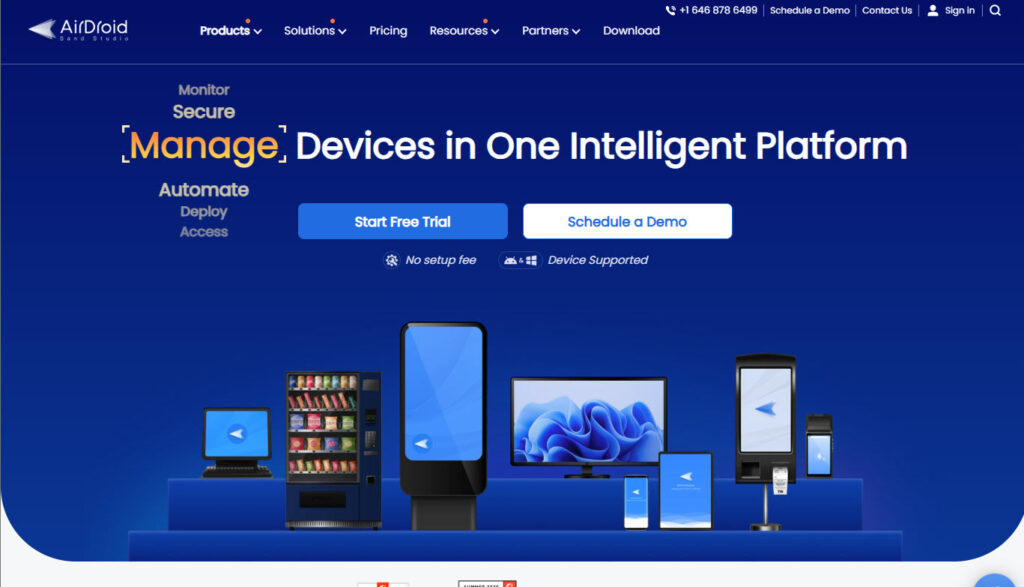
You can push app updates, lock devices into specific modes, track location, and troubleshoot issues without needing the device in hand. It’s great for logistics, retail, and service-based businesses.
The Shared Contact and Calendar Gap MDM Does Not Solve by Itself
MDM and UEM platforms primarily manage device enrollment, configuration, applications, compliance, access, and security policies. Some platforms can also control whether supported applications, such as Microsoft Outlook, save a user’s mailbox contacts to the device’s native Contacts app.
That capability is different from centrally distributing organization-wide directory data—such as selected Global Address List contacts, public-folder contacts, shared mailboxes, or shared calendars—to users as synchronized mobile contact or calendar data.
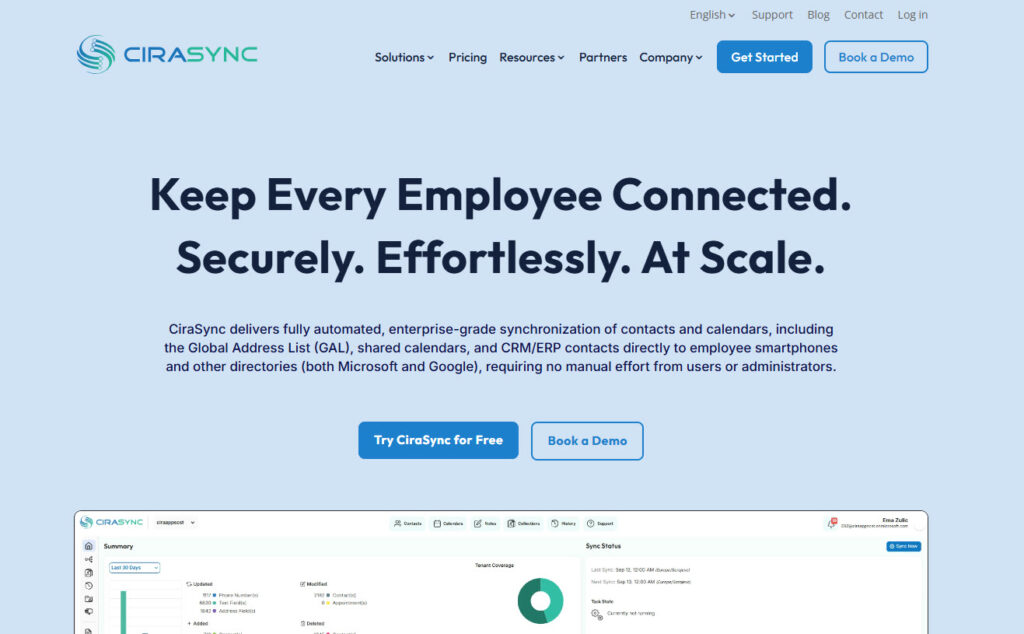
CiraSync addresses that Microsoft 365 synchronization use case. It automatically synchronizes selected Microsoft 365 contacts and calendars to users’ smartphones. CiraSync complements MDM/UEM; it does not replace device-management functions such as enrollment, compliance policies, application management, access controls, or remote device actions.
CiraSync On-Prem provides contact and calendar synchronization for high-security, regulated, and air-gapped environments while keeping processing and data within the organization’s infrastructure.
\What is Mobile Device Management Software?
Mobile Device Management (MDM) software helps businesses control and secure smartphones, tablets, laptops, and other endpoints used by employees. It allows IT teams to remotely configure devices, install or remove apps, enforce security policies, and wipe data if a device is lost or stolen.
MDM is especially useful in companies where employees use mobile devices to access work files, emails, or apps. It works whether the device is company-owned or personal (BYOD).
With an MDM solution, you protect sensitive business data and keep devices compliant with company policies. Most MDM tools support multiple platforms like Android, iOS, Windows, and macOS.
For example, if your organization uses Microsoft 365 and needs to sync shared contacts and calendars to employee smartphones, a tool like CiraSync can handle that automatically.
If you’re managing a lot of Android devices in the field, AirDroid Business lets you remotely update apps, monitor performance, lock stolen devices, and offer real-time support.
MDM vs UEM
Mobile Device Management (MDM) refers to centralized controls used to configure, secure, monitor, and manage enrolled devices and their applications. Modern MDM products may support smartphones, tablets, laptops, desktops, and other endpoint types depending on the vendor.
Unified Endpoint Management (UEM) extends endpoint management across multiple device classes and operating systems through a consolidated management platform. The exact boundary between “MDM” and “UEM” is not applied consistently across vendors, so buyers should compare actual supported platforms, enrollment models, application-management features, security controls, and integrations rather than relying on the product label alone.
From a security perspective, evaluate how each platform handles device compliance, application protection, identity integration, access control, encryption policies, and remote security actions. Capabilities vary by vendor, operating system, enrollment model, and license tier.
How Much Does MDM Software Cost in 2026?
Microsoft Intune Plan 1 is available as a standalone license for $8 USD per user/month. Microsoft also includes Intune Plan 1 in several Microsoft 365 and Enterprise Mobility + Security subscriptions, including Microsoft 365 E3/E5 and EMS E3/E5.
Starting in July 2026, Microsoft began adding selected advanced Intune capabilities to eligible Microsoft 365 E3 and E5 subscriptions. E3 receives Remote Help, Advanced Analytics, and Intune Plan 2 capabilities such as Tunnel for MAM, specialty-device management, and Firmware-over-the-Air updates. E5 includes those capabilities plus Endpoint Privilege Management, Microsoft Cloud PKI, and Enterprise Application Management. Microsoft states that tenants receive notice before activation, so administrators should confirm availability in their own tenant.
Licensing is only one component of total cost. Deployment effort depends on factors such as fleet size, operating systems, enrollment method, application packaging, identity integration, compliance requirements, migration scope, security-policy complexity, administrator experience, and support model. Do not publish generic implementation-time or deployment-cost comparisons unless the figures are based on documented, comparable implementation conditions.
MDM and UEM vendors use different licensing models, including per-device, per-user, and quote-based pricing. Published entry prices are not directly comparable because lower-cost tiers may support fewer operating systems or omit advanced UEM, security, automation, or support capabilities. For every price shown, identify the exact plan, billing unit, billing term, minimum-device requirement where applicable, and verification date.
Choose the Best MDM Software
And there you have it. In this article, we shared 10 top mobile device management tools that automate tasks for IT teams.
We saw how Microsoft Intune secures devices and AirDroid Business locks stolen devices. We also reviewed how CiraSync syncs contacts to mobile devices for field teams.
The next step is choosing the tools your organization needs at the moment. This way, you can secure your workflow and protect data across devices.
Which MDM or UEM Platform Should You Evaluate?
- Microsoft 365 and Entra-centered environment: Evaluate Microsoft Intune first and confirm whether the required capabilities are already included in your Microsoft licensing.
- Apple-focused environment: Compare Jamf Pro and Iru. Jamf Pro is centered on Apple management, while Iru Endpoint Management supports Apple, Windows, and Android.
- Mixed desktop and mobile fleet: Compare the full multi-platform tiers from vendors such as Scalefusion, Hexnode, Omnissa, Microsoft, and other UEM providers rather than comparing only their lowest advertised prices.
- Rugged or specialized-device fleet: Evaluate SOTI MobiControl and other platforms with documented support for the exact rugged hardware and operating systems you deploy.
- Android-heavy kiosk or unattended fleet: Evaluate AirDroid Business and other Android-focused management platforms based on the exact remote-management and kiosk controls required.
- Existing Citrix environment: Evaluate Citrix Endpoint Management against your current Citrix architecture and confirm current commercial packaging and supported platforms.
- Need organization-wide Microsoft 365 contacts or shared calendars available on employee phones: Evaluate CiraSync as a synchronization complement to MDM/UEM rather than as a replacement for device management.
Editorial disclosure: CiraSync is our product. We do not include CiraSync Cloud or CiraSync On-Prem in the ranked MDM/UEM list because they are contact and calendar synchronization products rather than MDM/UEM platforms. They are discussed separately where their synchronization use case is relevant.
Frequently Asked Questions
What is the best MDM software in 2026?
There is no single MDM or UEM platform that is best for every organization. Microsoft Intune is a strong fit for Microsoft 365 and Entra environments; Jamf Pro focuses on Apple management; Scalefusion and Hexnode provide multi-platform options; and SOTI MobiControl supports a broad range of standard and specialized device platforms. Choose based on your operating systems, enrollment model, security and identity requirements, application-management needs, and required license tier.
What’s the difference between MDM and UEM?
MDM focuses on centrally managing and securing enrolled devices and applications. UEM extends management across multiple endpoint classes through a consolidated platform. Because vendors use these labels differently, compare actual platform support and capabilities rather than choosing based on the MDM or UEM label alone.
How much does MDM software cost?
Pricing varies by vendor, plan, licensing model, device type, and feature set. Vendors may charge per device, per user, or through a custom quote. Entry-tier prices should not be compared without checking which operating systems and features the tier includes. For example, Microsoft currently lists Intune Plan 1 at $8/user/month when purchased standalone.
Is Microsoft Intune included with Microsoft 365?
Intune Plan 1 is included in several Microsoft 365 and Enterprise Mobility + Security subscriptions, including Microsoft 365 E3/E5 and EMS E3/E5. Starting in July 2026, Microsoft also began adding selected advanced Intune capabilities to eligible Microsoft 365 E3/E5 subscriptions. Because entitlement varies by SKU and tenant rollout status, administrators should confirm the assigned licenses and available Intune capabilities in their own Microsoft tenant.
Did Kandji change its name?
Yes. Kandji became Iru on October 22, 2025. Iru Endpoint Management supports Apple, Windows, and Android. The broader Iru platform also includes endpoint detection and response, vulnerability management, identity, and compliance products.
Can MDM wipe a lost phone?
MDM/UEM platforms commonly provide remote security actions such as lock, retire, or wipe. The exact actions available depend on the operating system, ownership model, enrollment type, and management platform. In Microsoft Intune, for example, Wipe performs a factory reset on supported devices, while Retire removes managed organizational data and settings while preserving personal data where supported.
Does MDM sync company contacts to employee phones?
Sometimes. The capability depends on the platform, application, and policy. For example, Microsoft Intune can configure how Outlook contact fields synchronize with native iOS and Android Contacts apps. That is different from centrally distributing a selected Microsoft 365 Global Address List, public-folder contacts, or shared calendars to many users. CiraSync is designed for that broader Microsoft 365 synchronization use case.
How long does MDM deployment take?
There is no reliable universal deployment time. Implementation depends on fleet size, operating systems, enrollment method, identity integration, application packaging, existing infrastructure, security policies, migration requirements, and administrative resources. Use vendor- or project-specific estimates rather than generic deployment timelines.