

Field service teams face growing pressure to work faster, smarter, and more efficiently as customer expectations climb. Customer expectations keep climbing. Salesforce reports that 82% of service professionals agree customer expectations are higher than they used to be, drawn from a survey of 6,500 service professionals and decision makers. Speed is where that pressure lands hardest: Zendesk’s CX Trends 2026 report found 88% of consumers expect faster responses than they did just one year ago.
That makes the choice of field service management software a serious strategic move, not just another tool.
Whether you’re managing technicians, coordinating parts, or tracking jobs on the go, the right solution can cut wasted time and improve your operations.
Let’s check ten popular options.
TL;DR: The best field service management software in 2026
- Best for enterprise and commercial contractors: ServiceTitan (quote only, priced per technician)
- Best for residential home services: Housecall Pro (Basic from $59/mo billed annually, $79 month to month)
- Best for small teams on a budget: Connecteam (free up to 10 users, then $29/mo per hub) or Jobber (Core from $29/mo billed annually, one user)
- Best flat-rate pricing for growing crews: Service Fusion (from about $208 per month, unlimited users)
- Best for Microsoft shops: Dynamics 365 Field Service
- One capability many FSM platforms do not provide directly: getting customer and vendor contacts onto technicians’ phones. That is the layer CiraSync covers.
- Pricing checked against vendor pricing pages in August 2026. Quote-only vendors are labelled as such.
Quick Comparison: 10 FSM Tools at a Glance
| Tool | Best for | Published price (checked Aug 2026) | Billing | AI features |
| ServiceTitan | Enterprise and commercial trades | Not published; quoted per technician after a demo | Set at quote | AI dispatch and call booking |
| Agentforce Field Service and Operations (Salesforce) | Enterprises already running Salesforce | $175/user/mo Dispatcher or Technician; Field Service Plus $230; Contractor $55 to $80; Some Field Service editions and permission models require underlying Salesforce licenses | Annual contract required on all per-user products | Agentforce for Field Service USD $125/user/mo add-on; Agentforce 1 Field Service $650/user/mo |
| Connecteam | Deskless small teams | Free up to 10 users; then $29/mo per hub for the first 30 users on annual billing, $35 monthly | Monthly or annual | Not Documented |
| Jobber | Solo operators and small crews | Core $49/mo no commitment, $39/mo on a 1-year term, $29/mo billed annually | Monthly, 1-year term, or annual prepaid | Receptionist add-on $29/mo |
| Housecall Pro | Residential home services | Basic $59/mo billed annually, $79/mo month to month | Monthly or annual; no long-term contract required | CSR AI for AI answering |
| Dynamics 365 Field Service | Organizations invested in Dynamics 365 and Power Platform | $105/user/mo paid yearly; Field Service Contractor $50/user/mo | Annual | Copilot |
| Simpro | Commercial and multi-trade contractors | Not published; custom quote | Monthly or annual | Not Documented |
| Zuper | Mid-market field teams | Not published | Confirm at quote | AI scheduling |
| Workiz | Small service businesses | Not published; pricing page says “Request pricing” | Monthly or annual, annual discount offered | Genius Answering add-on |
| ServiceTrade | Commercial mechanical | Not published | Confirm at quote | Confirm with vendor |
10 Best Field Service Management Software
The best field service management software are:
- ServiceTitan
- CiraSync
- Salesforce Field Service
- Connecteam
- Jobber
- Zuper
- Workiz
- ServiceTrade
Let’s review each tool in more detail.
1. ServiceTitan
First on our list of field service management software is ServiceTitan.
Built specifically for residential trade service businesses like HVAC, plumbing, and electrical, ServiceTitan brings job scheduling, dispatch, automated estimates, and mobile-app tools under one roof.
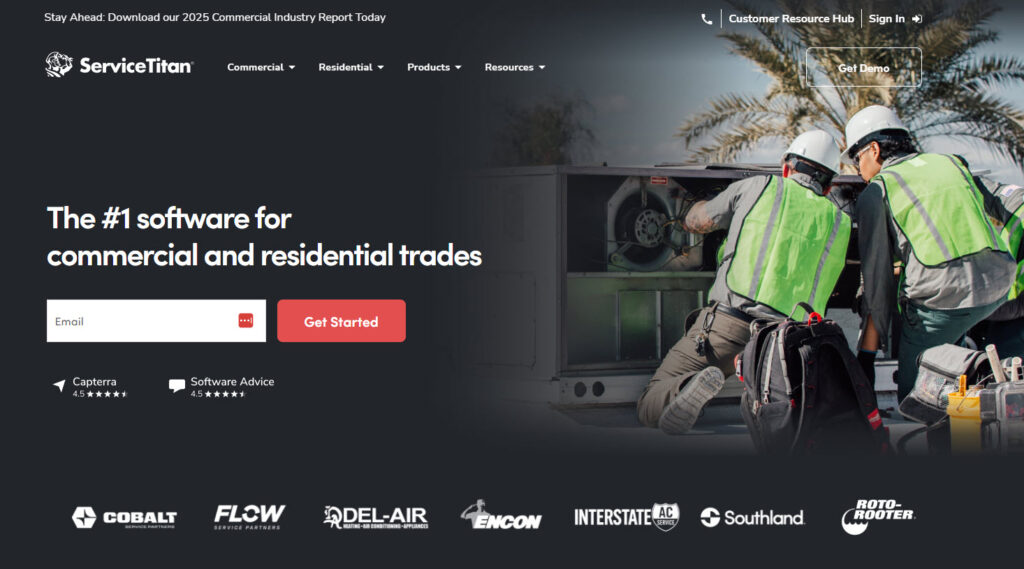
It gives you real-time visibility into field operations, helps track inventory and parts, and supports invoicing and payment right on site.
The platform also includes dashboards and reporting features so you can see technician performance, job profitability, and overall business health. Because it’s designed for growing service businesses, it tends to be more expensive and may include features a smaller team doesn’t need.
2. Salesforce Field Service
Let’s continue with more field service management tools.
Salesforce Field Service is a field service management tool built for teams that already use or plan to use the Salesforce platform. It helps companies schedule jobs, dispatch the right technicians, and track work in real time using a mobile app.
Salesforce renamed this product Agentforce Field Service and Operations. Salesforce’s own documentation notes that it still uses “Field Service” to refer to the product area in some applications and help articles, so you will see both names in current material.
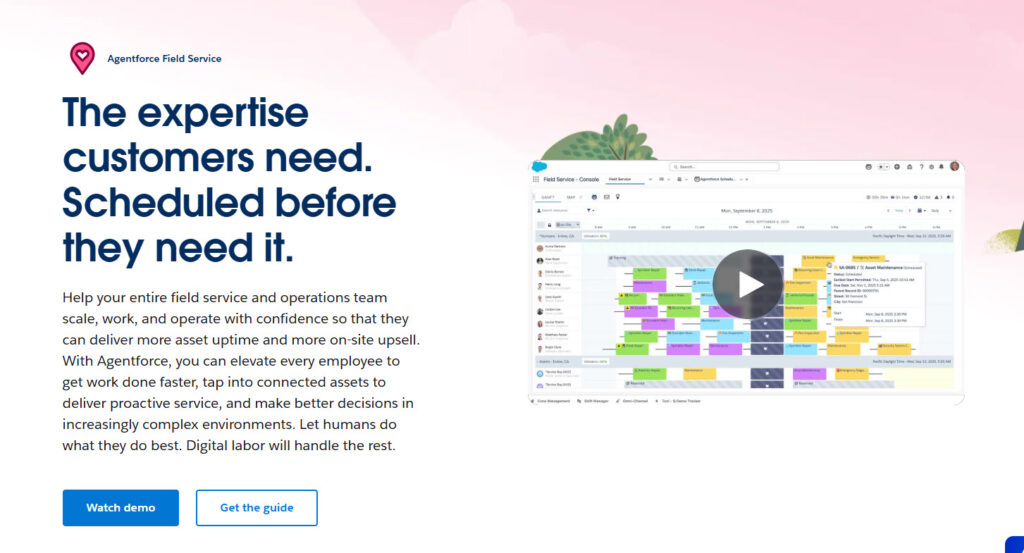
The software also supports asset management, parts tracking, and customer communication, so nothing gets lost between the office and the field. With built-in automation and reporting, managers can reduce manual work and make smarter decisions faster.
It works well for growing teams and large organizations that need a scalable, connected system.
3. Connecteam
Connecteam is a field service management tool crafted for teams that don’t sit behind desks; think technicians, mobile staff, field crews.
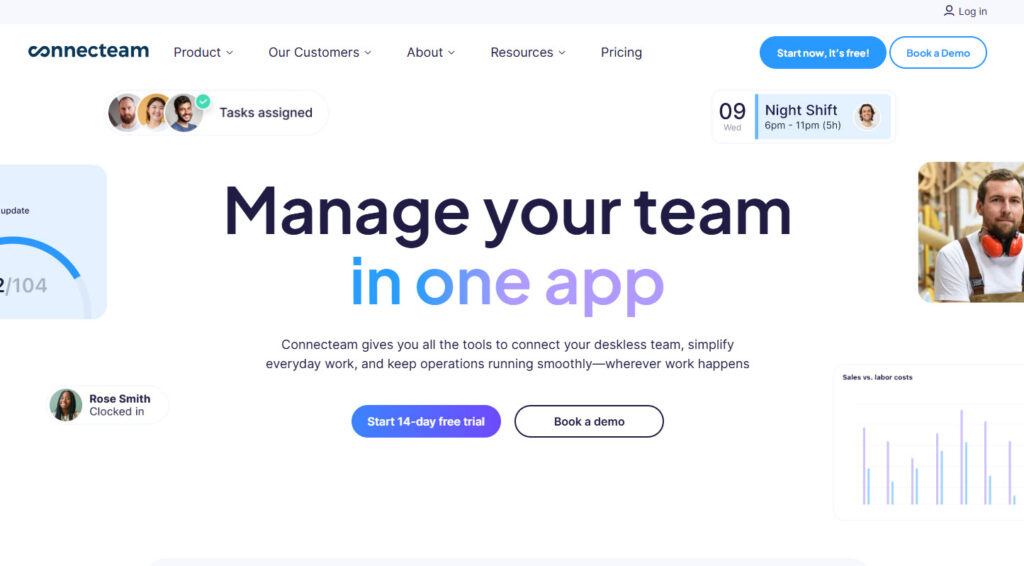
It combines job dispatching, time-tracking with GPS and geofencing, and digital forms/checklists so every task can be logged from the field via phone.
Communication stays solid with chat and updates built in so the office and crews stay aligned. There’s a free plan for up to 10 users, making it accessible for smaller teams, though as you scale, the pricing and tier structure get more complex.
4. Jobber
Let’s continue with more field service management tools.
Jobber is built to handle the everyday workflow of service businesses from one simple dashboard. It helps you schedule jobs, send quotes, manage work orders, and create invoices without jumping between different systems.
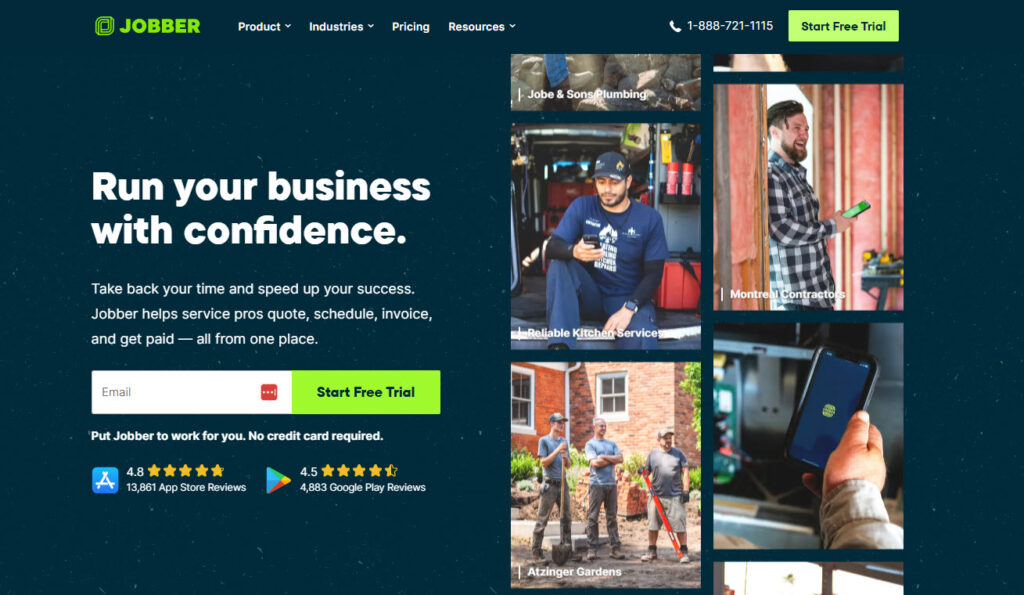
The mobile app lets technicians see their tasks, update job details, and collect payments while on site. Customer information and job history are stored in one place, which makes follow-ups and repeat work easier to manage.
Its clean, straightforward layout makes it easy to get started without a long learning curve.
5. Housecall Pro
A strong option for residential home service businesses such as HVAC, plumbing, electrical and cleaning companies.Housecall Pro includes features for online booking, customer communication and review management, depending on plan. HCP Assist is the separate option, staffed by live agents rather than AI. Pricing: Basic is $59 per month billed annually or $79 month to month; higher tiers scale up and the top plan is quote-only. Watch out for: per-user costs and add-ons on lower tiers; confirm the all-in price for your team size.
6. Dynamics 365 Field Service
Microsoft’s FSM platform, and the natural shortlist entry for organizations already running Microsoft 365. It handles work orders, scheduling, and resource management inside the Dynamics ecosystem, with Copilot assistance for technicians and dispatchers. Pricing: Microsoft lists Dynamics 365 Field Service at $105 per user per month paid yearly, with a Field Service Contractor licence at $50 per user per month for external technicians and Resource Scheduling Optimization at $30 per resource per month. Watch out for: it assumes an existing Dynamics 365 and Power Platform investment. Buyers should evaluate implementation effort, Dynamics 365 dependencies, Power Platform integration requirements, licensing complexity and administrator skills before deployment.
7. Simpro
Built for commercial and multi-trade contractors that need project-style jobs, maintenance contracts and multi-stage quoting. Pricing: not published. Simpro quotes based on team size and the modules you need, and offers monthly or annual billing rather than annual only. Watch out for: implementation effort. Watch out for implementation effort that can vary based on configuration, modules and business-process complexity, so buyers should confirm onboarding requirements and implementation support before purchase.
8. Zuper
Zuper helps service teams automate and streamline core field operations like scheduling, dispatching, work orders, and invoicing from a single platform.
It uses intelligent tools to match jobs with the right technicians based on skills, availability, and location. This cuts down travel time and improves response times.
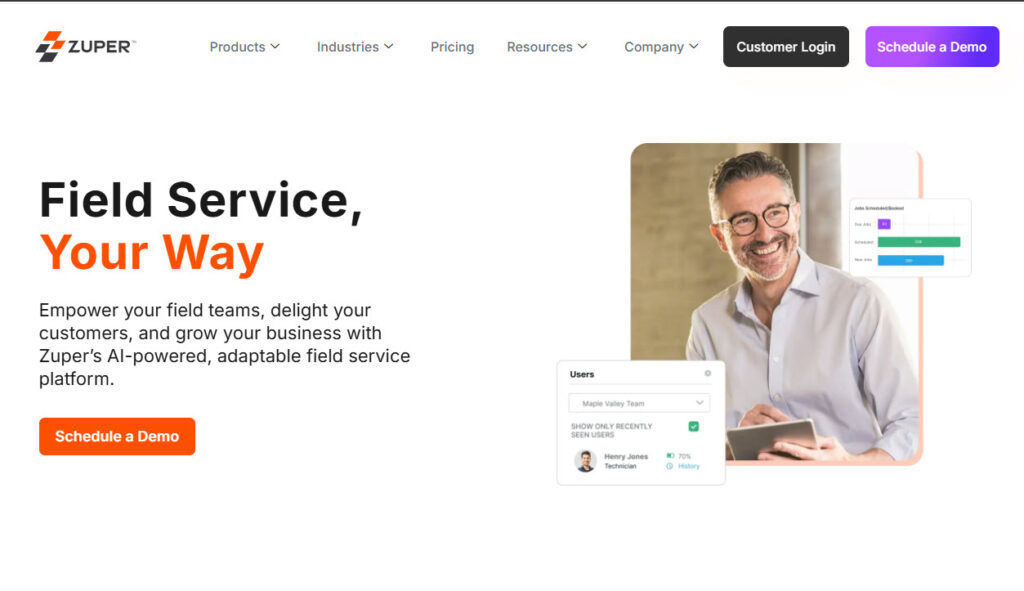
Technicians get a mobile app with real-time updates, job histories, and customer information so they can work more efficiently on-site.
The platform also supports integrations with other business systems and customizable workflows to fit different industries’ needs. Zuper’s flexible, cloud-based design makes it a scalable option as service demands grow.
9. Workiz
This list of the best field service management software won’t be complete without talking about Workiz.
Workiz helps service businesses run their day-to-day operations from one platform, handling everything from scheduling and dispatching to invoicing and customer management.
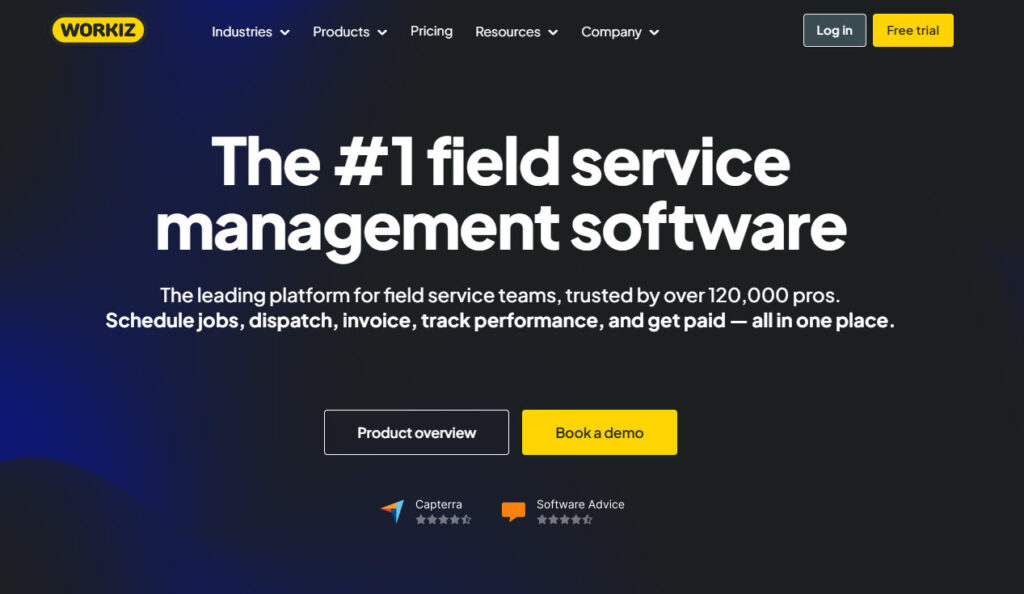
You can assign jobs, track technicians’ progress in real time, and accept payments all within the app, which works on both desktop and mobile. The platform also offers features like online booking, inventory tracking, and built-in communication tools to keep the office and field aligned.
While it’s especially popular with small to mid-sized teams looking for a simple, unified system, some users note that aspects like mobile reliability and advanced customisation can vary.
10. ServiceTrade
Last but not least on our list of top FSM software is ServiceTrade.
ServiceTrade is a field service management platform designed to help commercial service contractors streamline operations and boost efficiency across the board.
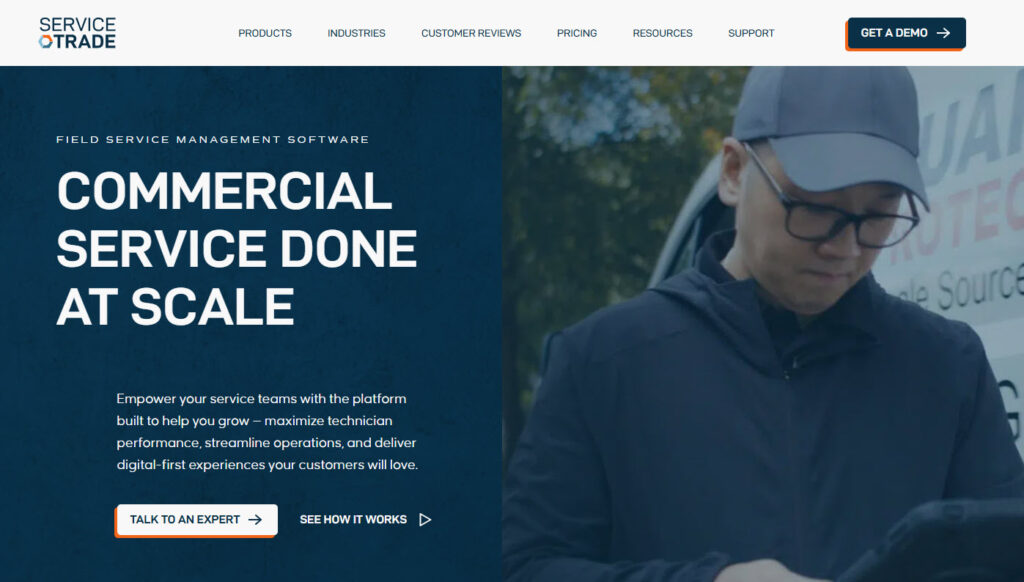
It offers features like intelligent scheduling and dispatching, mobile access to job details, and detailed customer histories so technicians spend less time searching for information and more time on the job.
The FSM tool also includes invoicing, customer communication, and business reporting to reduce administrative work and improve performance visibility. With built-in CRM features and customer portals, it supports better client relationships and quicker response times.
The Layer FSM Platforms Don’t Cover: Contacts on Technicians’ Phones
Your FSM platform shows a technician the customer name, the site address and the phone number for the job it assigned, inside its own app. FSM platforms typically display customer and job contact data inside their own applications. They generally are not designed to continuously distribute an organization’s Microsoft 365 Global Address List, shared contact folders, or selected CRM contacts into each technician’s native phone Contacts app.
You notice the gap on the incoming call. A site manager rings a technician mid-job and the screen shows a bare number. Someone needs the parts desk and has to open the FSM app, or the office, to find it. Corporate contacts live in Microsoft 365, customer records live in the FSM platform or the CRM, and the phone’s own address book has whatever the technician typed in by hand.
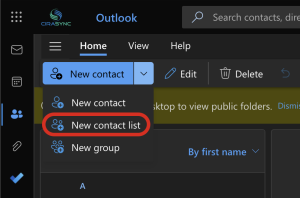
CiraSync is not a field service management platform and we are not going to present it as one. It syncs contacts from supported Microsoft 365 and CRM sources into native phone contacts, so names appear on caller ID and the company directory sits where the technician already looks. CiraSync can also synchronize supported shared calendar data so it is available through users’ mobile calendar experience.
H2: How Much Does Field Service Management Software Cost?
FSM vendors use several different licensing structures, so headline prices are not directly comparable. Common models include flat-rate subscriptions, capped-seat plans, per-user licensing and custom enterprise quotes.
Flat rate, unlimited users. Service Fusion charges $208 to $533 per month on annual billing, or $245 to $627 month to month, with unlimited users on every tier.
Capped seats, low subscription. Jobber Core is $49 per month with no commitment, $39 per month if you commit to a year, or $29 per month billed annually, all for one user. Housecall Pro Basic is $59 per month billed annually or $79 month to month, also one user. Connecteam is free for up to 10 users, then $29 per month per hub for the first 30 users on annual billing. Pricing can change materially as team size increases, so compare the tier your organization is likely to need over the next 6–12 months rather than only the entry price.
Per user. Salesforce lists Dispatcher and Technician at $175 per user per month billed annually, Field Service Plus at $230 and Contractor licences at $55 to $80, and requires at least one Service Cloud licence underneath. Microsoft lists Dynamics 365 Field Service at $105 per user per month paid yearly, with a $50 contractor licence.
Quote only. ServiceTitan, Simpro, Workiz and Zuper publish nothing. ServiceTitan quotes per technician; TrustRadius buyer data puts the range at roughly $125 to $398 per technician per month, though your quote depends on headcount, revenue and negotiation. ServiceTitan does not publish a numeric list price; the vendor states that pricing is structured per technician and asks buyers to request pricing. If third-party reported price ranges are included, label them explicitly as third-party estimates rather than vendor pricing and cite the source and verification date.
Additional costs may include implementation and onboarding, optional modules such as GPS tracking or communications tools, and payment-processing fees.
AI in Field Service: What’s Actually Shipping in 2026
Three AI capability categories are especially relevant to FSM buyers in 2026, as opposed to living on roadmaps:
AI dispatch and scheduling. Some FSM platforms now use AI-assisted scheduling and dispatch tools to recommend or automate assignments based on factors such as technician availability, skills, location and job requirements. Buyers should verify exactly which decisions are automated and which still require dispatcher approval. The practical test: ask the vendor to demonstrate dispatch reassignment when a job runs long, live, with your own job types.
AI voice answering. Jobber, Housecall Pro, and Workiz all sell AI receptionists or answering add-ons that capture after-hours calls and book jobs directly. If you lose weekend calls to voicemail, this is the capability to demo first.
Predictive maintenance. Mostly relevant to commercial and enterprise buyers. Dynamics 365 Field Service supports this through Azure IoT connections to equipment telemetry. Ask any other vendor claiming predictive maintenance to show you the data source, the trigger and the resulting work order on a live call, because the phrase covers everything from real telemetry to a maintenance reminder.
One buying rule for 2026: ignore the word “AI” on the pricing page and ask vendors to demonstrate the specific workflow you care about, with your data, on a call.
Best FSM Software by Trade
- HVAC and plumbing (residential): Housecall Pro or Jobber. Booking, reminders, and review generation matter more than project management here.
- HVAC and plumbing (commercial): ServiceTitan or ServiceTrade. Multi-day jobs, equipment history, and service agreements are the deciding features.
- Electrical (commercial and industrial): Simpro or ServiceTitan. Multi-stage quoting and maintenance contracts are the differentiators.
- Pest control and routes: GorillaDesk or Workiz. Dense route scheduling beats dispatch sophistication.
- Solo operators: Consider Jobber’s single-user entry plan or other low-seat-count FSM tools based on platform support and required features.
- Microsoft 365 organizations: Dynamics 365 Field Service for the platform, for Microsoft 365 organizations that also need centrally managed GAL or shared-contact synchronization to employee smartphones, evaluate CiraSync separately from the FSM platform.
- Mixed deskless teams (not just trades): Connecteam, especially if the free 10-user tier covers your crew.
How We Chose These Tools
We evaluated these FSM platforms using six documented criteria: scheduling and dispatch depth, mobile app quality for technicians, pricing transparency, contract terms, AI features you can buy today rather than ones announced, and fit by trade and company size. This research is desk based. We read vendor pricing pages, product documentation and third-party buyer data in August 2026, and we have not run hands-on trials of every platform. Where a vendor publishes no pricing, we say so rather than presenting a reported figure as fact.
Disclosure: CiraSync is our product. It is not a field service management platform, so it does not appear in the ranked list above. We included it in a separate, clearly labelled section because it covers a separate layer: getting customer and company contacts onto technicians’ phones.
We update this page annually. If a vendor changes pricing or a product is rebranded, tell us and we will re-verify.
How to Choose Field Service Management Software
1. Define Needs and Budget
Start by naming the service problems you want the tool to solve.
Focus on delays, missed visits, and slow billing cycles. Decide who uses the platform daily and what they must do fast. Include technicians, dispatchers, and anyone approving work. Set a budget range that fits your team size and job volume.
Add implementation and training costs to avoid surprises later. If the numbers feel tight, reduce scope before you reduce adoption.
- Team setup: number of techs, dispatchers, and managers who need access.
- Service model: break-fix, maintenance plans, installations, or mixed work.
- Job volume: weekly work orders, emergency calls, and seasonal spikes.
- Hidden costs: onboarding, integrations, devices, and support tiers.
- 90-day targets: faster scheduling, higher first-time fix rate, fewer billing errors.
2. Prioritize Essential Features
Most field service software demos feel smooth, but daily work exposes gaps.
Build a short list of required capabilities for your exact service model. Confirm scheduling, work orders, and technician workflows work without extra steps. Check how the mobile app handles photos, signatures, and offline work.
Make sure customer updates reduce inbound calls, not create confusion. Review reporting only after you trust the data capture. A smaller feature set often wins when it fits your operations.
3. Check Integration Capabilities
Integrations decide whether your team does less admin work or more.
Start with accounting, CRM, and inventory, since those create the most rework. Ask where records get created, and how updates sync across tools. Confirm whether sync runs in real time or on a schedule.
Check how the vendor handles failures, duplicates, and conflicting edits. Good integrations make your field service software feel connected, not isolated.
4. Check Pricing and ROI
Integration decides whether FSM reduces admin work or adds more of it. Start with the systems you already rely on daily. Think accounting, CRM, inventory, and messaging tools. Ask where data should start, and where it should end.
Confirm whether updates sync both ways, or only one way. Also check how easy it is to fix sync errors when they happen. A strong integration story saves hours every week.
Pricing models vary, so read the details, not the headline number. Some field service scheduling software charges per user, while others charge per technician only.
Many vendors also charge extra for features like payments and advanced reporting. Estimate total cost using real headcount, job volume, and support needs.
Then compare that cost to measurable gains from daily operations. ROI should come from time saved, fewer mistakes, and more completed jobs.
- Cost drivers: licenses, add-ons, onboarding, and support plans.
- ROI levers: fewer missed visits, faster invoicing, and better route efficiency.
- Revenue impact: more completed jobs per tech per week.
- Cost impact: fewer admin hours spent scheduling and fixing errors.
- Proof points: pilot results, customer references, and clear case studies.
Use the Best Field Service Management Tool
Choosing the best field service management software really comes down to how your team actually works in the real world.
You want something that fits into your day instead of forcing you to change everything around it, because honestly, that never ends well. Some businesses need deep reporting and automation, while others just want clean scheduling and a simple mobile app that keeps things moving.
Tools like CiraSync add another important layer by making sure contact information is always accurate on every device, which quietly removes a lot of friction from daily work.
The smart move is to list your must-haves, try a few demos, and picture your busiest day using each tool. The right option will feel, a bit surprisingly, like it’s already part of your routine.
Frequently Asked Question
What does field service management software actually do?
A field service management software helps you schedule jobs, dispatch technicians, track work in real time, manage parts or inventory, and keep customer details organized. Most tools also include mobile apps so field teams can update jobs and communicate from anywhere.
How do I choose the right field service software for my business?
Start by listing your must-have features, like scheduling, invoicing, mobile access, or reporting. Then compare a few demos and picture how each tool would work on your busiest day. The right choice usually feels simple and natural.
How much does field service software cost?
It depends on how the vendor charges. Common FSM pricing structures include flat-rate subscriptions, capped-seat plans, per-user pricing, and custom enterprise quotes.
Flat-rate plans bill one price for the whole company:
Service Fusion lists plans from approximately $208 to $533 per month when billed annually, or $245 to $627 month to month, with unlimited users. Capped-seat plans bill a low subscription with a user limit
Jobber Core is $49 per month with no commitment, $39 per month on a one-year commitment, or $29 per month billed annually
Housecall Pro Basic is $59 per month billed annually or $79 month to month
Connecteam’s Small Business Plan is free for up to 10 users. Paid Basic plans start at $29/month per hub for the first 30 users on annual billing; monthly billing is higher. Per-user plans bill every seat:
Salesforce lists Dispatcher and Technician at $175 per user per month billed annually, and Microsoft lists Dynamics 365 Field Service at USD $105 per user per month paid yearly.
Several enterprise and mid-market FSM vendors do not publish a fixed self-service price. ServiceTitan, Simpro, Zuper and other vendors use custom or request-pricing models, so buyers should obtain a current quote based on team size, modules and contract terms. Whichever model you land in, onboarding, add-on modules and payment processing sit on top of the headline number.
Software that schedules, dispatches, and tracks work performed at customer sites: work orders, technician assignment, invoicing, and customer communication in one system. It is used by HVAC, plumbing, electrical, pest control, and similar trade businesses.
What is the best field service management software for a small business?
Connecteam if you have 10 or fewer users (it is free at that size) or Jobber Core at $29 per month billed annually, $39 on a one-year term or $49 month to month, for one user. Housecall Pro Basic at $59 per month billed annually or $79 month to month if online booking and review generation matter to you.
ServiceTitan does not publish a fixed numeric list price and uses per-technician pricing based on a quote. Whether it is cost-effective depends on team size, required modules, implementation costs and the operational value of its scheduling, dispatching, reporting and trade-specific workflows. Request an all-in quote and compare it against alternatives using the same team size and feature requirements.
A CRM manages relationships and pipeline before the sale. FSM software manages the work after the sale: scheduling, dispatch, job execution, and invoicing. Many businesses run both, many organizations use CRM and FSM tools alongside separate directory/contact synchronization workflows. CiraSync addresses the Microsoft 365 and supported CRM contact-synchronization use case discussed elsewhere on this page.
Increasingly yes. AI dispatch, AI call answering, and predictive maintenance are shipping at several vendors in 2026. Ask for a live demonstration of the specific workflow rather than trusting the pricing-page badge. (See the AI section above.)
Residential HVAC: Housecall Pro or Jobber. Commercial HVAC: ServiceTitan or ServiceTrade. See the trade-by-trade picks above.
Some FSM products can expose customer contact information inside their mobile apps or integrate with device/contact workflows. However, FSM platforms are generally not designed to centrally distribute an organization’s Microsoft 365 GAL, shared contacts or selected CRM contacts into every technician’s native phone address book. CiraSync addresses that separate synchronization use case. (Disclosure: CiraSync is our product.)
Pricing, plan structures, AI capabilities and product names change frequently. Re-verify vendor data whenever the page is materially refreshed and before publishing time-sensitive pricing or licensing claims.