Modern IT teams are juggling more tools, alerts, and responsibilities than ever, which makes daily operations harder to manage.
To solve this problem, 48% of organizations currently install automation tools to automate manual tasks, and 83% of IT leaders believe this is necessary.
The goal of this article is not to add more IT operations management tools that increase manual tasks. Rather, we’ll focus on tools that automate routing and fit your team’s real workflow.
Let’s get started!
TL;DR
IT operations management (ITOM) tools keep IT systems healthy, automated, and visible. The best-known platforms in 2026 span several categories: RMM (NinjaOne, Atera, N-able), enterprise ITOM/ITSM (ServiceNow, ManageEngine, InvGate, Jira Service Management), observability (Datadog, SolarWinds), and niche utilities like CiraSync for syncing contacts and calendars across devices. The defining trend this year is AIOps – AI that correlates events, cuts alert noise, and increasingly remediates issues on its own.
What Is IT Operations Management (ITOM)?
IT Operations Management (ITOM) refers to the tools and processes organizations use to monitor, manage, automate, and optimize their IT infrastructure and services. The goal of ITOM is to maintain system performance, reduce downtime, improve visibility across environments, and ensure business-critical applications remain available and secure.
ITOM is often confused with related technologies, but each serves a different purpose:
- ITOM focuses on infrastructure, operations, monitoring, automation, and service health.
- ITSM focuses on service delivery, incident management, change management, and support workflows.
- RMM (Remote Monitoring and Management) focuses on managing endpoints, devices, and networks remotely.
- Observability provides deep visibility into system performance through metrics, logs, and traces.
- AIOps applies artificial intelligence and machine learning to automate operations and identify issues before they impact users.
Modern IT teams typically use a combination of these technologies to maintain reliable, secure, and scalable IT environments.
10 Best IT Operations Management Tools
The best IT operations management tools are:
- NinjaOne
- CiraSync
- Atera
- SolarWinds
- ManageEngine
- Jira
- N-able
- InvGate
- ServiceNow
- Datadog
1. NinjaOne
Let’s start with our first IT operations management tool: NinjaOne.
It helps IT teams manage devices, patch software, monitor performance, and fix issues remotely from one place. It can automate patching for Windows, macOS, and Linux, track hardware and software inventory, and run scripts across many machines at once.
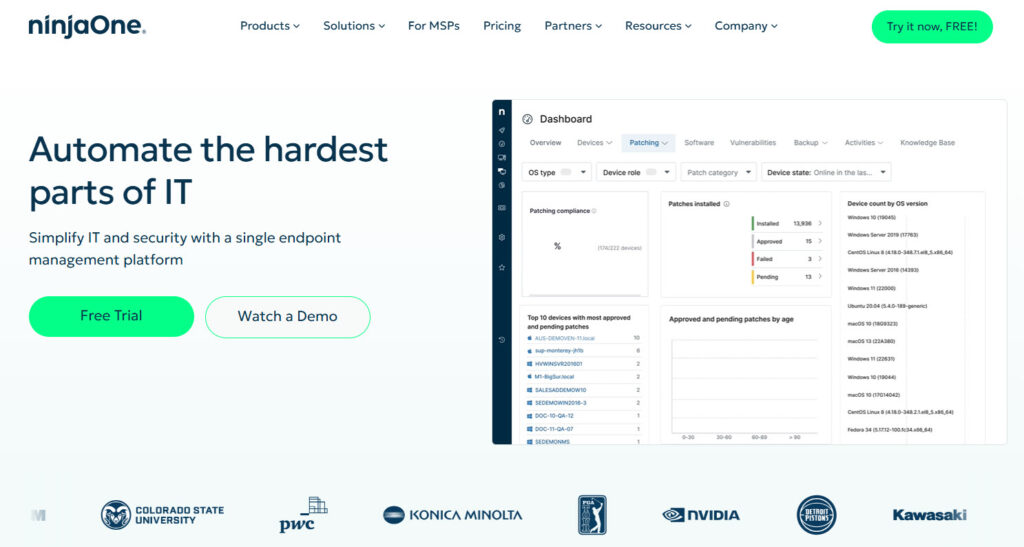
The tool also includes backup, remote access, endpoint monitoring, and simple ticketing so teams don’t need five different systems to keep things running.
Alerts, reports, and health checks are built in, which makes problems easier to catch early. For many IT departments, NinjaOne works as the central hub for keeping endpoints secure, updated, and stable.
2. CiraSync
CiraSync is next on our list of best IT operations management tools.
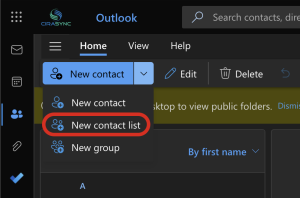
CiraSync handles a problem most IT tools overlook: keeping shared contacts and calendars updated on every employee’s phone. It syncs Global Address List contacts, public folders, shared mailboxes, and distribution lists directly to iOS and Android devices.
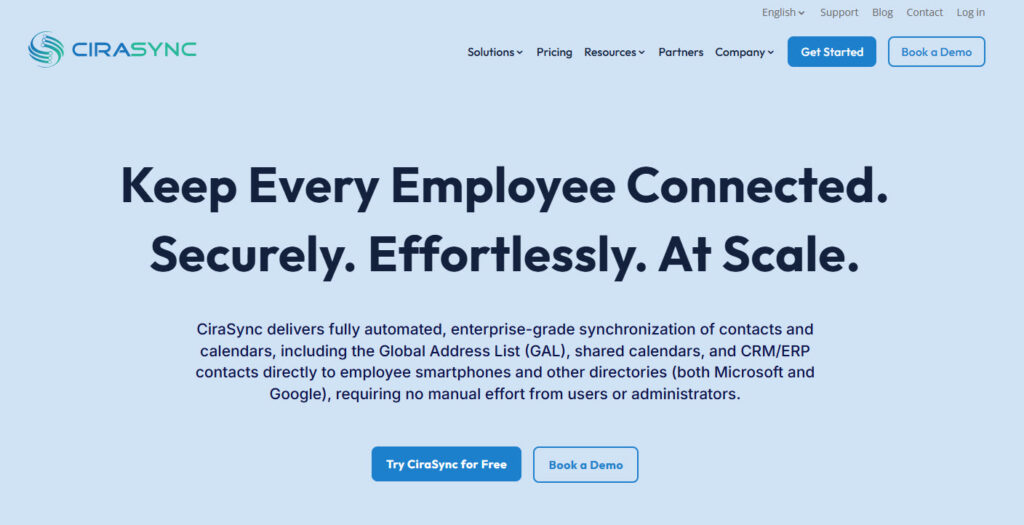
The platform runs automatically in the background, so users always see the correct numbers, names, and events without opening a separate app. It uses Azure Admin Consent, OAuth 2.0, and stays entirely inside the Microsoft 365 tenant, which keeps security teams comfortable.
For IT departments tired of manual updates, broken caller ID, and outdated contact lists, CiraSync removes a constant source of friction.
3. Atera
Atera is built around AI, so most of the heavy IT work gets handled automatically instead of manually. The platform can suggest fixes, write scripts, summarize tickets, and even resolve common issues on its own.
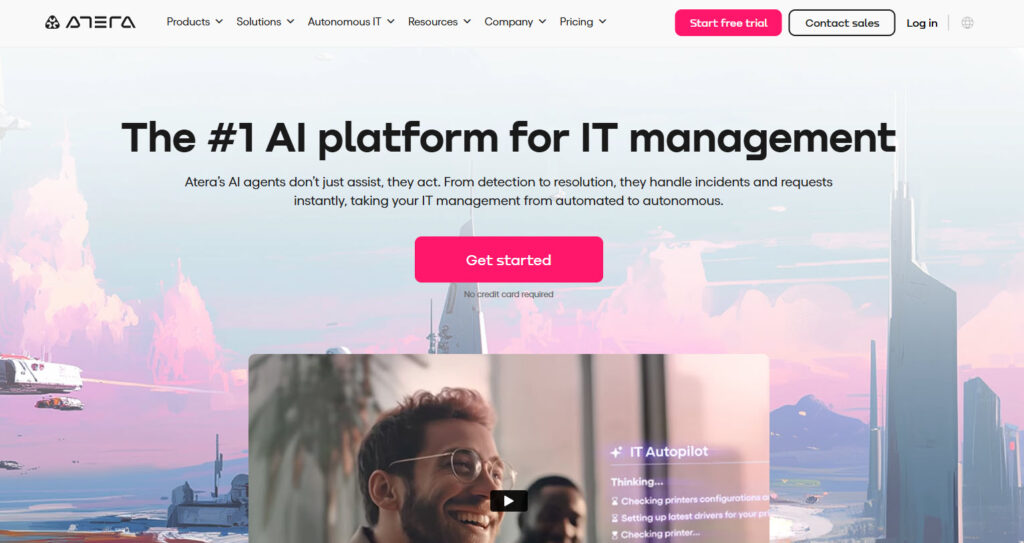
You still get the essentials like monitoring, patching, ticketing, and remote access, but the AI layer sits over everything to speed up decisions and cut repetitive tasks.
Over time, it learns from the environment and starts recommending smarter actions that match how the team works.
4. SolarWinds
Let’s continue with a few more IT operations management tools.
SolarWinds gives IT teams a full toolkit to monitor networks, servers, applications, and device performance in real time. It maps out your entire infrastructure so you can see bottlenecks, outages, and slowdowns as they happen.
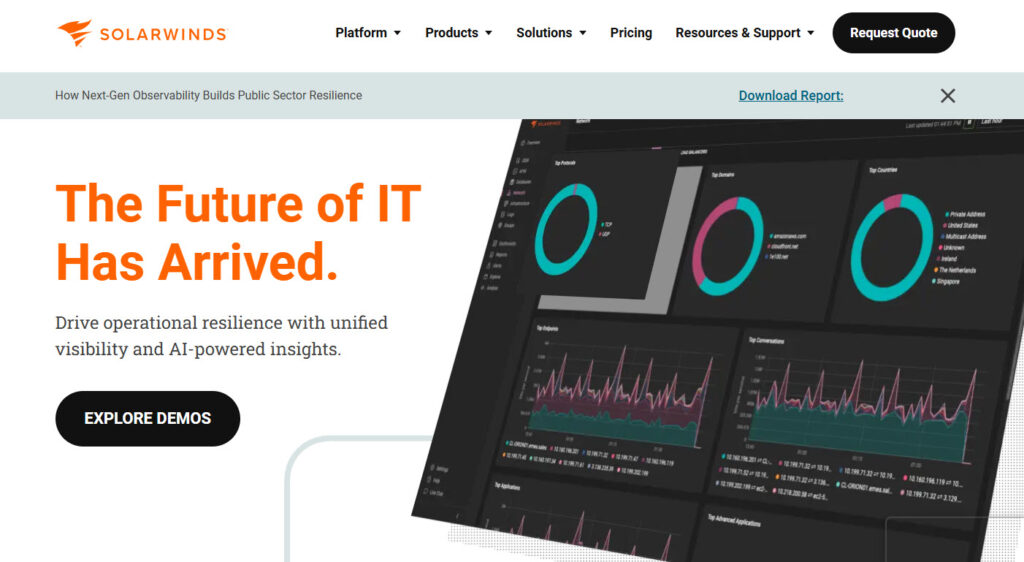
The platform includes network performance monitoring, configuration management, log analysis, and alerting, all tied together in one view. It also helps track bandwidth usage, spot unusual activity, and automate routine troubleshooting steps.
Many organizations use it to keep large, complex environments stable without guessing where a problem started.
5. ManageEngine
This list of the best IT operations management software wouldn’t be complete without mentioning ManageEngine.
ManageEngine offers a lot of IT operations tools in one platform, covering monitoring, automation, service management, and endpoint control. It lets teams watch network performance, track server health, manage configurations, and detect issues before they spread.
The suite includes device discovery, log analysis, patch management, and strong reporting features that make troubleshooting easier. You can also automate routine tasks and set clear alert rules without needing complex setups.
It’s often used when companies want broad IT coverage without juggling multiple separate tools.
6. Jira
Jira is built for teams that need a clear way to track work, manage issues, and keep projects moving. It lets you create tickets, assign tasks, set priorities, and follow progress from start to finish.
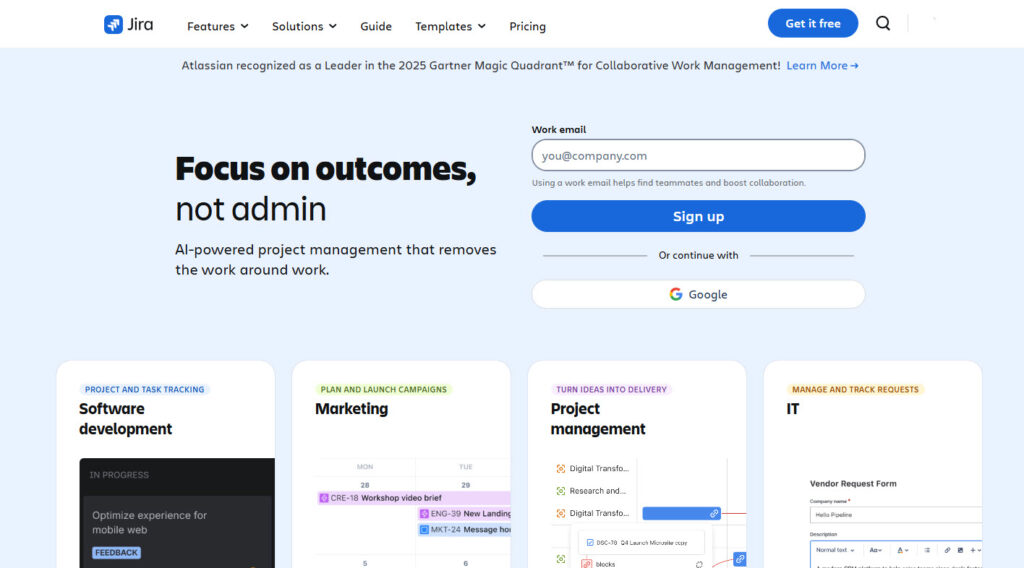
You can customize workflows to match how your team operates, whether that’s simple steps or detailed approval paths. It also integrates with thousands of apps, which makes it easy to connect development, IT operations, and support in one place.
7. N-able
N-able is next on our list of top IT operations software.
It gives IT teams a full set of tools to monitor devices, manage endpoints, and automate routine work from one dashboard. It offers real-time monitoring, automated patching, remote access, and script execution across large fleets of machines.
The IT management platform also includes backup management, asset tracking, and alerting features that help teams catch issues early. Its strength is scale, since it’s designed for MSPs and IT departments that manage hundreds or thousands of endpoints.
With everything tied together in one console, it helps teams stay on top of problems without jumping between different systems.
8. InvGate
InvGate focuses on helping IT teams run smoother operations through ITSM, IT Asset Management, and workflow automation in one place. It lets teams build clear service catalogs, automate approvals, and track requests without the usual clutter.
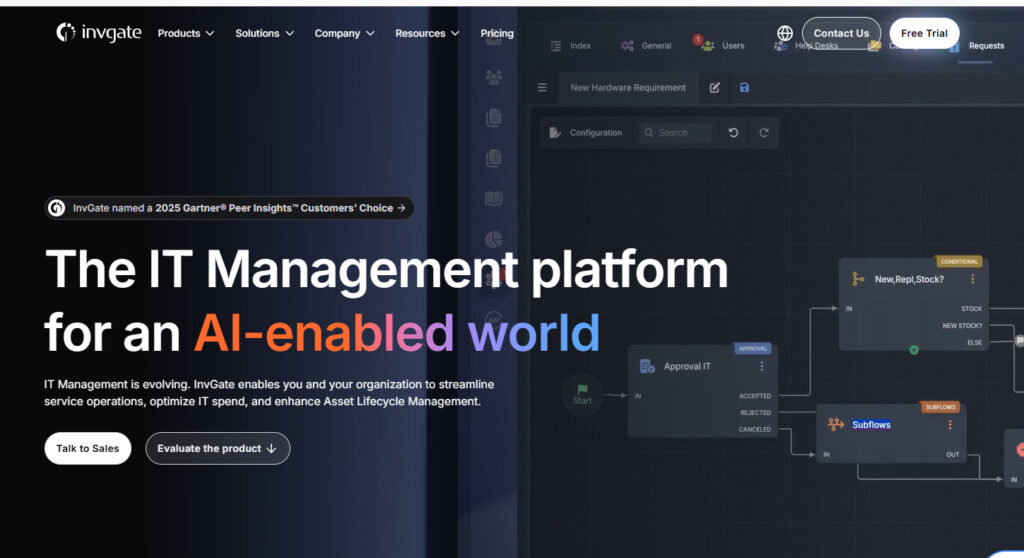
InvGate Insight pulls in every device across the network, shows software usage, highlights security risks, and helps teams control costs with real data. InvGate Service Desk adds AI-powered ticket routing, customizable dashboards, and clean workflows that feel simple even when the process isn’t.
It’s built for companies that want strong IT operations discipline without dealing with a heavy, enterprise-style system.
9. ServiceNow
Let’s review a few more IT operations management tools.
ServiceNow is built for large organizations that need one system to run IT operations, service management, and automation at scale. It brings incidents, changes, problems, assets, and workflows into a single platform so teams can see the full picture instead of chasing information across different tools.
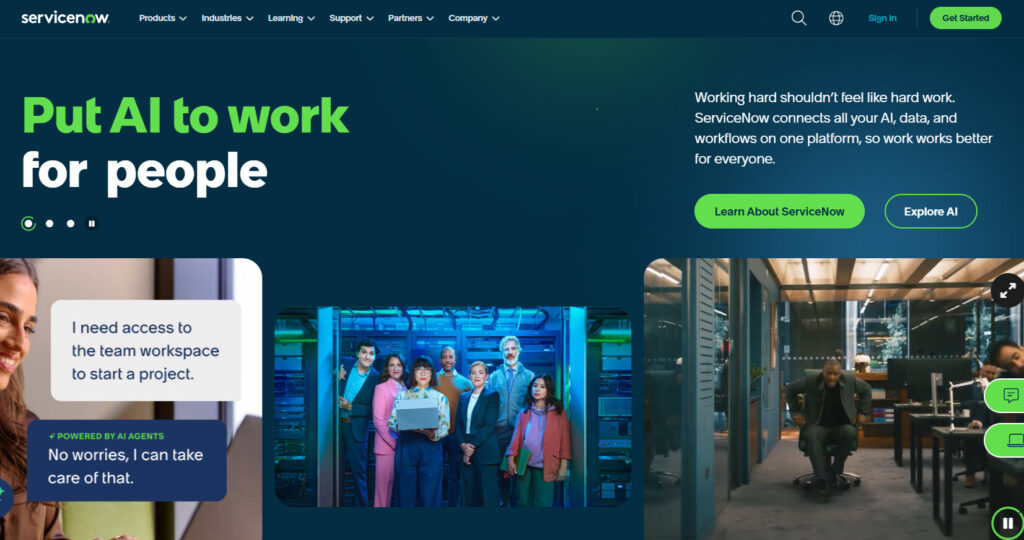
Its strength is automation: you can design flows that route tickets, trigger fixes, update records, or notify teams without manual effort.
The IT platform also includes powerful dashboards, a CMDB that maps how systems connect, and AI features that speed up triage and decision making.
10. Datadog
Last but not least on our list of top IT management software is Datadog.
Datadog gives IT teams a live picture of what’s happening across their systems by pulling signals from infrastructure, applications, logs, security tools, and even user experience monitoring.
Instead of forcing teams to guess where a problem started, Datadog draws a clear path from the first symptom to the root cause.
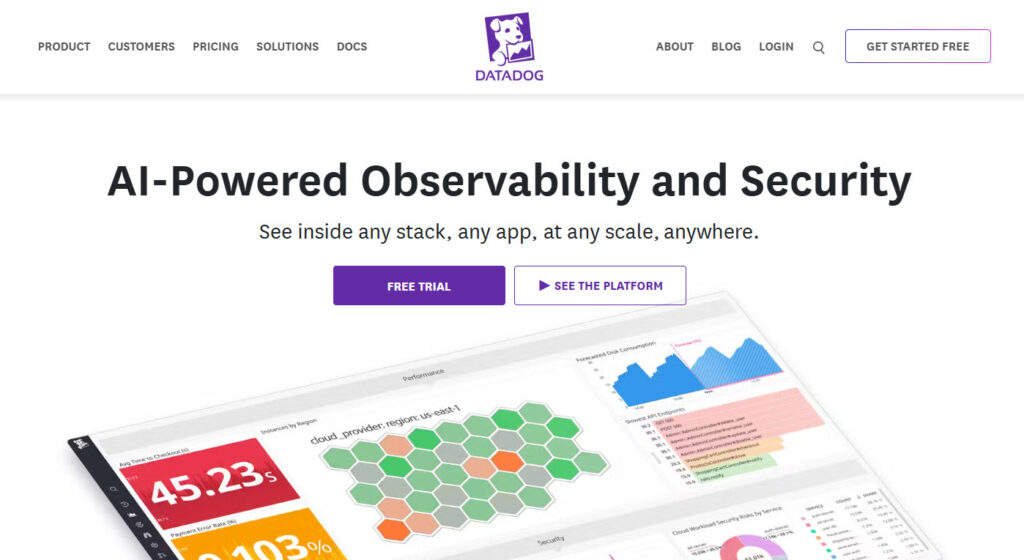
You can jump from a CPU spike to a slow database query to a broken API request in seconds, all in the same timeline. It also supports thousands of integrations, so it fits naturally into most modern cloud stacks.
For teams dealing with fast-changing environments, Datadog helps turn scattered data into actionable insights.
How to Choose the Right IT Operations Management Software
1. Match the Tool to Your Team’s Size and Workflow
When choosing an IT operations tool, start with your team’s size and how work actually flows through it.
A three-person team usually needs one platform that handles tickets, patching, remote access, alerts, and reporting in a single loop.
A larger team often spreads responsibilities across roles, so the tool has to support separate queues, clearer handoffs, and more detailed visibility.
It helps to map a simple workflow on paper, even something like: “alert shows up, technician checks logs, escalates if needed, deploys a fix, closes the ticket.”
Once you see the real steps your team follows, it becomes easier to notice which tools support that flow and which ones make it slower. Sometimes the right choice is the one that removes steps instead of adding more features.
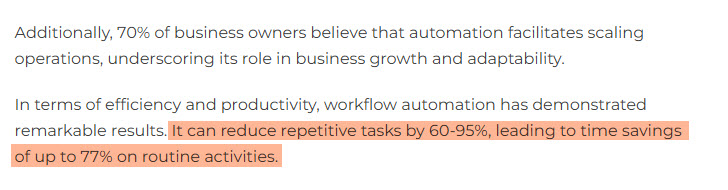
You can do that by automating tasks, for instance. Workflow automation can reduce repetitive tasks by 60-95%, and over 54% of businesses expect to see ROI within 12 months of adopting it.
2. Think About Monitoring Noise, Automation Limits, and Reporting Needs
When choosing your next IT operations tool, pay attention to three things:
- Monitoring noise,
- Automation limits and
- Reporting needs
And here’s how they tie together in real, practical terms.
Too many alerts that don’t mean much create “noise” where your team starts ignoring even the important warnings. You’ll want a tool that lets you set the right thresholds, correlate related alerts, and suppress false ones so your team focuses on what matters.
At the same time, check how much automation the tool offers. Does it only alert, or can it also act (reboot a server, apply patches) without human input?
And last, reporting: your team needs dashboards and exportable reports that match your workflow, not just raw metrics. Support your engineers better by choosing a tool that helps reduce noise, automates smartly, and gives real, usable
3. Check the Cost and ROI
Budgeting for an IT operations tool gets easier when you look beyond the base price. Most teams compare subscription tiers but forget everything that comes after: onboarding time, training, data migration, and the cost of connecting the tool to the rest of the tech stack.
Some platforms also charge more as you add devices, users, or storage, which quietly pushes the total higher than expected.
Another hidden cost comes from tools that require extra add-ons for reporting, automation, or security features you assumed were included. It helps to list every part of your workflow, estimate who will touch the tool, and check which features are truly included at the price you’re seeing.
This keeps the budget grounded in reality, not guesses.
Top ITOM Tools Comparison at a Glance – 2026
| Tool | Best For | Starting Price | AIOps | Monitoring | Automation | Enterprise Ready |
| ServiceNow ITOM | Large enterprises | Custom quote | ✅ | ✅ | ✅ | ✅ |
| Datadog | Cloud monitoring | From $15/user/month* | ✅ | ✅ | Limited | ✅ |
| Dynatrace | AI-powered observability | Custom quote | ✅ | ✅ | ✅ | ✅ |
| Splunk ITSI | Advanced analytics | Custom quote | ✅ | ✅ | Limited | ✅ |
| LogicMonitor | Hybrid infrastructure monitoring | Custom quote | Limited | ✅ | ✅ | ✅ |
| NinjaOne | MSPs & SMB IT teams | Custom quote | Limited | ✅ | ✅ | Limited |
| SolarWinds | Network monitoring | Custom quote | Limited | ✅ | Limited | ✅ |
| PRTG Network Monitor | Mid-sized businesses | Free tier available | ❌ | ✅ | Limited | Limited |
| ManageEngine OpManager | Cost-conscious organizations | Custom quote | Limited | ✅ | Limited | Limited |
| CiraSync | Contact & directory synchronization | Custom quote | ❌ | ❌ | ✅ | ✅ |
Use the Best IT Operations Management Tools
Choosing the right IT operations management tool gets easier once you look at how your team actually works instead of relying on long feature grids.
The best tools lower noise, support your workflows, and help your team fix issues faster. A quick way to see this is to check how a tool fits into a real task.
For example, if your team spends time updating shared contacts or fixing caller ID complaints, a tool like CiraSync removes that entire manual loop.
When you map out moments like this across your environment, it becomes obvious which platforms move work forward and which ones add extra steps.
AIOps & Agentic Automation: What Changed in 2026?
Artificial Intelligence for IT Operations (AIOps) has become one of the most important trends in IT operations management. Organizations are moving beyond traditional monitoring tools and adopting AI-powered platforms that can detect anomalies, predict incidents, automate remediation, and reduce alert fatigue.
In 2026, agentic automation is emerging as a direction in the ITOM space. Unlike traditional automation, which follows predefined rules, AI agents are beginning to analyze operational data, recommend actions, and, in select cases, execute tasks with reduced human intervention.
Key AIOps capabilities now include:
- Intelligent event correlation across multiple monitoring platforms.
- Predictive incident detection before service disruptions occur.
- Automated root-cause analysis.
- AI-powered remediation workflows.
- Capacity planning and performance optimization.
- Natural language interfaces for IT operations teams.
As IT environments become more complex and distributed, AIOps is gaining traction as a priority for organizations managing complex, distributed environments, though adoption timelines vary by industry and maturity.
Frequently Asked Questions
An IT operations management tool is software that helps IT teams monitor systems, fix issues, automate tasks, and keep daily operations running smoothly.
IT operations focus on keeping systems healthy and available. IT service management focuses on how requests, tickets, and processes flow through the team. Many companies use both.
Yes. CiraSync is IT operations management software that automates a key IT operations task by keeping contacts and calendars synced on every mobile device. It removes manual updates, keeps data consistent, and helps users avoid outdated information.
AIOps (Artificial Intelligence for IT Operations) uses machine learning and AI to correlate events, detect anomalies, reduce alert noise, and increasingly automate issue diagnosis and remediation.
ITOM is the broader practice of managing and optimizing IT infrastructure and operations, while observability focuses on collecting and analyzing metrics, logs, and traces to provide visibility into system performance and health.
Pricing varies widely. Mid-market solutions typically charge per device, node, or feature, while enterprise platforms such as ServiceNow, Dynatrace, and Splunk use custom pricing that can reach six-figure annual investments.
Small IT teams often benefit most from an all-in-one platform that combines ticketing, patch management, remote access, monitoring, alerts, and reporting. Solutions such as NinjaOne and Atera are popular choices for these environments.
Yes. Open-source tools such as Zabbix, Nagios, Prometheus, and Grafana provide powerful monitoring and IT operations capabilities. However, they typically require more internal resources for deployment, maintenance, and ongoing management.