Home > Blog Articles
Blog Articles
Tired of Manual Contact and Calendar Sync Headaches? CiraSync Hub’s Latest Updates Fix That
TL;DR If you’re juggling manual contact updates, inconsistent calendars, or limited visibility into sync issues, we built this release for you. New updates include ServiceNow CRM contact sync, Google Workspace resource calendar sync, and Hub Templates for...
Emergency Contact Directory: What Every Public-Sector IT Team Needs to Know
TL;DR: Treat your emergency contact directory as two separate things: an operational directory (ranked call order, role-based responders, after-hours vendor lines) that belongs in a centrally managed place like the GAL, and confidential ICE/next-of-kin data that stays...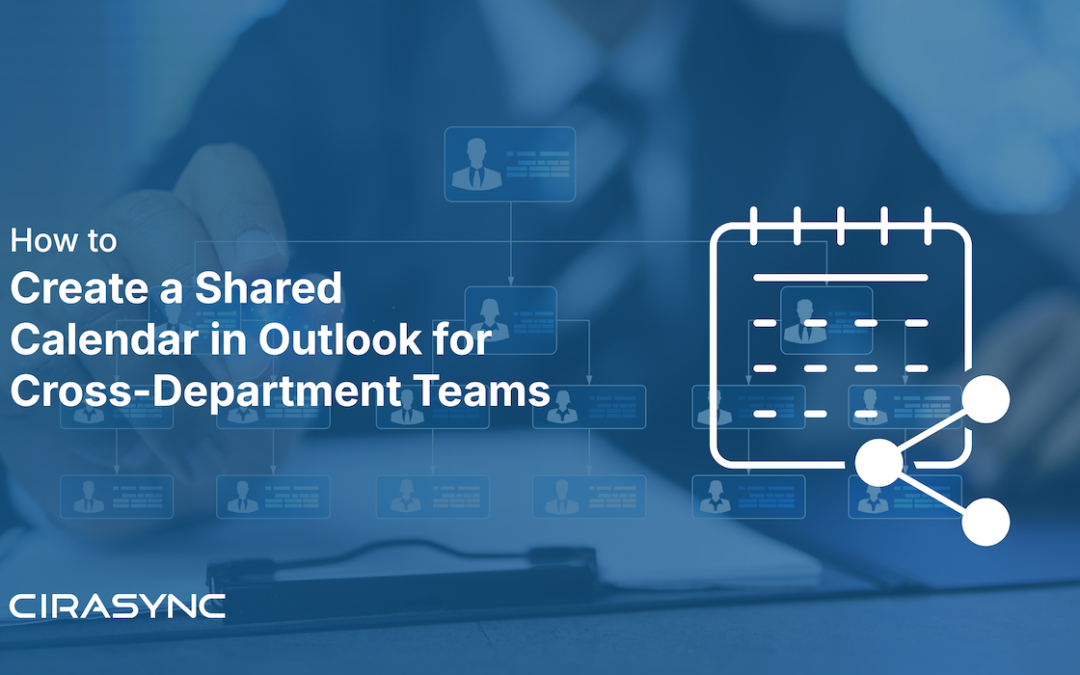
How to Create a Shared Calendar in Outlook for Cross-Department Teams
TL;DR: Microsoft 365 gives you four ways to share a calendar across departments: a Microsoft 365 Group calendar for standing teams, a shared secondary calendar for read-only or occasional sharing, a shared mailbox calendar for department-owned scheduling, and a room...
Microsoft 365 F3 and Frontline Teams: Closing the Mobile Contact Sync Gap
Microsoft 365 F3 gives frontline and deskless employees an affordable path into Microsoft 365, with web and mobile Office apps, a lightweight Exchange mailbox, Teams, and Windows 11 Enterprise device management. It does not include a desktop Outlook client, and its...
CiraSync On-Prem Now Supports CardDAV: What IT Teams Need to Know
CiraSync On-Prem v15.0.1 introduces CardDAV support, and for IT teams managing mobile fleets, it removes a real source of friction. Here is what the feature does, how the deployment works, and where to get the full setup guide. TL:DR: CiraSync On-Prem v15.0.1 adds...
How Enterprise IT Teams Deliver Corporate Contacts to Managed iPhones Without Installing an App
You manage 2,000 iOS devices across a distributed financial institution, and every one of them needs accurate, up-to-date corporate contacts. The obvious fix, a third-party sync app on each phone, requires broad Exchange Online permissions you cannot safely grant at...
The Hidden Cost of Stale Client Contact Data in Wealth Management
At an enterprise wealth management firm, a single client record lives in at least three places: the CRM, the advisor’s Outlook, and their mobile phone. When any one of those drifts, the institution loses the ability to guarantee accurate, compliant client...
How Advisor Teams Build Outlook Contact Groups Across Branches
TLDR: Manual contact group management doesn’t scale at enterprise financial institutions. When distribution groups across 200+ branches are updated by hand, every hire, departure, or team realignment becomes an IT ticket. The correct architecture sources contact...