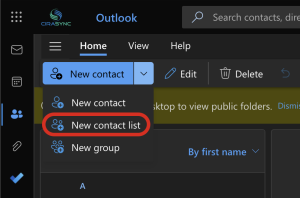
Construction teams move fast, and contact management rarely keeps up. Phone numbers live in texts, emails, spreadsheets, or someone’s personal phone, and no one is fully sure what’s current.
That might sound minor until a call goes unanswered or the wrong person gets looped in on a job issue.
GAL sync for construction companies solves this by keeping contacts consistent across devices, without manual work.
In this article, you’ll see how construction teams handle GAL sync today, where it breaks down, and how automatic syncing actually works in practice.
How construction teams usually handle GAL sync today
1. Relying on employees to manually save contacts
This is the most common setup, and honestly, the most fragile. Someone joins a project, gets a phone number in a text or email, and saves it manually. Or forgets. Or saves it under the wrong name.
Over time, everyone’s phone looks different. When a number changes, nothing updates automatically.
The burden stays on the employee, even though communication is critical on-site.
2. Sharing contact lists through spreadsheets or emails
Some teams try to be more organized and share Excel files or emailed contact lists. It feels structured at first. Then versions start piling up.
Someone updates a number, someone else doesn’t. Files sit in inboxes or shared drives, untouched.
Field teams rarely open them on their phones anyway. The list exists, but it’s disconnected from how people actually call or message.
3. Using Outlook or directory search without true syncing
Outlook and directory search help people look up contacts, but they stop there. Employees can search the GAL, copy details, and save them locally. Nothing stays linked.
If a contact changes, the saved version stays outdated. On mobile devices, this becomes even more clunky. Searching works, syncing doesn’t, and the gap causes daily friction.
4. Custom scripts, ad-hoc IT fixes, or partial automation
Some IT teams try PowerShell scripts or one-off tools to push contacts to devices.
These setups usually work for a while. Then a phone update breaks something. Or a new use case appears. Troubleshooting becomes manual, and knowledge stays with one person.
It’s automation on paper, but in practice, it creates ongoing maintenance and quiet risk.
How to automatically sync GAL for construction companies
Automatic construction GAL sync removes the human step entirely. No one has to remember to save a number, update a contact, or search the directory every time.
Contacts flow from a central source straight to employee phones. When a role changes, a number updates, or someone leaves, those changes show up everywhere without extra work.
For construction teams, this means fewer missed calls, faster coordination, and less friction between the office and the field.
This is where CiraSync fits naturally.
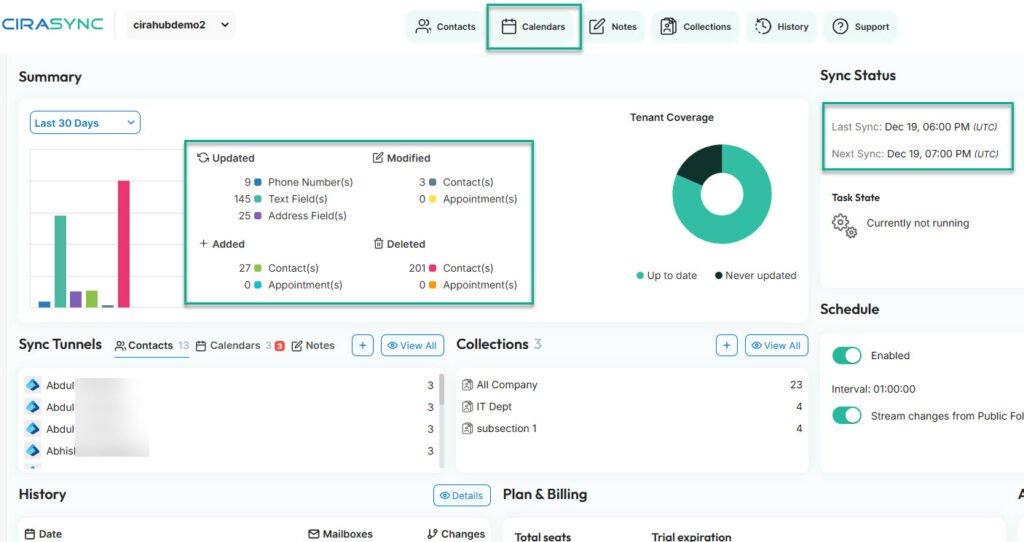
Instead of asking crews to manage contacts themselves, CiraSync connects directly to Microsoft 365 and uses the Global Address List as the single source of truth.

Once configured, contacts sync automatically to mobile devices in the background. Employees do not install anything complex or change how they work. The sync just runs.
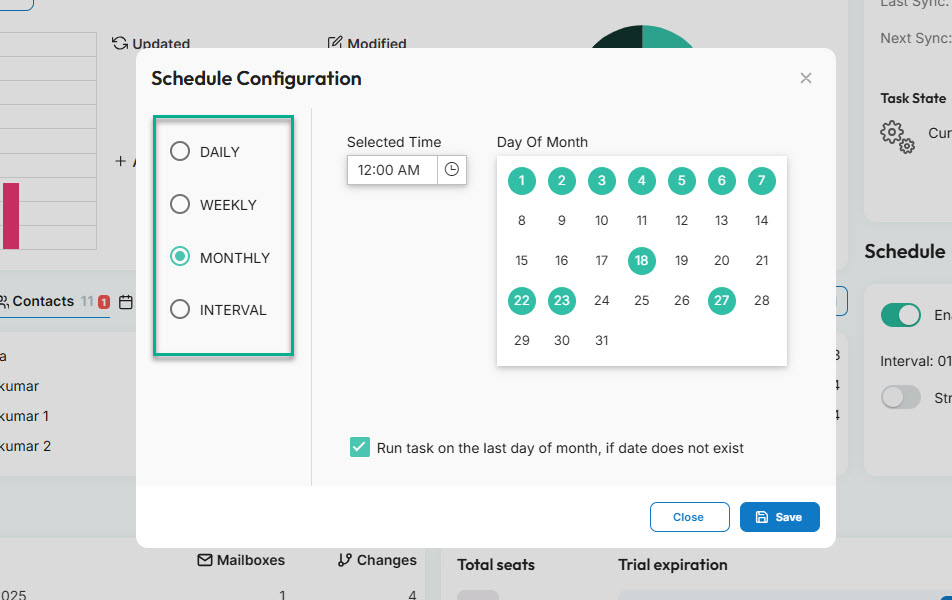
Syncing schedules matter more than people expect. Some teams need near real-time updates, especially when projects move fast or staffing changes weekly. Others are fine with scheduled syncs throughout the day.
CiraSync supports flexible sync schedules, so IT can decide how often contacts update based on operational needs.
Security and compliance are non-negotiable in construction, especially when devices are spread across job sites and remote locations. CiraSync uses modern authentication and Microsoft-approved permissions, without storing user passwords. It operates as a cloud service, so there is no on-prem infrastructure to maintain.
Learn more: What is CiraSync?
Learn more: CiraSync FAQ – all questions answered
Learn more: Security and compliance at CiraSync
Frequently Asked Questions
Construction GAL sync automatically pushes company contacts from Microsoft 365 to employee devices, so everyone has the same up-to-date phone numbers without saving them manually.
Why do construction companies need GAL sync more than other industries?
Construction companies need GAL sync because teams are mobile, projects change fast, and communication usually happens on phones, not desktops. Outdated contacts slow everything down.
Does GAL sync work on mobile devices used on job sites?
Yes. That’s the main point. Contacts sync directly to smartphones, so field teams can call or text immediately.
What tool do construction companies typically use for GAL sync?
Many construction teams use CiraSync to automate contact syncing from Microsoft 365 to employee devices without ongoing manual work.